NOTE
For safety reasons, images are not
displayed while the vehicle is being
driven.
Slide the of the controller to move
the controller.
If the mode is switched to DVD mode
once the DVD playback has stopped, the
playback restarts without displaying the
DVD menu screen.
▼
Setting DVD functions
Sound quality and aspect ratio settings can
be performed.
Setting sound quality
1. Select the
icon.
2. Select
to adjust the sound
quality.
Refer to Volume/Display/Sound
Controls on page 5-25.
Setting aspect ratio
1. Select the
icon.
2. Select
.
3. Select a desired aspect ratio.
▼
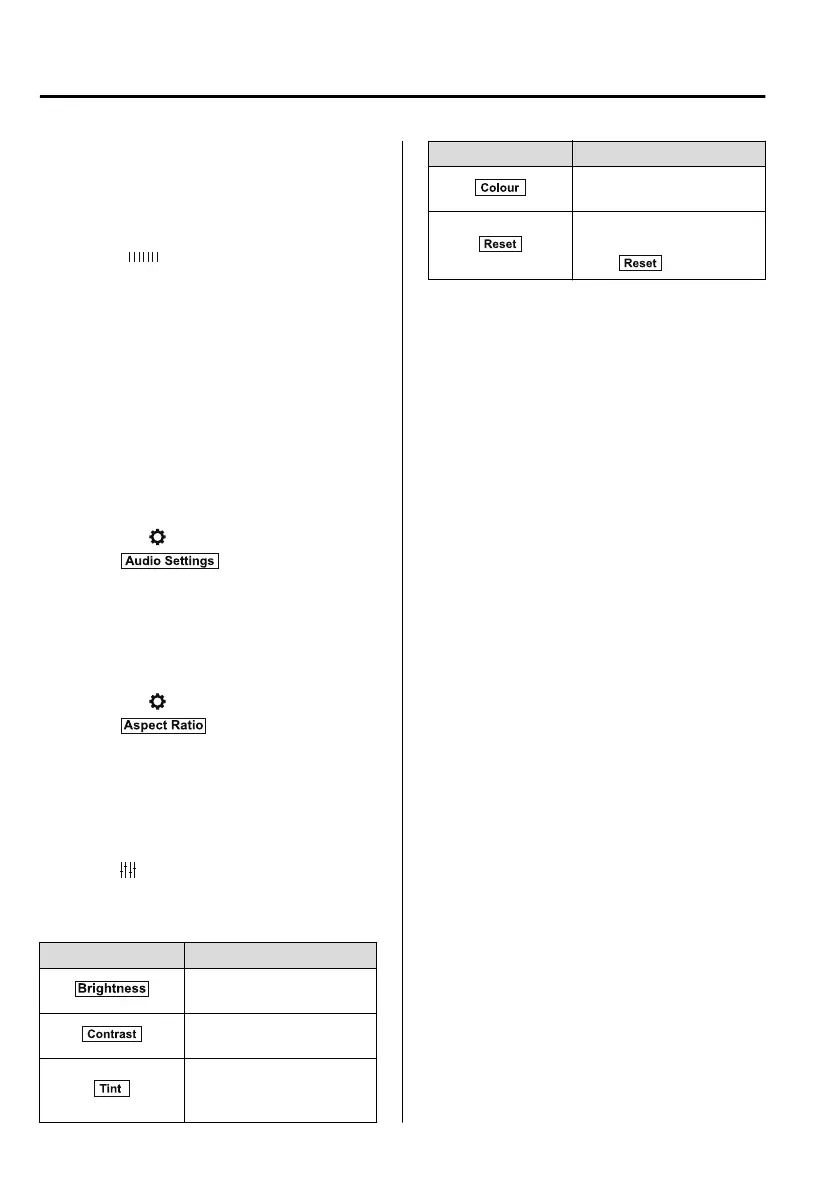
Setting image quality
Brightness, contrast, tint, colour density
can be adjusted.
When the
icon is selected, the following
tabs are displayed at the bottom of the
screen.
Tab Function
Screen brightness can be ad-
justed using the slider.
Screen contrast can be ad-
justed using the slider.
Colour tone of the screen
can be adjusted using the
slider.
Tab Function
Screen colour can be adjust-
ed using the slider.
Screen settings can be reset
to initial values.
Select
.
Interior Features
Audio Set
5-34
CX-8_8HJ9-EI-19E_Edition2_old 2020-4-15 13:00:04



 To Next Page