If Android Auto™ cannot be connected
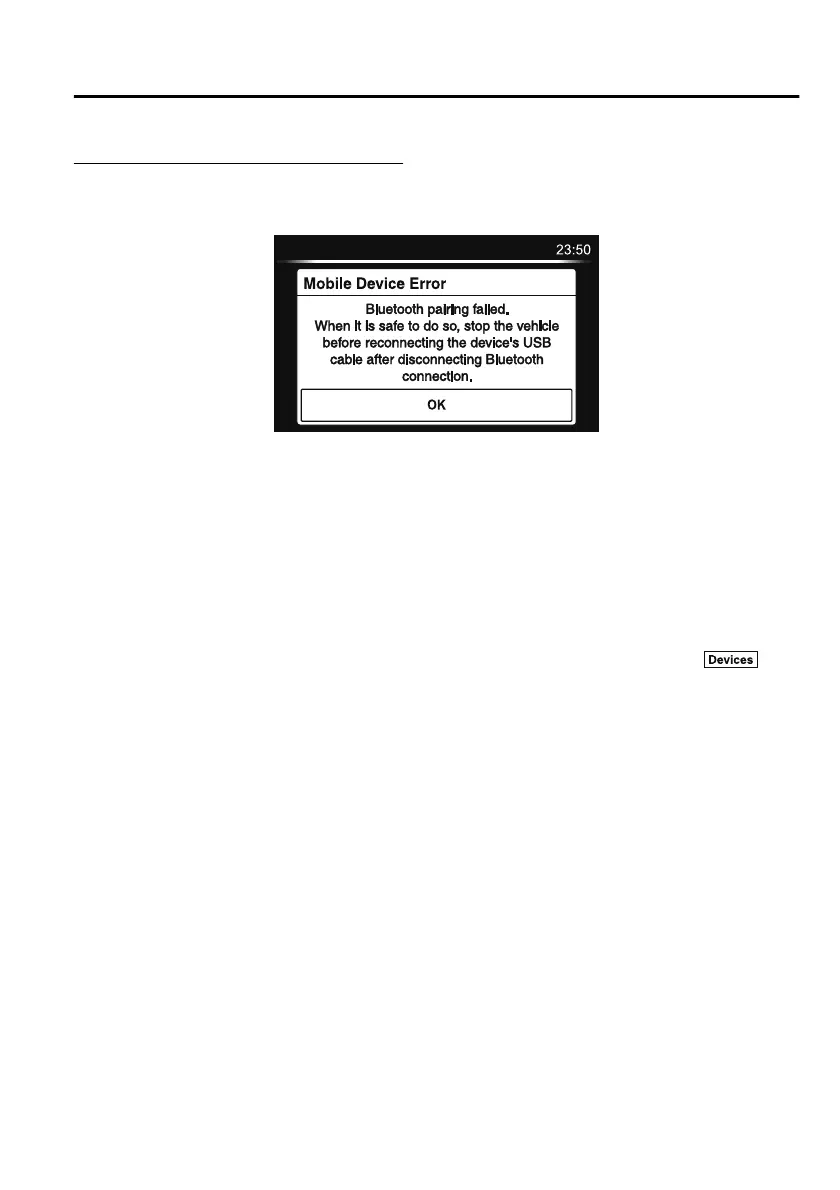
When the message, “Mobile Device Error”, is displayed and Android Auto™ cannot
be connected.
Make sure that the Android™ Smartphone in question is compatible with Android Auto™.
Before trying to reconnect your Android™ Smartphone to the connector cord, do the
Bluetooth
®
device pairing again.
If the Android Auto™ connection setting cannot be changed
Depending on your Android™ Smartphone, the connection setting may have been in
charging mode only when the connector cord is connected.
In this case, switch off the Android Auto™ connection setting once, and then switch it back
on while connected to USB mode.
The connection setting can be changed to the Android Auto™ connection in the
tab
on the Settings screen (page 5-73).
Interior Features
Audio Set
5-47
CX-8_8HJ9-EI-19E_Edition2_old 2020-4-15 13:00:04



 To Next Page