Applications
NOTE
Depending on the grade and specification, the screen display may differ.
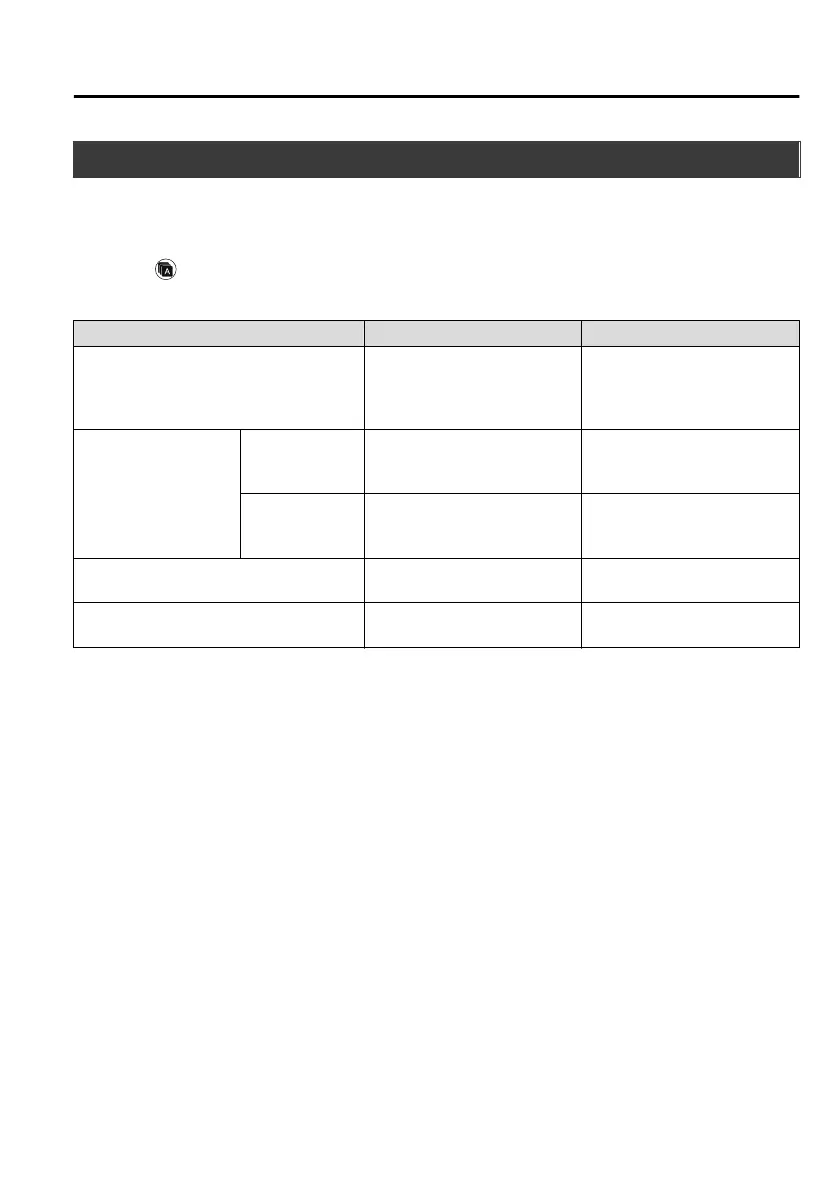
Select the
icon on the home screen to display the Applications screen. The following
information can be verified.
Top screen Item Function
Fuel Economy Monitor
Fuel Consumption Display
Control Status Display
Effectiveness Display
Ending Screen Display
Refer to Fuel Economy Monitor
on page 4-71.
Vehicle Status Monitor
Warning Guid-
ance
Warnings currently active can be
verified.
Refer to If a Warning Light
Turns On or Flashes on page
7-23.
Maintenance
Scheduled Maintenance
Tyre Rotation
Oil Change
Refer to Maintenance Monitor
on page 6-7.
Apple CarPlay ―
Refer to How to use Apple Car-
Play on page 5-41.
Android Auto ―
Refer to How to use Android
Auto™ mode on page 5-44.
Interior Features
Audio Set
5-75
CX-8_8HJ9-EI-19E_Edition2_old 2020-4-15 13:00:04



 To Next Page