4
–
121
When Driving
i-ACTIVSENSE
System Operation
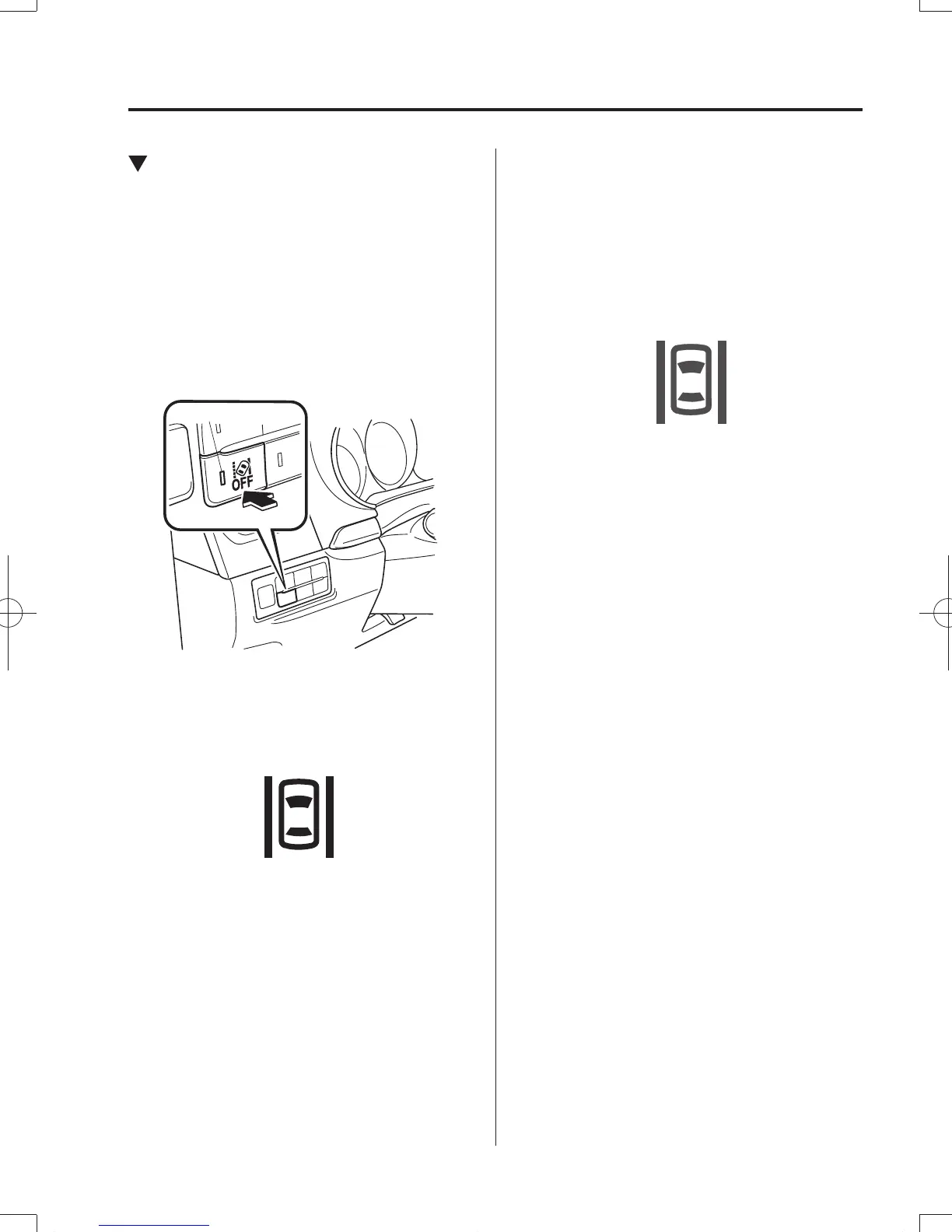
Make sure that the Lane-keep Assist
System (LAS) & Lane Departure Warning
System (LDWS) OFF switch indicator
light is turned off. When the Lane-keep
Assist System (LAS) & Lane Departure
Warning System (LDWS) OFF switch
indicator light is turned on, press the
switch and make sure that the switch
indicator light turns off.
Indicator light
The Lane-keep Assist System (LAS) &
Lane Departure Warning System (LDWS)
indication (white) is displayed in the
multi-information display, and the system
goes on stand-by.
(White)
Drive the vehicle in the center of the
vehicle lane while the system is on
standby. When all of the following
conditions are met, the Lane-keep Assist
System (LAS) & Lane Departure Warning
System (LDWS) indication (green) is
displayed in the multi-information display,
and the system becomes operational.
(Green)
y
The engine is running.
y
The vehicle speed is about 60 km/h (37
mph) or faster.
y
The system detects white (yellow) lane
lines on both the right and left sides.
y
The driver is operating the steering
wheel.
y
The driving lane is neither narrow nor
wide.
The Lane-keep Assist System (LAS) &
Lane Departure Warning System (LDWS)
goes on stand-by status in the following
cases:
y
The system cannot detect white (yellow)
lane lines.
y
The vehicle speed is less than about 60
km/h (37 mph).
y
The ABS/TCS/DSC is operating.
y
The TCS is turned off.
(If the TCS is turned off while the
system is operational, a warning beep is
heard and the system goes on standby.)
y
The vehicle is making a sharp curve.
y
The vehicle is making a curve at an
inadequate speed.
y
The driver takes his or her hands off the
steering wheel (not holding the steering
wheel).
y
Sudden acceleration/deceleration.
y
Driving on winding roads.
CX-98FD6-EA-16BEdition3.indb121CX-98FD6-EA-16BEdition3.indb121 2016/03/1811:22:292016/03/1811:22:29



 To Next Page