4
–
125
When Driving
i-ACTIVSENSE
N O T E
y
The Lane-keep Assist System (LAS)
& Lane Departure Warning System
(LDWS) remains on stand-by until it
detects white (yellow) lines on both the
left and right sides, or on either side.
y
When the system detects a white
(yellow) lane line on one side only, the
system will not activate warnings for the
lane line on the side that is not being
detected.
y
The distance and warning sensitivity
(likelihood of a warning) which the
system uses to determine the possibility
of a lane departure can be changed.
Refer to Setting Change
(Personalization Features) on page
9-11 .
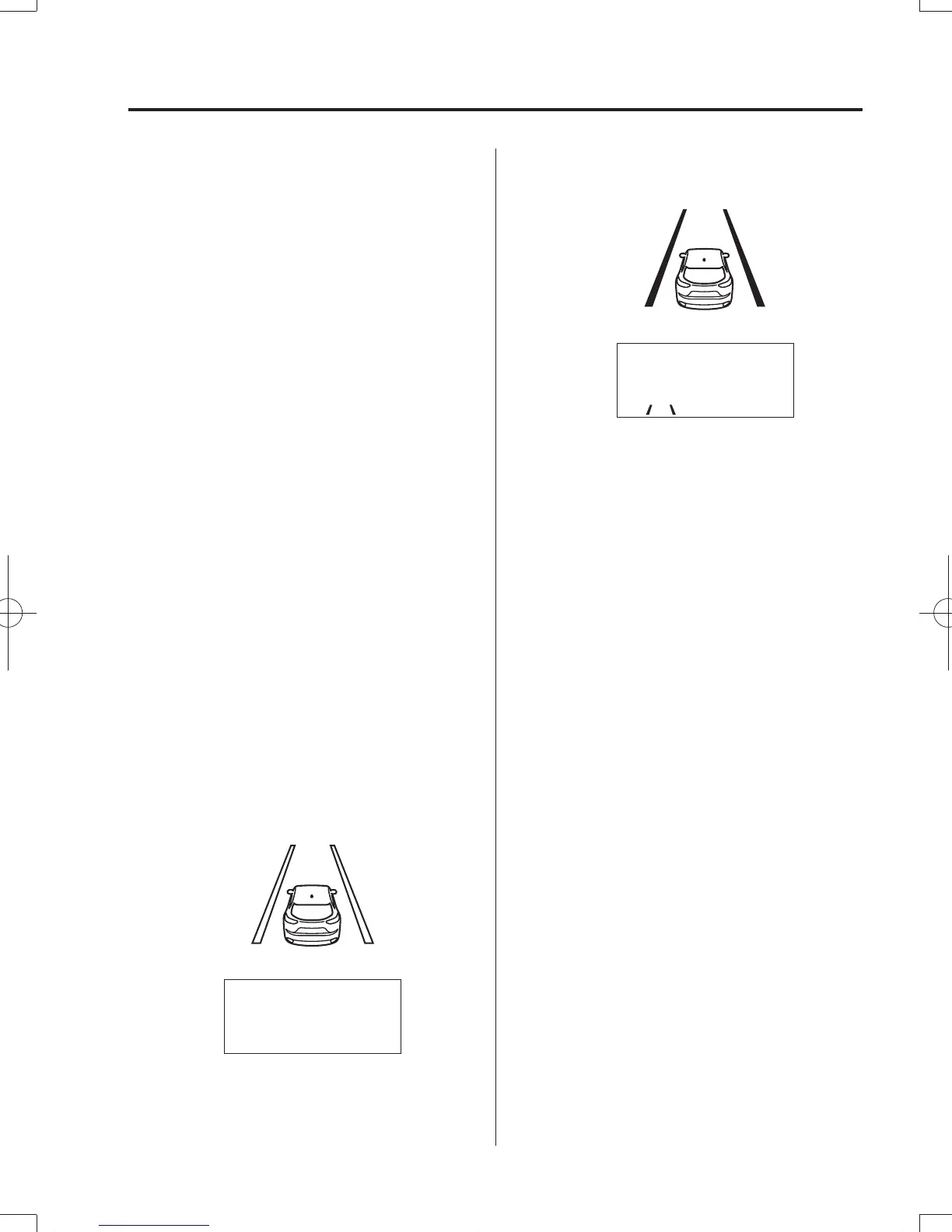
Vehicle lane line display
When the Lane-keep Assist System
(LAS) & Lane Departure Warning System
(LDWS) becomes operational while
on standby, the vehicle lane lines are
displayed in the multi-information display
and the active driving display. The system
changes to operational status display when
the system detects a white (yellow) line on
either the left or right.
(Stand-by status)
Multi-information Display
Active Driving Display
(Operational status)
Multi-information Display
Active Driving Display
Auto cancel
In the following cases, the Lane-keep
Assist System (LAS) & Lane Departure
Warning System (LDWS) is automatically
canceled, the Lane-keep Assist System
(LAS) and Lane Departure Warning
System (LDWS) warning indication
(amber) turns on, and an alert is displayed.
When the Lane-keep Assist System
(LAS) & Lane Departure Warning System
(LDWS) become operational, the system
turns back on automatically.
y
The temperature inside the camera is
high or low.
y
The windshield around the camera is
foggy.
y
The windshield around the camera is
blocked by an obstruction, causing poor
forward visibility.
CX-98FD6-EA-16BEdition3.indb125CX-98FD6-EA-16BEdition3.indb125 2016/03/1811:22:312016/03/1811:22:31



 To Next Page