Black plate (296,1)
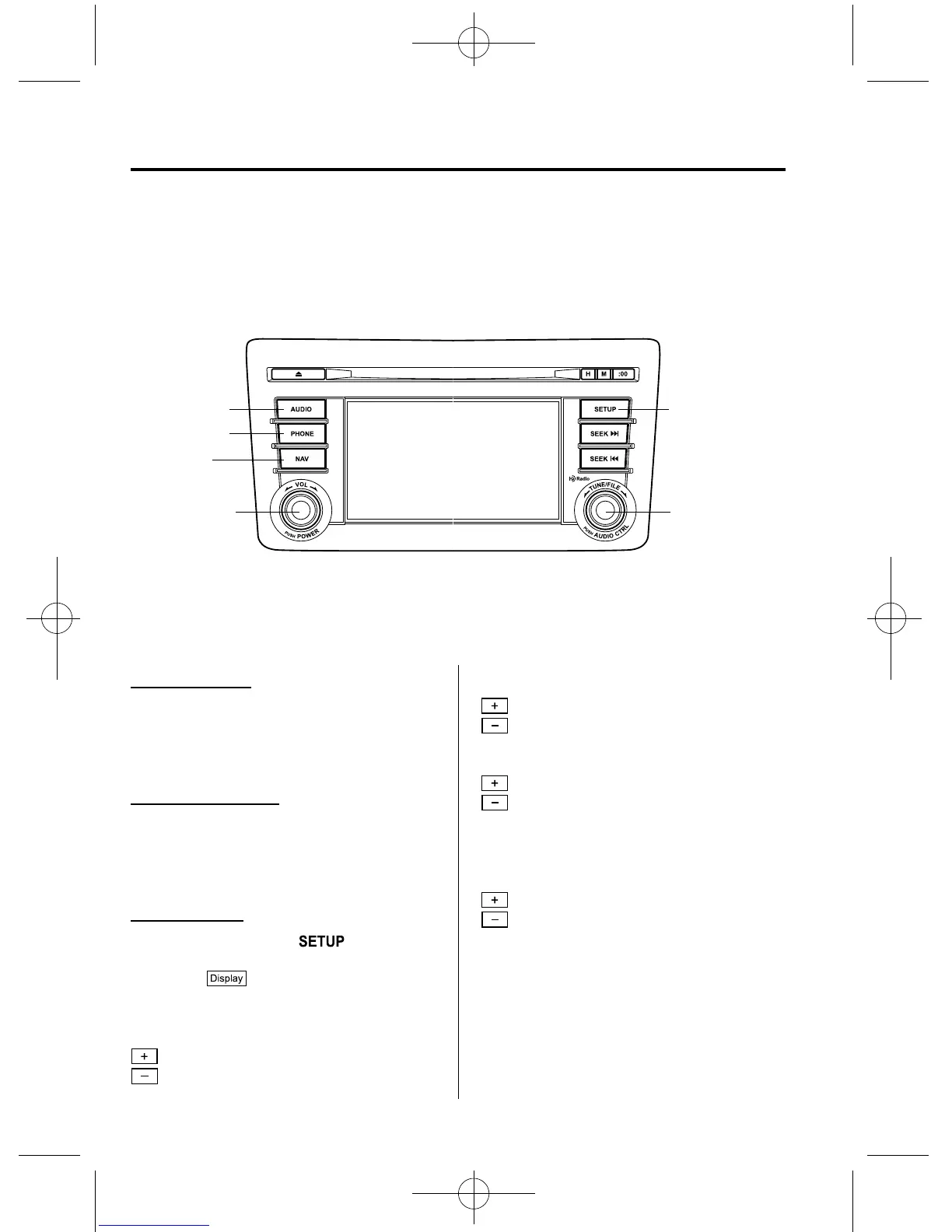
qPower/Volume/Display/Sound Controls
Audio button Setup button
Audio control
dial
Phone button
Navigation
button
Power/Volume
dial
Power ON/OFF
Switch the ignition to ACC or ON.
Press the power/volume dial to turn the
audio system on. Press the powe r/volume
dial again to turn the audio system off.
Volume adjustment
To adjust the volume, turn the power/
volume dial.
Turn the power/volume dial to the right to
increase volume, to the left to decrease it.
Display setting
Press the setup button (
) to display
the display setting screen.
Touch the
on-screen tab to select
the item you would like to change.
Brightness adjustment
: Increase brightness
: Decr ease brightness
Contrast adjustment
: Higher contrast
: Lower contrast
Tint adjustment
*1
: Green tint enhancement color
: Red tint enhancement color
*1 Adjustment can be performed only
while in the rear view camera mode.
Color adjustment
*1
: To deepen a color
: To fade a color
*1 Adjustment can be performed only
while in the rear view camera mode.
6-32
Interior Comfort
Audio System
CX-9_8CM9-EA-12I_Edition1 Page296
Thursday, September 13 2012 2:37 PM
Form No.8CM9-EA-12I



 To Next Page