Black plate (366,1)
Country change
NOTE
It is necessary to set the country code because
the parent lock level is different depending on
the country. When using the unit in U.S.A., set
the country code to “3018”. The parent lock
function is disabled without the country code
setting (page 6-110).
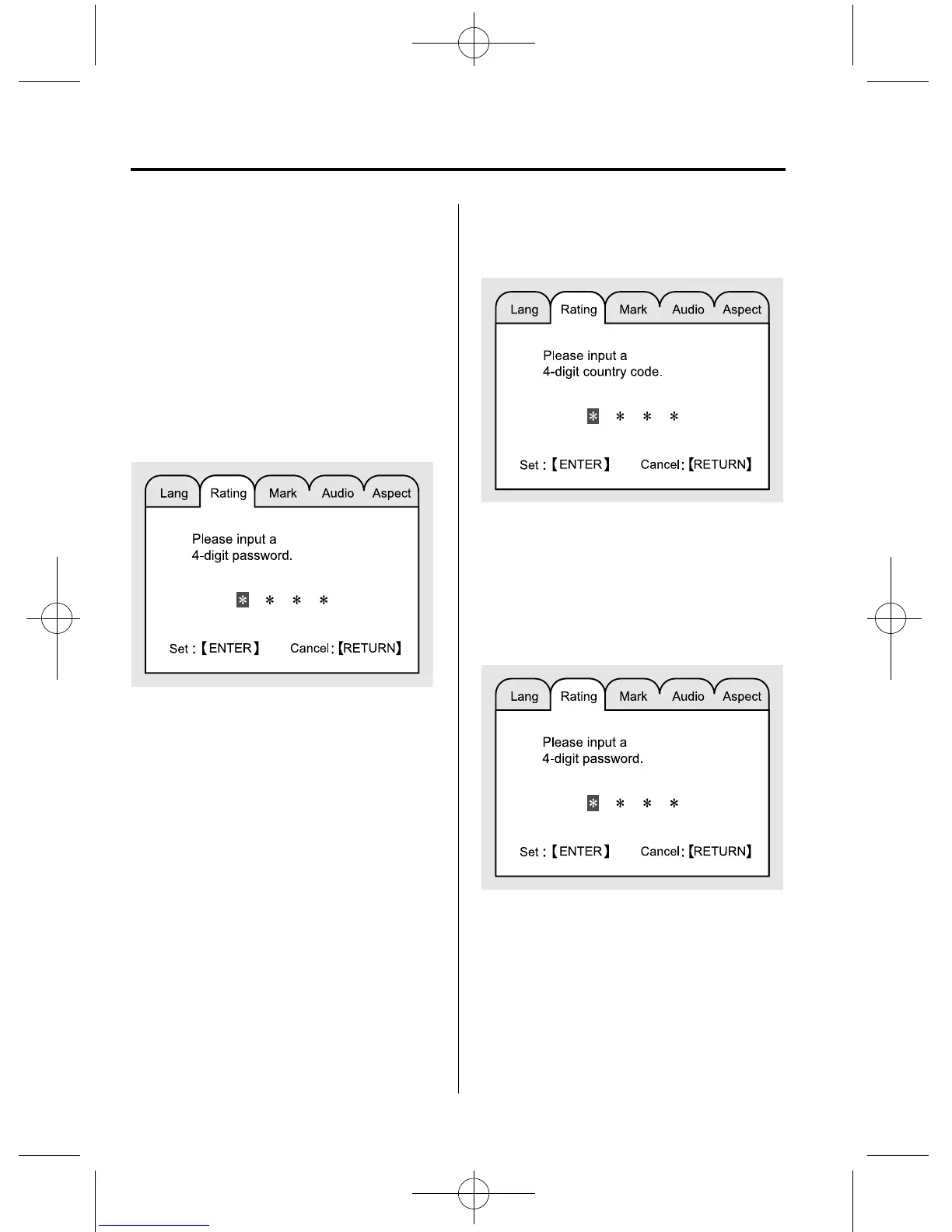
1. Enter the password by pressing the
number keys (0 to 9) or operating the
select button up or down.
2. Press the ENTER button.
If the password is confirmed, the
password change mode is displayed.
NOTE
The setting cannot be changed without the
correct password. Note down the password so
you don't forget it.
3. Enter the country code by pressing the
number keys (0 to 9) or operating the
select button up or down.
4. Press the ENTER button to set the
country of the entered country code.
Changing the password
1. Enter the password by pressing the
number keys (0 to 9) or operating the
select button up or down.
2. Press the ENTER button.
If the password is confirmed, the
password change mode is displayed.
NOTE
The setting cannot be changed without the
correct password. Note down the password so
you don't forget it.
6-102
Interior Comfort
Rear Entertainment System
CX-9_8CM9-EA-12I_Edition1 Page366
Thursday, September 13 2012 2:38 PM
Form No.8CM9-EA-12I



 To Next Page