Black plate (392,1)
NOTE
If a Hands-free device is not connected, it is
connected automatically.
The 911 operator can verify the vehicle’s
position information.
(Switching automatic 911 on and off)
The system c an be set to not call 911 if
the air bags deploy.
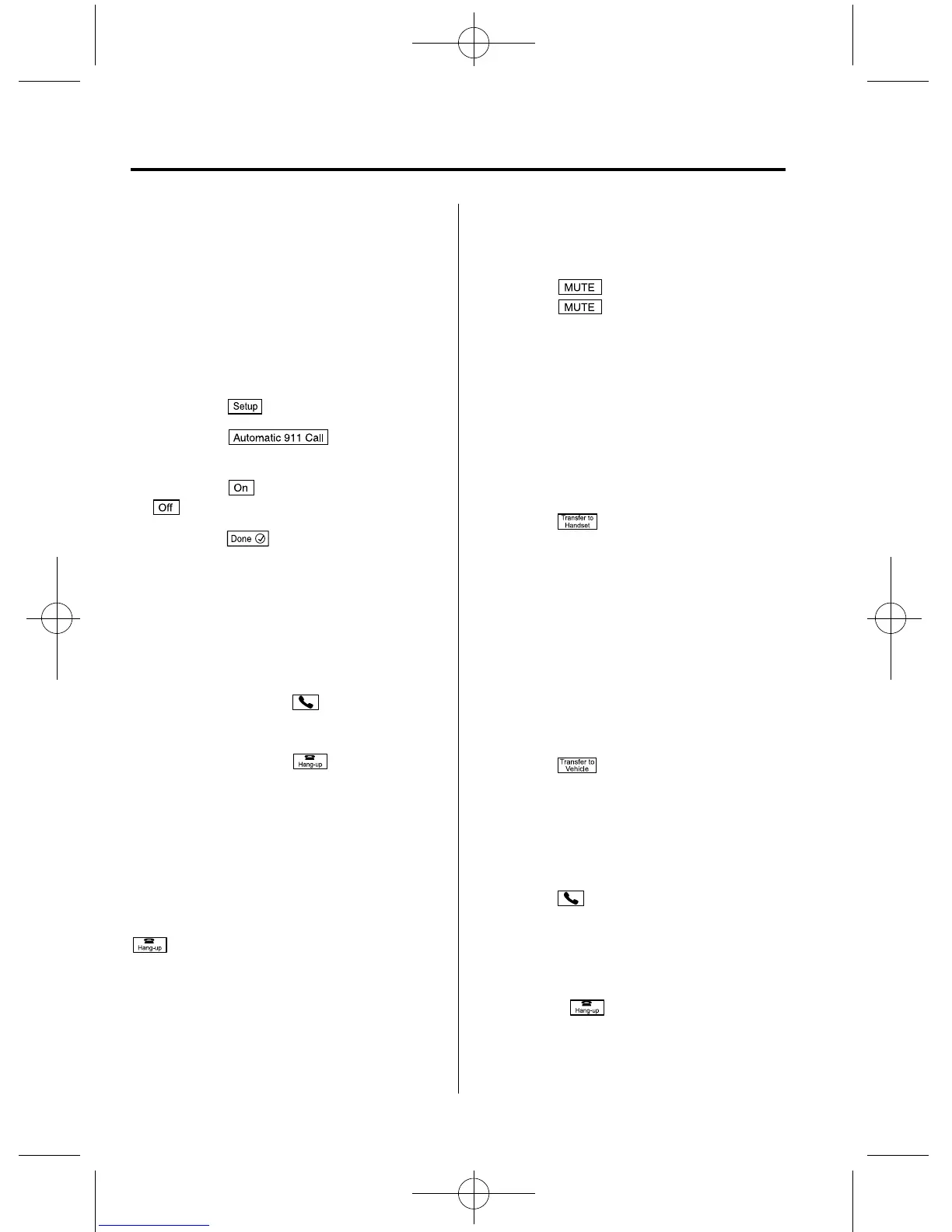
1. Touch the
on-screen tab.
2. Touch the
on-screen
button.
3. Touch the
on-screen button or
on-screen button.
4. Touch the
on screen button.
qReceiving an Incoming Call
1. Prompt:
“Incoming call, press the pick-up
button to answer”
2. To accept the call, press the pick-up
button or touch the
on-screen
button.
To reject the call, press the hang-up
button or touch the
on-screen
button.
NOTE
To stop receiving phone calls, turn the Don't
Disturb Me function on.
qHanging Up a Call
Press the hang-up button or touch the
on-screen button during the call.
qMute
The microphone can be muted during a
call.
Touch the
on-screen button.
Touch the
on-screen button during
mute to cancel the mute.
qTransferring a call from Hands-
Free to a mobile phone
Communication between the Hands-Free
unit and a device (Mobile phone) is
canceled, and the line can be switched to a
standard call using a device (Mobile
phone).
Touch the
on-screen button.
NOTE
If the ignition is switched off during a Hands-
Free call, the line is transferred to the device
(Mobile phone) automatically.
qTransferring a call from a device
(mobile phone) to Hands-Free
Communication between devices (mobile
phone) can be switched to Bluetooth
®
Hands-Free.
Touch the
on-screen button.
qCall interrupt
A call can be interrupted to receive an
incoming call from a third party.
To switch to a new incoming call.
Touch the
on-screen button or press
the pick-up button on the steering wheel.
NOTE
l
After receiving a new incoming call, the
previous call is placed on hold.
l
Touch the on-screen button or press
the hang-up button on the steering wheel to
refuse a call.
6-128
Interior Comfort
Bluetooth®
CX-9_8CM9-EA-12I_Edition1 Page392
Thursday, September 13 2012 2:38 PM
Form No.8CM9-EA-12I



 To Next Page