Black plate (432,1)
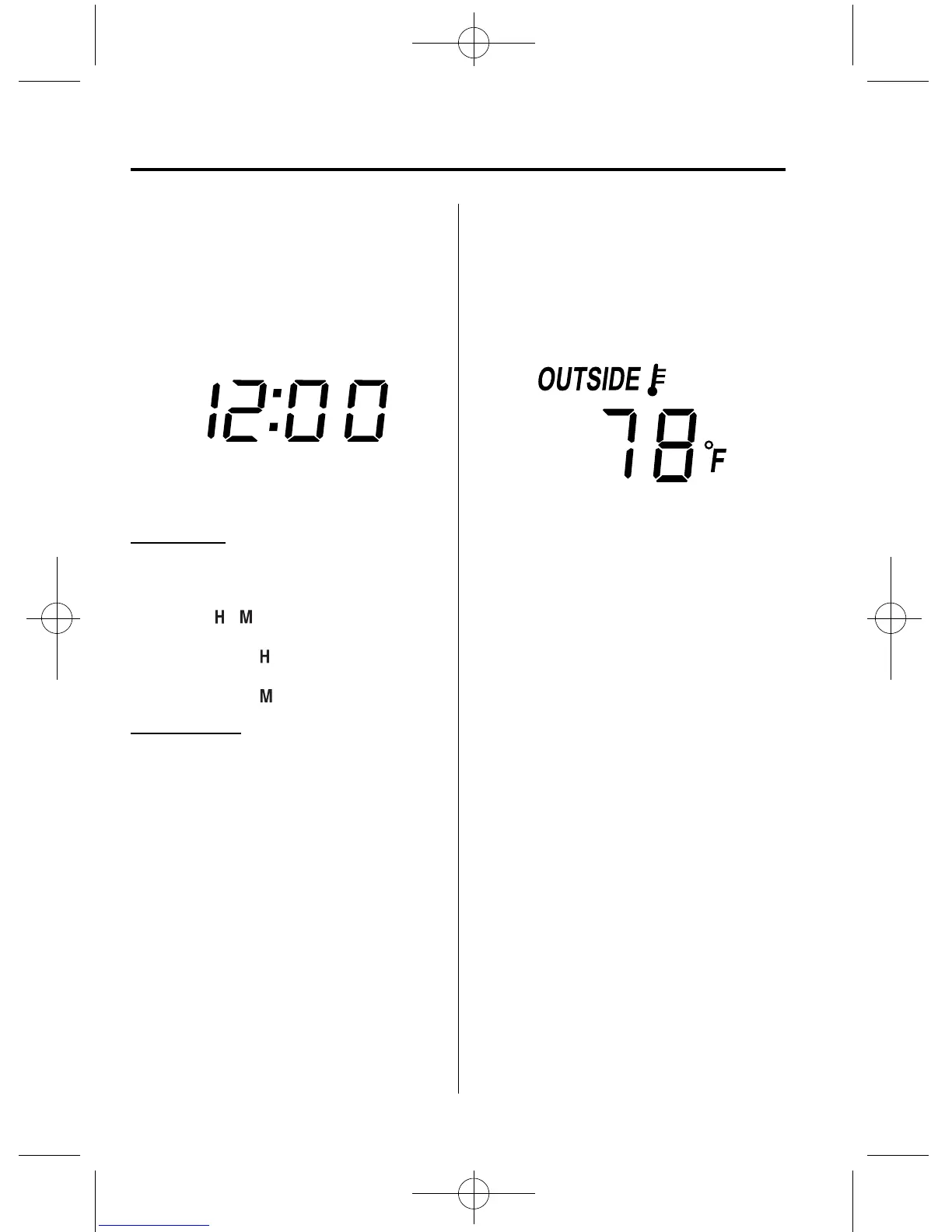
qClock
When the ignition is switched to ACC or
ON, the time is displayed.
Time settin g
1. Switch the ignition to ACC or ON.
2. Adjust the time using the time setting
buttons (
, ).
The hours advance while the time
setting button (
) is pressed.
The minutes advance while the time
setting button (
) is pressed.
Time resetting
1. Switch the ignition to ACC or ON.
2. Press the :00 butt on.
3. When the button is released, the time
will be reset as follows:
(Example)
12:01―12:29→12:00
12:30―12:59→1:00
NOTE
When the button is released, the seconds will
start at “00”.
qAmbient Temperature Display
When the ignition is switched ON, press
the OUTSIDE switch (page 6-6) to
display the ambient tem perature.
NOTE
l
Under the following conditions, the ambient
temperature display may differ from the
actual ambient temperature depending on
the surroundings and vehicle conditions:
l
Significantly cold or hot temperatures.
l
Sudden changes in ambient temperature.
l
The vehicle is parked.
l
The vehicle is driven at low speeds.
l
Press the OUTSIDE switch for a few
seconds or more to switch the display from
Fahrenheit to Centigrade or vice versa.
l
Press the OUTSIDE switch again to switch
the display from ambient temperature to the
temperature set for the air conditioner.
qClimate Control Display
The climate control system status is
displayed. To operate the climate control
system, refer to “Climate Control System”
(page 6-2).
6-168
Interior Comfort
Interior Equipment
CX-9_8CM9-EA-12I_Edition1 Page432
Thursday, September 13 2012 2:39 PM
Form No.8CM9-EA-12I



 To Next Page