REMOTE CONTROL OPERATION
Battery installation
Before attempting to operate your Remote Control, install the batteries
as described below.
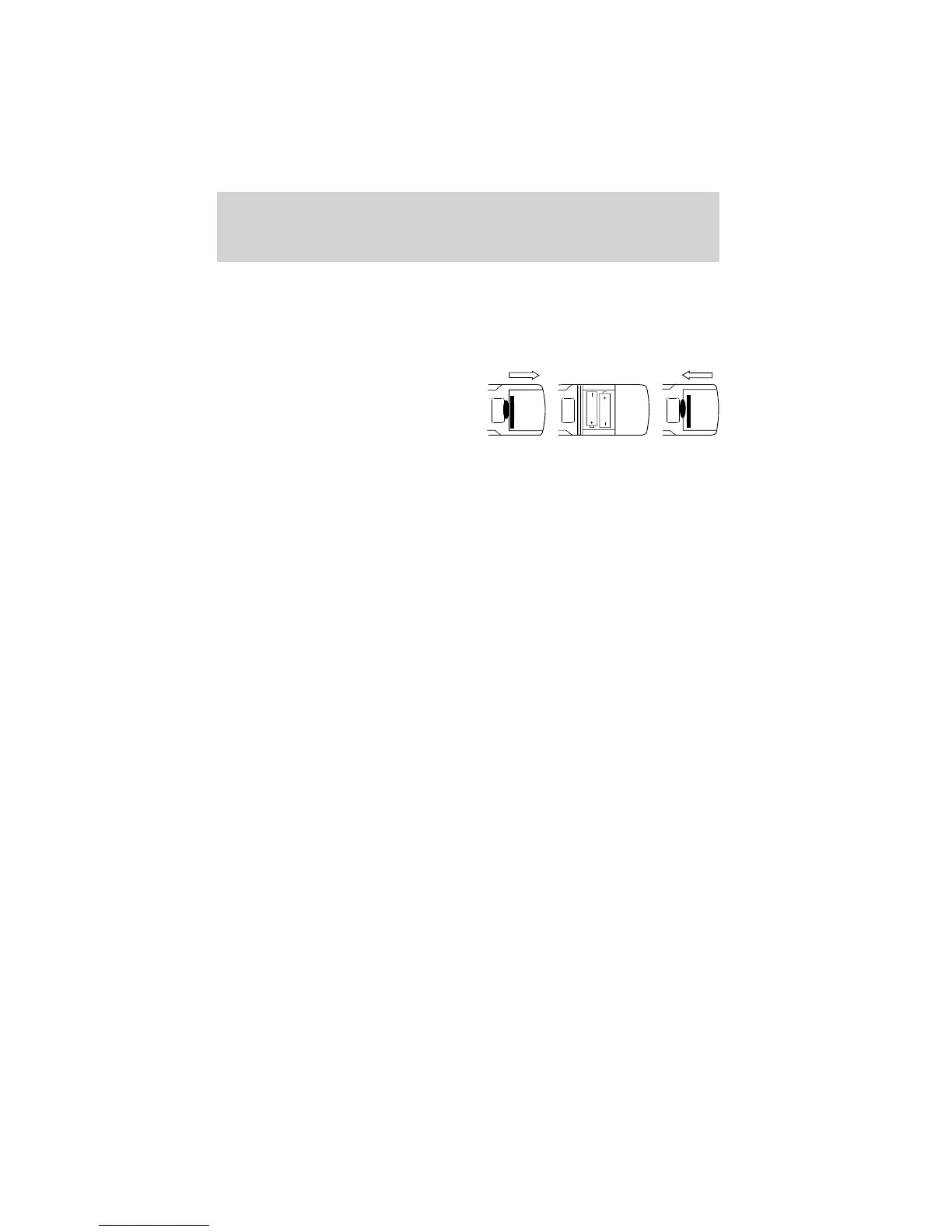
1. Turn the Remote Control face
down. Lift the battery cover off.
2. Install two “AAA” batteries as
shown. Make sure that proper
polarity (+ or -) is observed.
3. Align the cover tabs with the remote control and press down until
the cover clicks.
The remote control will only operate this unit. It is not a universal
remote control and will not control equipment from other manufacturers.
Note: If the remote control is not used for an extended period of time,
remove the batteries to prevent damage.
Features
9



 To Next Page