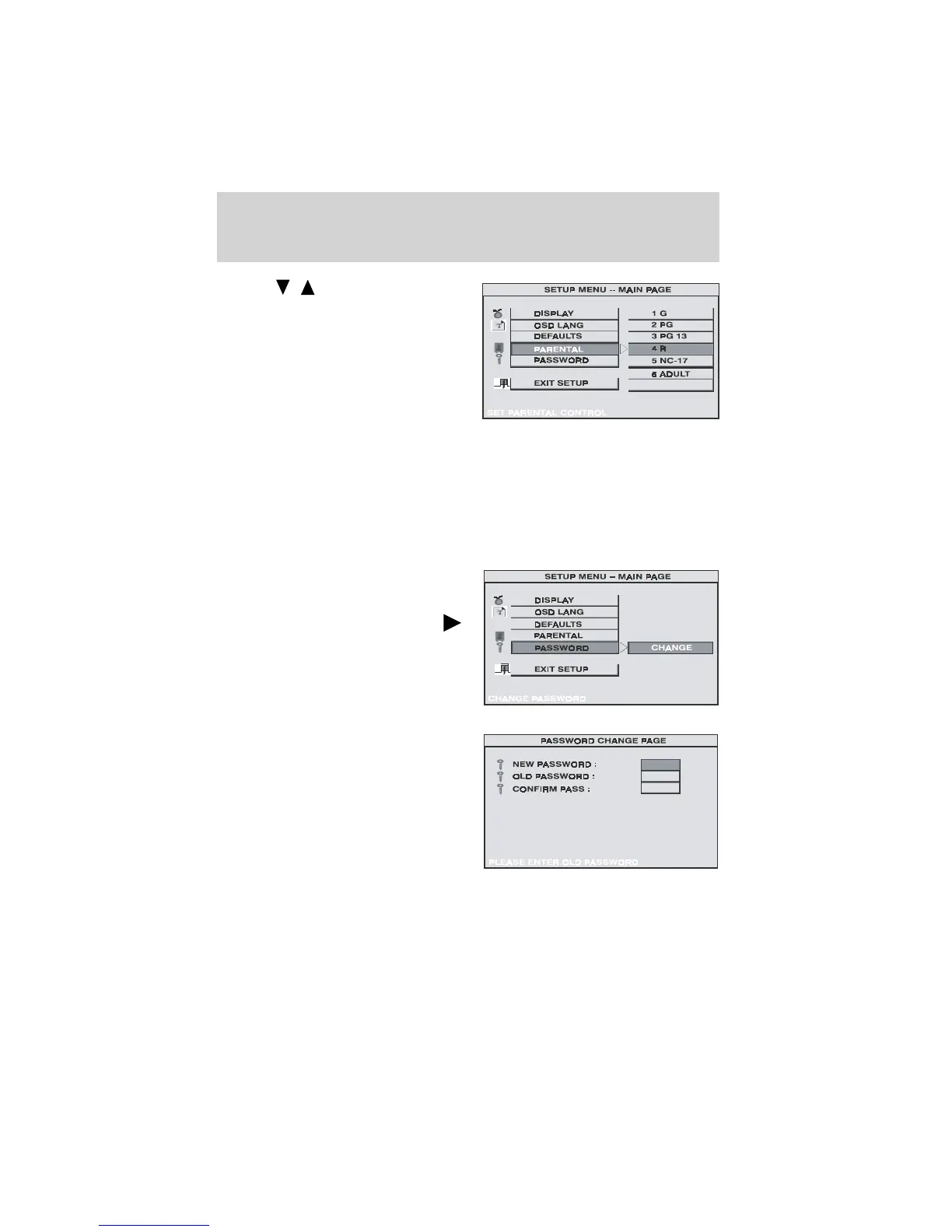
Use the buttons to select
from:
1. G (Children)
2. PG
3. PG-13
4. R
5. NC-17
6. Adult
No_Parental (No parental control)
The lower the value, the more strict the limitation. Press the ENTER
button to confirm the selection. The unit will prompt you for a password.
The default password is 3308.
SETTINGS FOR PASSWORD (PARENTAL CONTROL PASSWORD)
Press the SETUP button and select
PASSWORD. The PASSWORD
SETUP allows you to change the
parental control password. Press
button and then press ENTER.
• OLD PASSWORD — Input the old
password (4 digits) or the default
password.
• NEW PASSWORD — Input a new
password (4 digits) using numeric
buttons.
• CONFIRM PASSWORD —
Confirm the new password by
entering the same new password
again.
Press ENTER to implement the change. The default password is 3308.
NO_PARENTAL
Features
20



 To Next Page