- 20 -
7.2.5 Creatingaconguration
Navigation:Administration>Projects>Project Alpha (selected project)>NewDecice
(selected device)
Afterenteringallnecessarydata,youmusttransferthecongurationtothembNET.
ThereforconnectanUSBsticktoyourcongurationPC(the USB stick must have the fi le
format FAT!)�
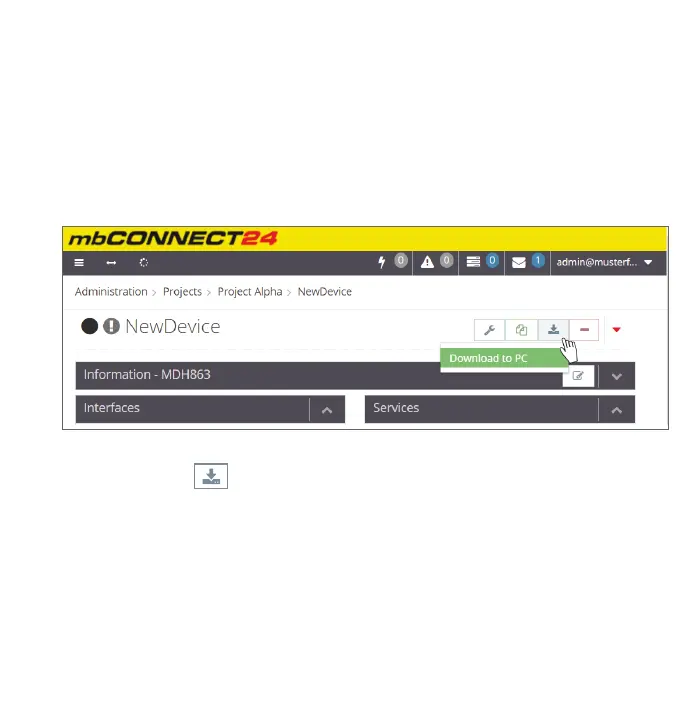
ClicktheSyncicon
andselect“Download to PC“�
Thecongurationle“mbconnect24.mbn“cannowbedownloadedtotheUSBstick.
IMPORTANT:Thedownloadedcongurationle“mbconnect24.mbn“mustnotberenamed
andmustbeintherootdirectoryoftheUSBstick!


 To Next Page
 Loading...



