- 24 -
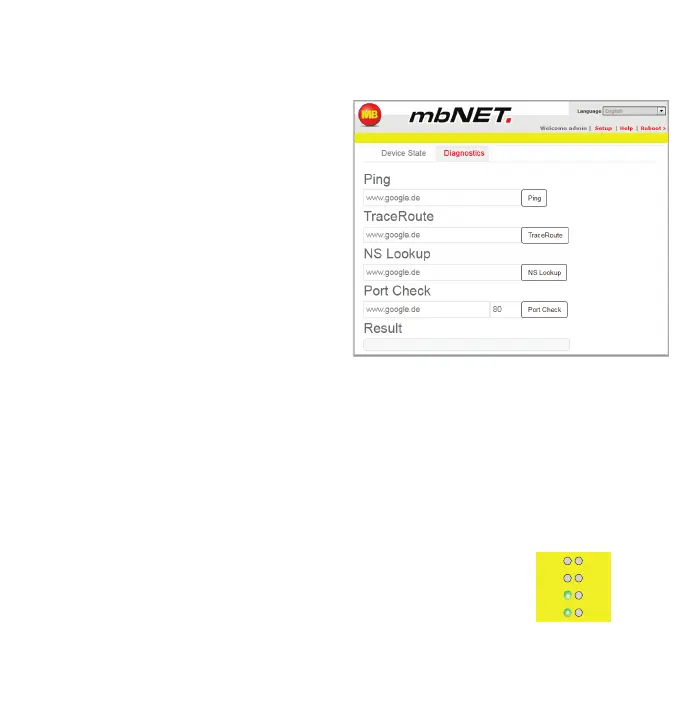
8.2 Diagnostics
Incaseofafailedconnectionsetup,
thediagnosticpagesupportsfor
trobleshooting.Therespectiveresultof
theindividual,independentfunctions/
commandsyouneed,interaliaincase
of support�
9 Loading the factory settings
Beforeyouresetthedevicetoitsfactorysettings,notethefollowing:
•TheIPaddresswillresetedtothedefault(192.168.0.100).
YoumayneedtomodifythenetworksettingsofthecongurationPCaccordingly.
•TheremustbenoUSBashdrivebeconnectedtothedevice.
•Thedevicemustbeoperational(LEDPwr+Rdylightup).
Fc1
Fc3
Rdy
Pwr
Fc2
Fc4
Con
Err


 To Next Page
 Loading...



