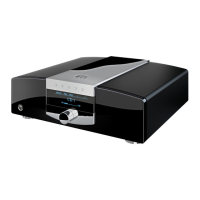
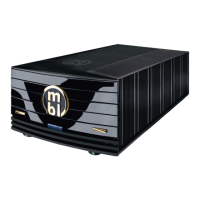
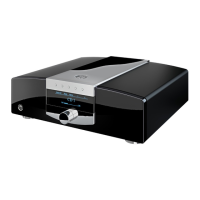
mbl 6010 D
16
If so, check whether the volume control of the preamplifi er is appropriately set and whether the source units and
power amplifi ers are not muted. Check whether the output indicators on the preamplifi er are lit.
• Is the preamplifi er indicator associated with the desired audio source lit?
If none of these actions are successful, disconnect the device from the power outlet and wait a minimum of
three hours for possibly emerged condensation to dry. Then, reconnect the device to the power outlet and check
whether the preamplifi er starts working. If the device still does not work properly, contact a qualifi ed technician
for assistance.
The remote control does not work.
• Are the batteries supplied with the remote control functioning? If not, replace them with a pair of fresh ones.
Always replace all batteries at a time!
• Are the batteries put in the right way? Please make sure that the polarity (+/–) is correct.
• Make sure to operate the key 1 (Pre) fi rst to initialize the remote control for preamplifi er operation.
• Are the infrared transmitter on top of the remote control and the infrared receiver on the preamplifi er dirty? If
so, clean the respective part with a soft damp cloth.


 To Next Page