29
Connection
Only use the included or another suitable USB cable for connecting the USB interface. Use of
any wrong cables may cause interferences.
To connect the audio outputs, use shielded cables suitable for this only. Use of any other cables
may cause interferences.
To avoid distortions or mismatches which could damage the device, only connect devices with
the same connection type.
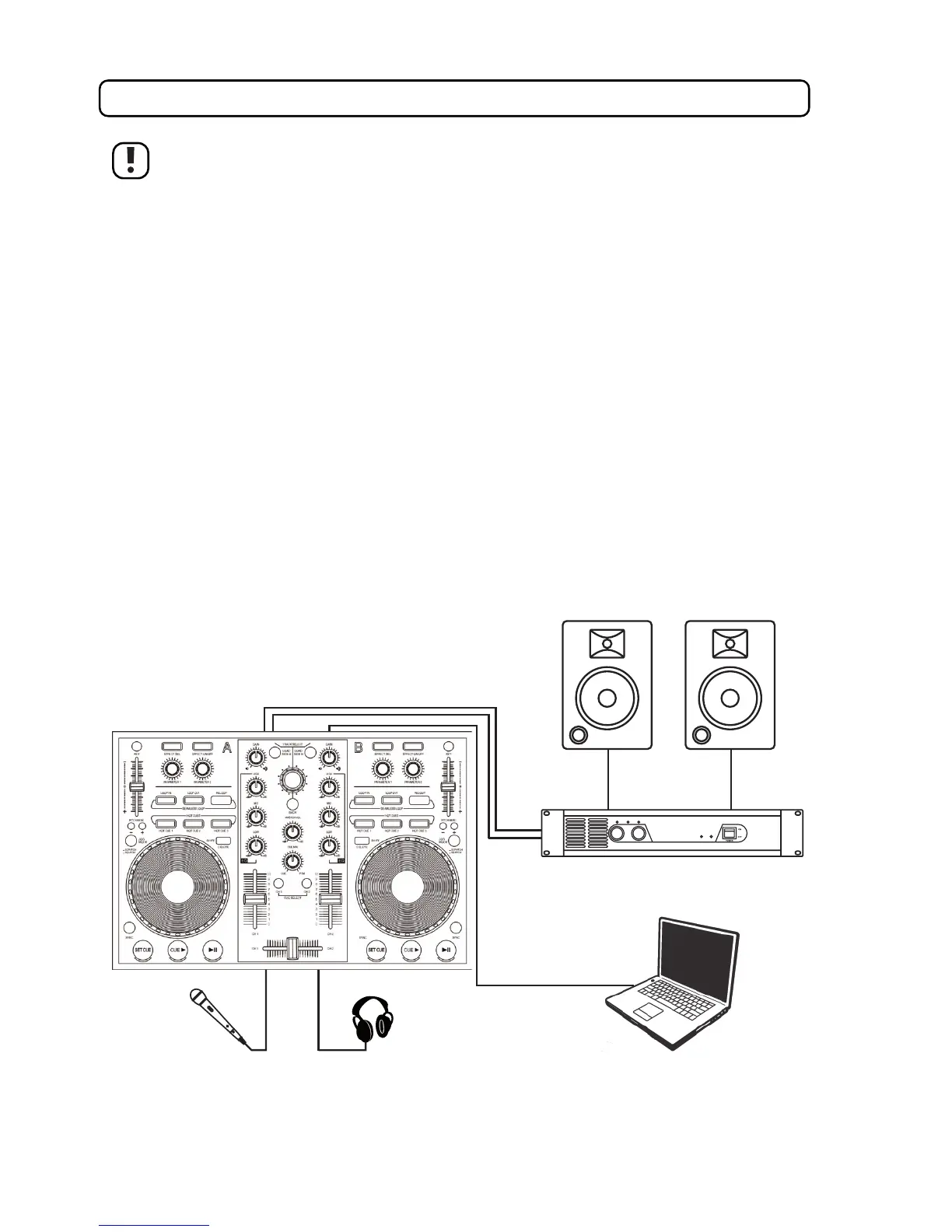
• Connect the connection of your headphones to the headphone connection (36).
• Connect the audio output AUDIO OUTPUT (39) to active speakers or an amplifier with speakers.
The white cinch socket conducts the left channel signal.
The red cinch socket conducts the right channel signal.
• Connect your microphone to the MIC INPUT socket (35).
• Switch on your computer and wait until the operating system is completely booted.
• Connect the USB socket (40) to a free USB port of your computer.
• Now your operating system recognises the new hardware and automatically installs the required device drivers.
• After installation of drivers, the respective message appears.



 To Next Page