When checking Sensor
biopotential signal quality at a
muscle location, you can use the
built-in Signal-to-Noise Ratio (SNR)
feature. Press “Relaxed” when the
subject is completely relaxing the
muscle. When the “Contracted”
button becomes available, have
the subject contract the targeted
muscle and hold the contraction.
Press the “Contracted” button until
the signal and noise voltage values
appear. The subject does not need
to continue contracting the
targeted muscle.
Note
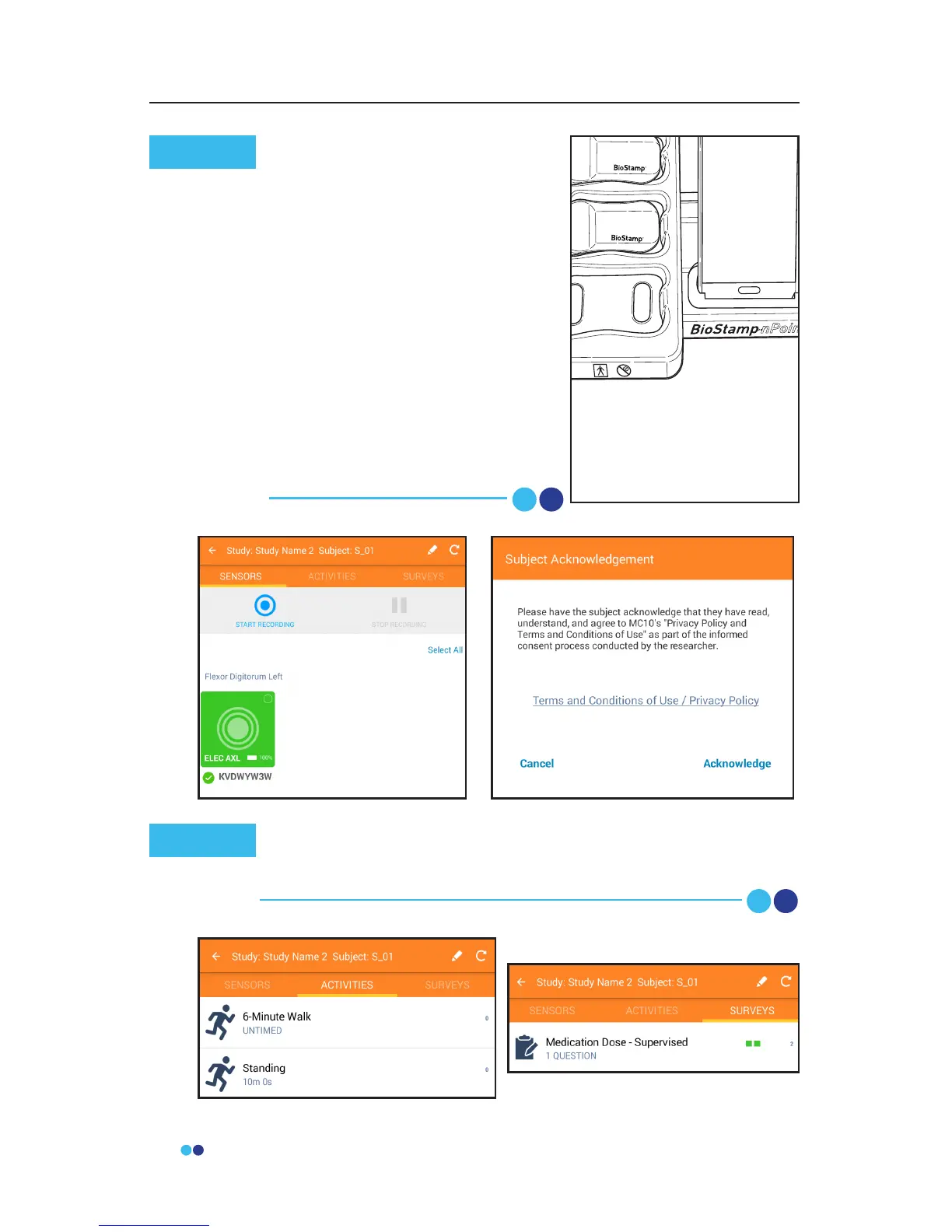
Before beginning recording, you will need to review the
BioStamp nPoint Terms and Conditions of Use and Privacy
Policy with the patient and receive Subject Acknowledgement.
Note



 To Next Page