English (Original Language) - 9
STARTING AND STOPPING
STARTING THE HEDGE TRIMMER
1. Remove the blade cover.
2. For added safety, there is a micro switch (2) in the
front handle (1). When operating, hold the hedge
trimmer with both hands, one hand to press the lock-
out button (3) and squeeze the trigger switch (4),
and the other hand to squeeze the micro switch (2).
3. Release the lock-out button (3) and continue to
squeeze the trigger switch (4) and micro switch (2)
for extended operation.
STOPPING THE HEDGE TRIMMER
1. Release the micro switch (2) and trigger switch (4)
to stop the hedge trimmer.
2. Upon release of the trigger switch (4), the lock-out
button (3) will be automatically reset to the lock
position.
3. Remove battery pack from the hedge trimmer.
1
2
3
4
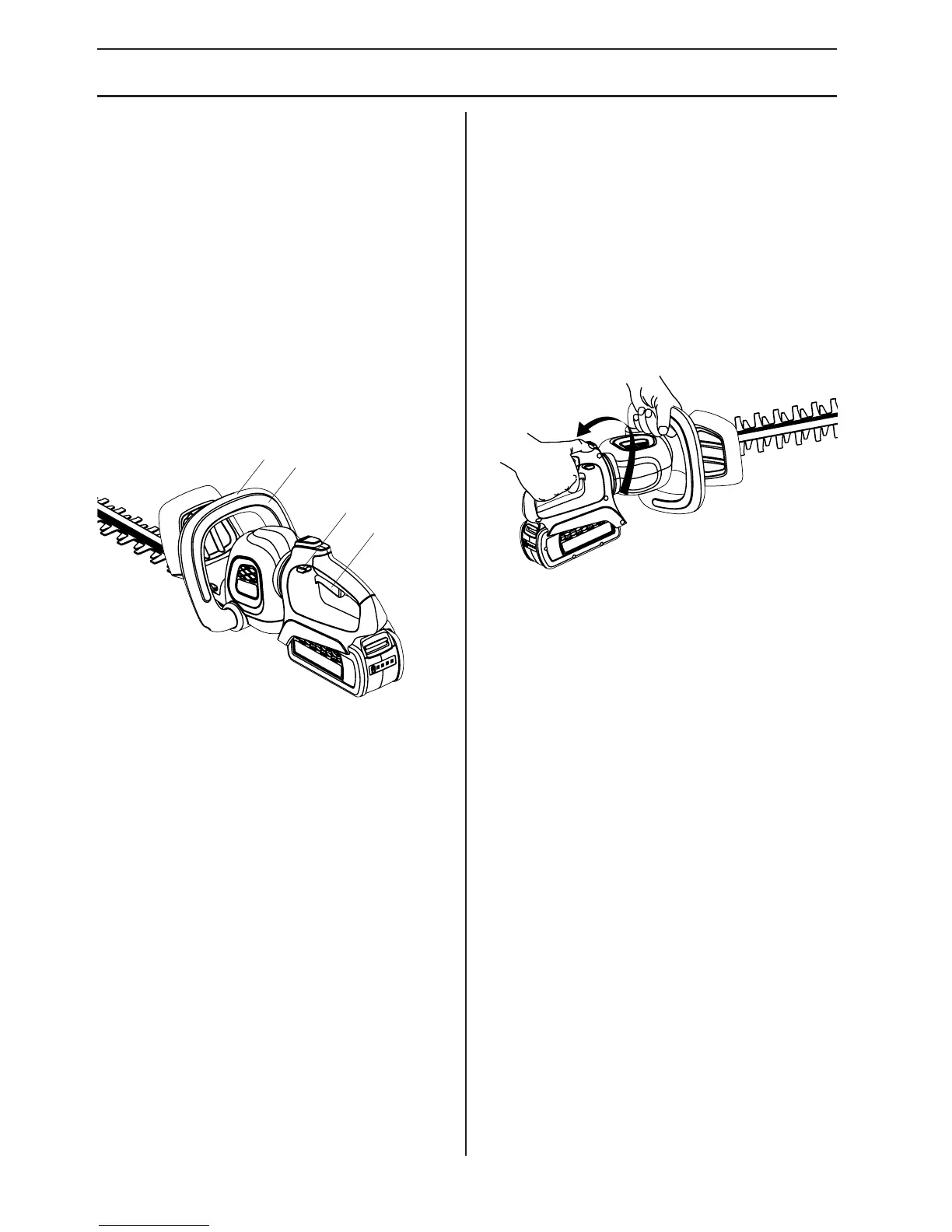
USING THE ROTATING REAR
HANDLE
1. Place the hedge trimmer on a flat and even surface.
2. Make sure that the trigger has been released and
the unit is not running.
3. Press the rotating handle lock button and begin
turning the rear handle. Release the lock button
and turn the handle 90 degrees to either side until it
clicks into place and the button pops out.
4. To turn the handle back to center, press the rotating
handle lock button again, turn the handle slightly,
release the lock button and continue turning the
handle until it locks into place.



 To Next Page
 Loading...