EasyManua.ls Logo

McElroy DATALOGGER 7 - User Manual

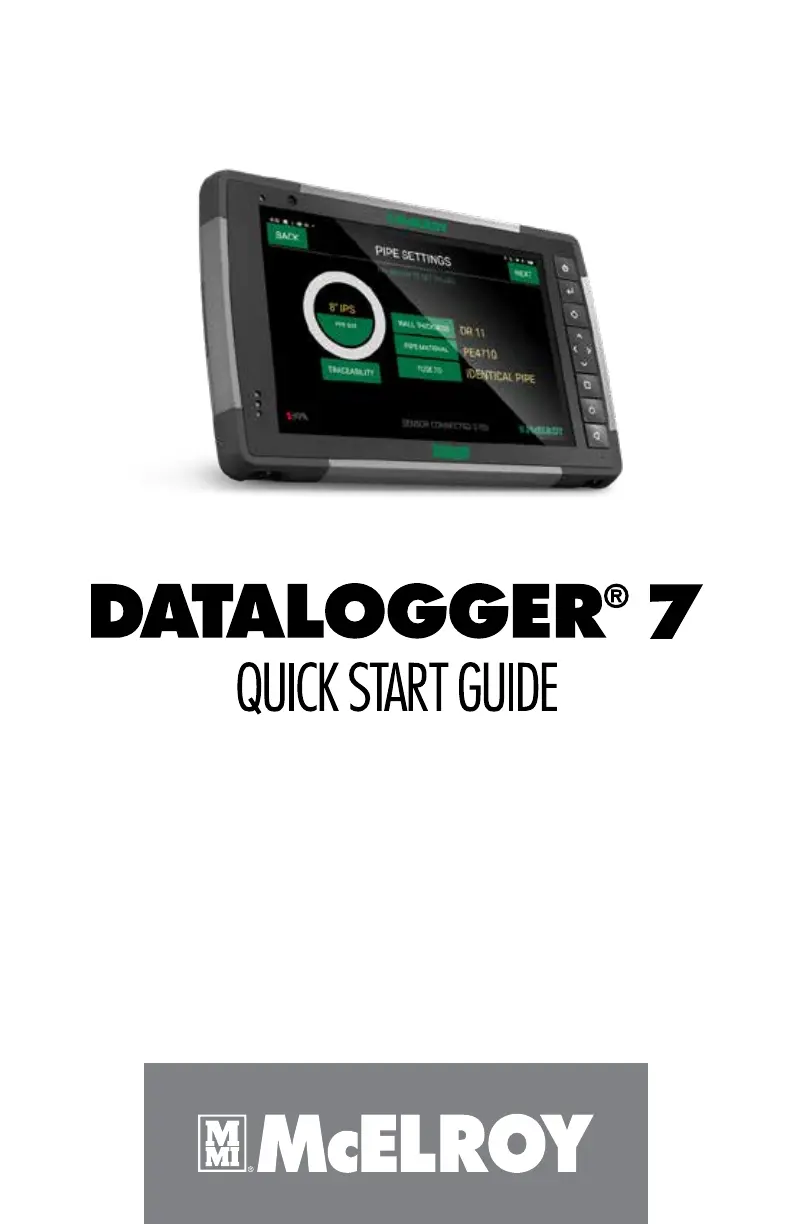
McElroy DATALOGGER 7
19 pages
Print Icon
To Next Page IconTo Next Page
Loading...
English / Español / Português / Русский / 中文 / Français /  

Questions and Answers

Summary

DataLogger 7 Hardware Components

Front and Back Features

Details physical components on the front and back of the device.

Battery Compartment and Card Slots

Explains battery pack, SIM/SD card slots, and card retainer.

Connector Ports

Lists and describes various connector ports on the device.

Getting Started

Installing the SIM Card

Guide on inserting a SIM card into the device's slot.

Performing the Initial Startup

Steps to power on and complete the initial setup of the device.

Operating Basics

Waking Up and Shutting Down

Instructions for waking the device from sleep and powering it off.

Home Screen Overview

Overview of the device's main starting screen and its functions.

Charging the Battery

Navigation Bar

General Safety

Select Software Language

Entering Vault Information

DataLogger App - Connect Pressure Transducer

Log a Fusion Joint

Starting the DataLogger 7 App

Troubleshooting - Perform a Hard Reset

Limited Warranty

Return of Goods

Disclaimer of Liability

Product Improvement

Information Disclosed

Proprietary Rights

Law Applicable

Register Your Product Online

McElroy DATALOGGER 7 Specifications

General IconGeneral
Operating SystemAndroid
ConnectivityWi-Fi, Bluetooth
Display7" High Brightness Touch Screen
GPSIntegrated GPS
Data LoggingFusion data logging and reporting
ReportingOn-site fusion joint reporting