COMFORT AND CONVENIENCE
VEHICLE TRACKING*
143
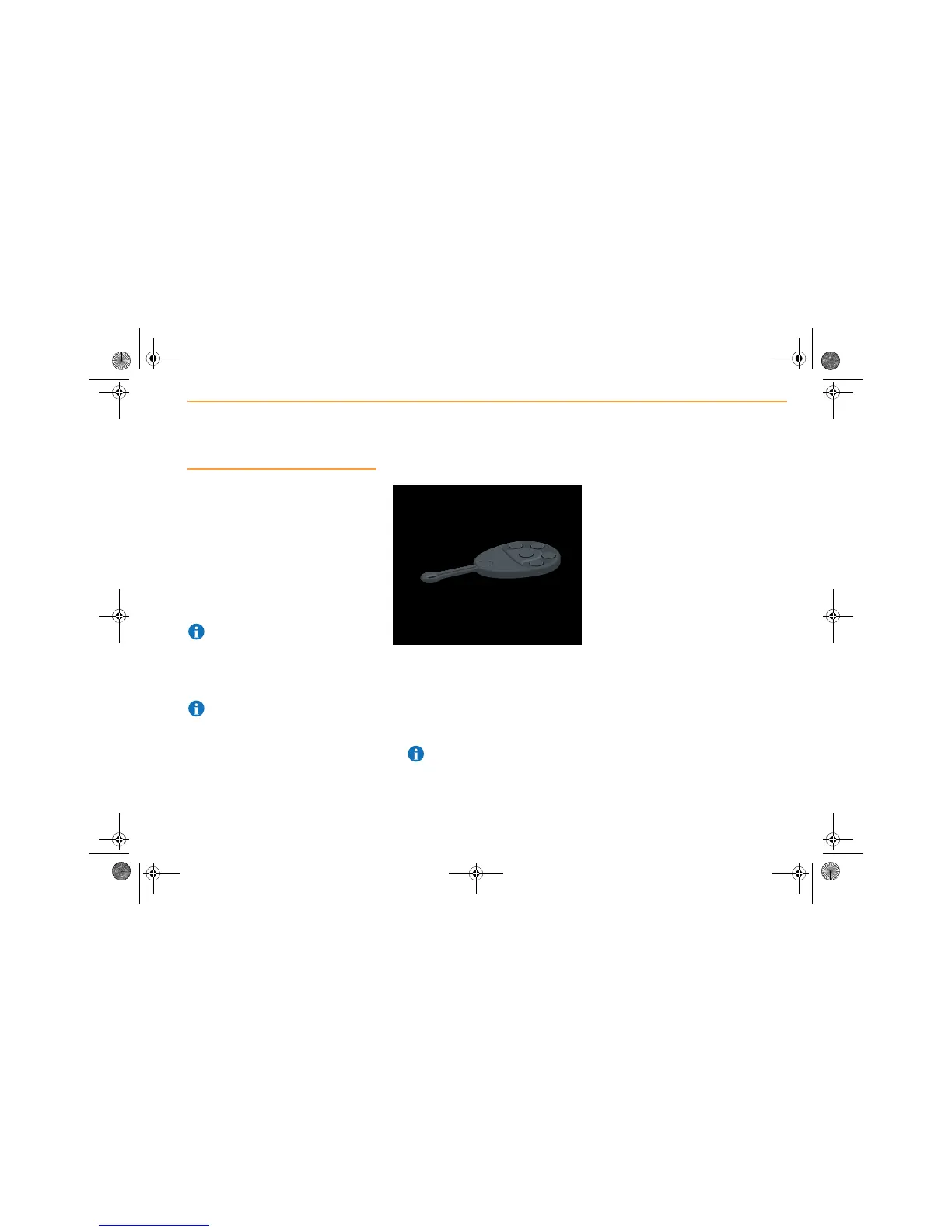
Remote Keypad
Your keypad is used to enter and transmit a
code to the McLaren Tracking Service, in order
to activate your Tracker System.
Once you have received the code, sent to your
mobile phone, follow the procedure described.
You will need to enter this code every time that
you use your vehicle.
If you wish to add or remove a keypad, contact
your McLaren Dealer. The Tracker system can
recognise up to seven keypads
NOTE: Store your remote keypad away
from keys when the vehicle is not in use to
reduce the risk of the keypad being taken in the
event of key theft.
Do not leave your remote keypad or certificate
of tracker installation in the vehicle.
NOTE: Up to seven keypads can be
programmed to work with the system.
Replacement or additional keypads are
available from a McLaren Dealer.
Entering a code
1. Press the centre button, the LED will start
flashing.
2. Enter the code supplied to your mobile
phone, and press the centre button again.
3. The LED will stop flashing once the code is
validated.
4. The keypad is now activated.
NOTE: You will need to enter this code
every time that you use your vehicle.



 To Next Page