BEFORE YOU DRIVE
LIGHTING
45
3. Press the hazard warning lamps button
again to switch off.
NOTE: If the hazard warning lamps
have been switched on automatically,
press the hazard warning lamps button
once to switch them off.
Panic alarm
The panic alarm function is designed to attract
attention by sounding the horn and flashing the
indicator lamps repeatedly.
The panic alarm can be switched on by
pressing the hazard warning lamps button for a
period of 3 seconds or more.
The horn will cease after the panic alarm has
been active for a long period of time, but the
indictor lamps will continue to flash. The horn
can be re-initiated by pressing the hazard
warning lamps button for a period of 3 seconds
or more.
To switch the panic alarm off, press the hazard
warning lamps button a single time.
Parking lights
NOTE: The parking lights can only be
switched on when the ignition is switched
off.
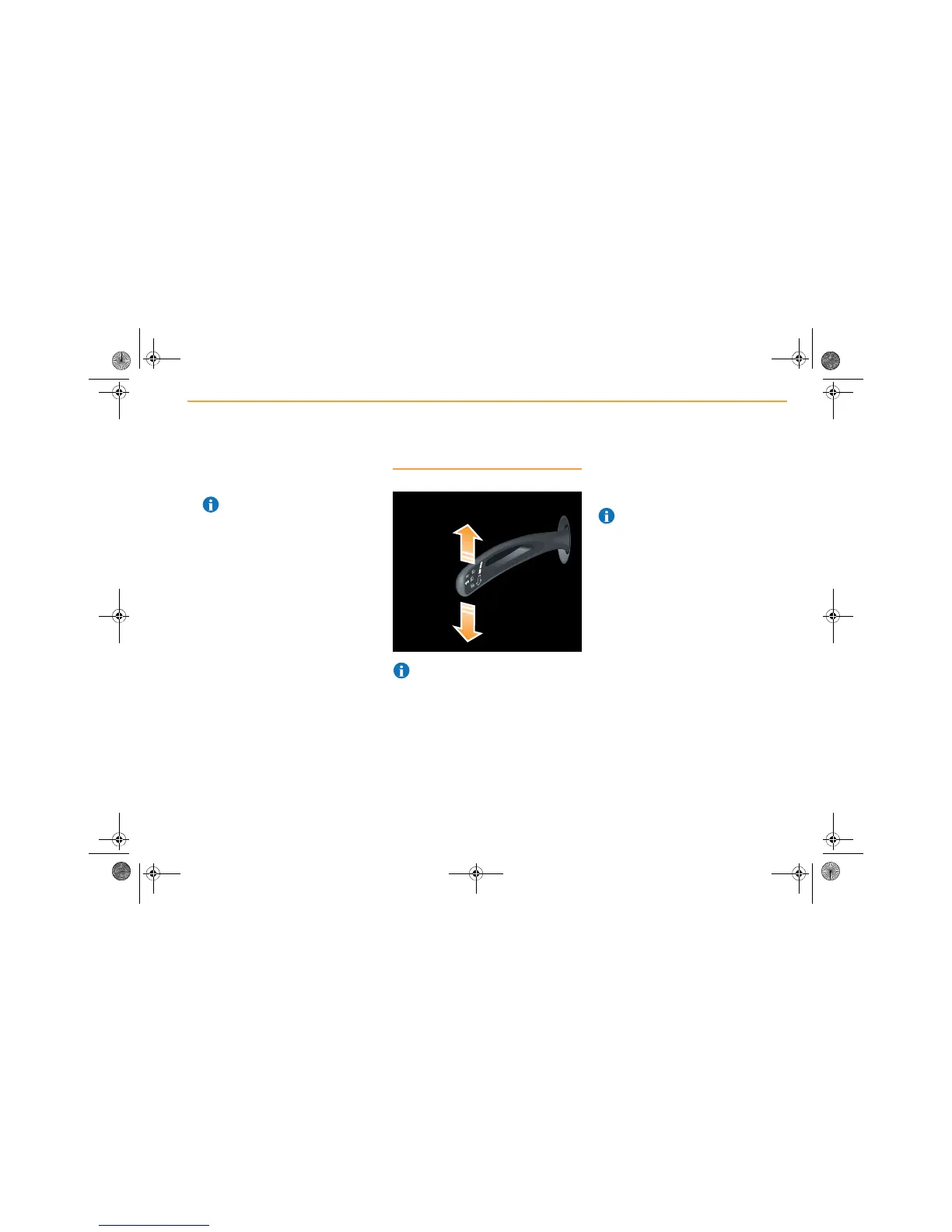
1. To switch the parking lights on, press the
indicator/main beam stalk down for the left-
hand side or push up for the right-hand
side. The selected parking lights will
illuminate.
2. To switch the parking lights off, move the
indicator/main beam stalk to the central
position.
NOTE: If the ignition is switched on while
the parking lights are still on, the
indicators will not operate until the parking
lights are switched off.
Mclaren.book Page 45 Monday, July 18, 2011 8:57 AM



 To Next Page