6161
Technical Dept. - All rights reserved - Reproduction is prohibited
4-OPERATION
EN
61
EN
Technical Dept. - All rights reserved - Reproduction is prohibited
4-OPERATION
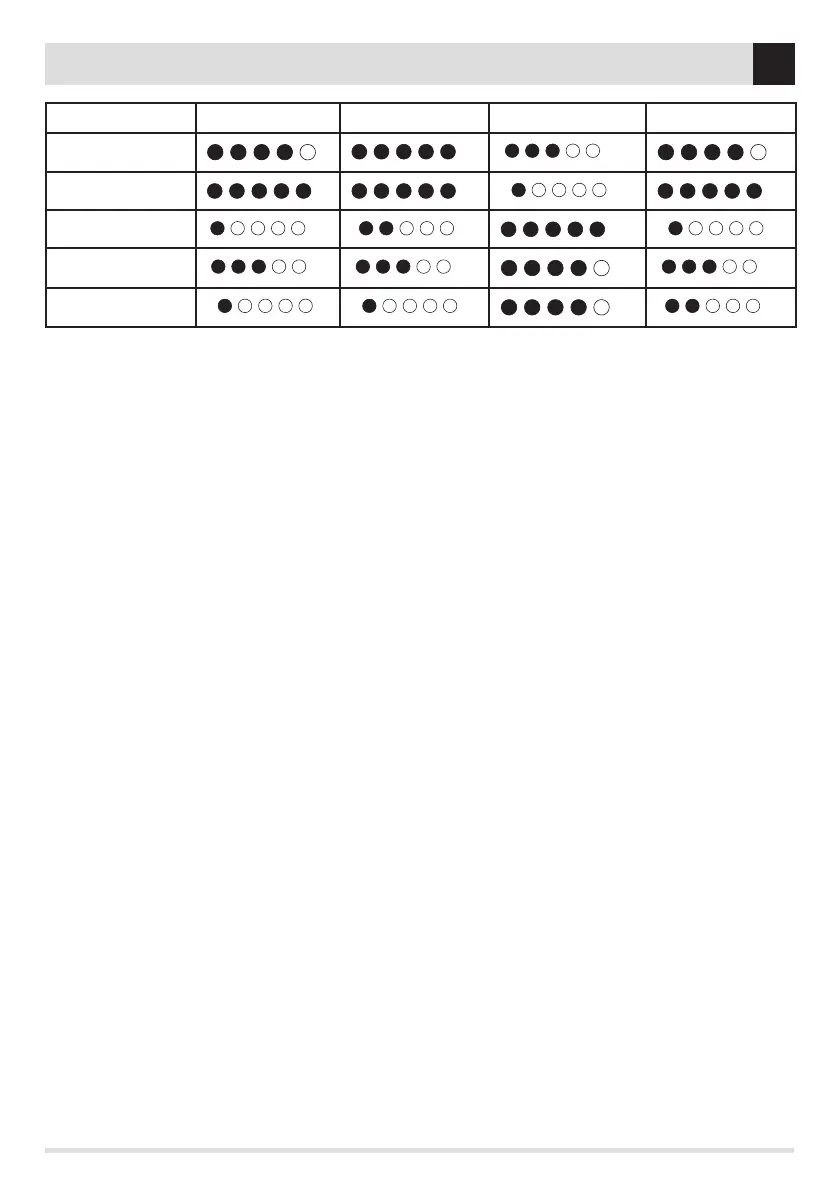
Quiet operation * Comfort** Heating capacity Reduced consumption
COMFORT
OVERNIGHT
POWER
DYNAMIC
MANUAL
* In operation, during start-up and shutdown
** Gradual heat emission, glass cleaning and combustion chamber cleaning
HYDRO STOVE OPERATING MODE
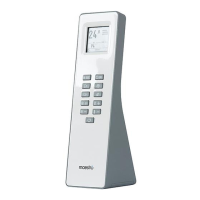
When a Hydro product is associated with the remote control, with KEY 2 (MODE) it is possible to choose the following functions:
• Room: possibility with keys 4 (+) / 5 (-) to adjust the ideal temperature; ecostop functions; hysteresis/delay ecostop. On the remote
control, the real (detected) temperature is displayed in large characters while the set temperature is in smaller characters. For the
ECOSTOP function we recommend referring to PART 2 of the product manual, in the “RAPID SETTINGS/SHORTCUTS” - “FUNCTIONS
MENU’ section
• Boiler: possibility of setting the Boiler temperature (Hysteresis/delay Ecostop mode only through the Maestro APP or display panel)
• Puer: the Ecostop function controls only the puer; when it starts Puer mode, on room mode, you can only modify ventilation
(no temperature setting). The function must be selected from the Maestro APP or optional control panel. Select settings “BOARD
INPUTS” NTC2 INPUT” - “Puer”. From the remote control it is possible to set the temperature only but not select the board input.
• DHW: The function must be selected from the Maestro APP or optional control panel. Select settings “BOARD INPUTS” NTC3 INPUT”
- “Probe boiler”. From the remote control it is possible to set the temperature only but not select the board input.


 To Next Page
 Loading...