6060
4-OPERATION
EN
60
EN
4-OPERATION
USER INTERFACE DISPLAY
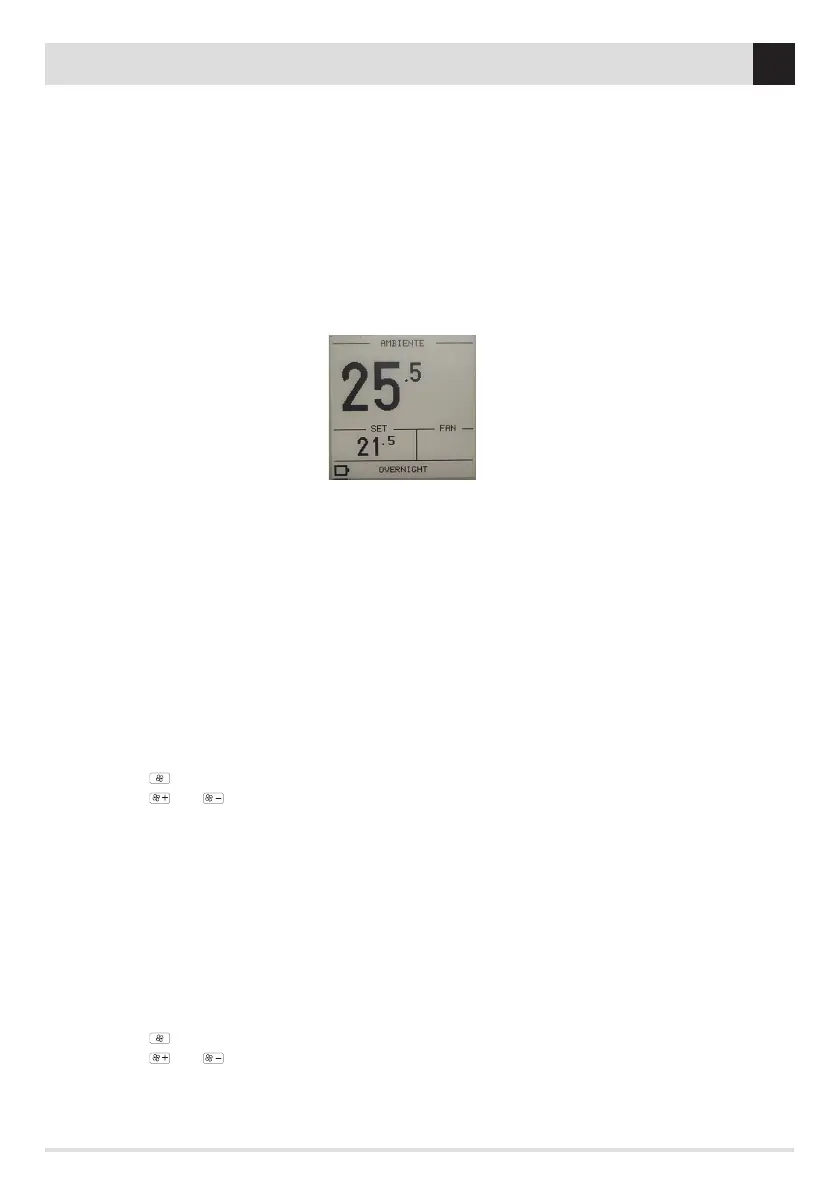
The screen on standby contains the following information:
• Room temperature measured
• notication icons
• Set temperature if in automatic operation or power level if in manual operation
• Ventilation levels (the ventilation levels also contain the NO AIR function and Automatic function that can be activated in all modes,
except POWER). The NO AIR function enables you to switch o ventilation in models where it is possible, or make them work at
minimum speed to guarantee silent heat emission from the structure. The NO AIR function allows the stove to operate at low power
all night without room ventilation, in models where included, otherwise with very noiseless fan operation to assure emission of the
structural heat.
• AIR/HYDRO product operating mode
AIR STOVE OPERATING MODE
COMFORT SET
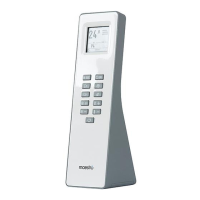
The operating mode is selected from KEY 2 (MODE) and will be displayed in the top part of the remote control’s screen. The available
settings are:
COMFORT Ideal for all situations requiring maximum comfort. In this mode, the stove allows an optimised consumption of the fuel to
guarantee a good heating capacity and the best possible silent operation. Once this mode is activated, the user only has to choose the
desired temperature with keys 4 (+) / 5 (-) and the appliance will independently manage the ame and ventilation power to ensure
maximum comfort. In fact, in this mode it is not possible to change the power and ventilation, managed intelligently by the MAESTRO
system.
DYNAMIC If you prefer traditional automatic operation with the option of setting the temperature and ventilation.
1. Press key 4 (+) / 5 (-) to set the room temperature level to be reached
2. Press key 7 ( ) to select the fan
3. Press key 9 ( )/10 ( ) to adjust the fan level of each single fan
4. If ECO is active, upon reaching the set temperature and ECOSTOP HYSTERESIS/ECOSTOP DELAY level set, the stove will switch o or
ignite.
OVERNIGHTGuarantees the maximum silence possible (noise reduced up to 4 times) allowing the maintenance of the room temperature
(keys 4 (+) / 5 (-)). This mode is designed, in fact, for night-time operation or temperature conservation in an already pre-heated room
ensuring the lowest possible acoustic impact. In Overnight mode consumption and ventilation are managed intelligently by the MAESTRO
system and for this reason it is not possible to change its values.
MANUAL For those who prefer to use the product in the traditional manner without any temperature control. In this mode the user can
freely choose the mix of ame power and ventilation regardless of consumption or silence.
1. Press key 4 (+) / 5 (-) to set the ame’s power
2. Press key 7 ( ) to select the fan
3. Press key 9 ( )/10 ( ) to adjust the ventilation level (OFF-V5)
POWER Operation at maximum power expressed by the product for a limited time (20 min) in order to allow rapid heating of a cold room.
For the expected performance and consumption in this mode, this function can be reactivated only once every hour. After 20 minutes
of POWER mode activation, the stove will restore the previously set operation. To activate this mode, press key 2 (MODE) for 3 seconds.


 To Next Page
 Loading...