EasyManua.ls Logo

Me clear - User Manual

Me clear
52 pages
Print Icon
To Next Page IconTo Next Page
Loading...
Instructions for use
Mode d’emploi
clear

Questions and Answers

Summary

About the clear device

What does it do?

Explains the device's purpose for treating acne blemishes.

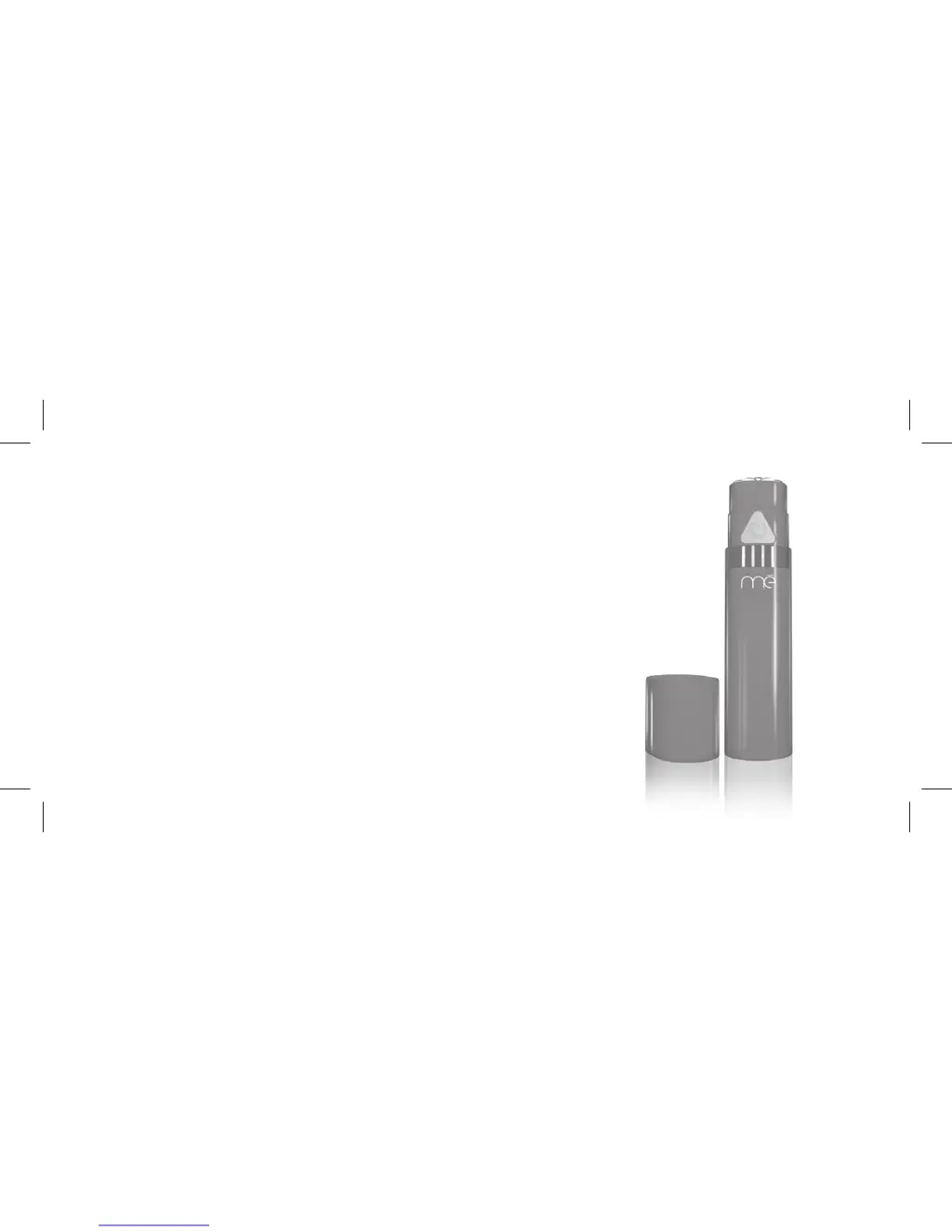
Device components

Lists and illustrates the parts of the clear device.

Device features

Key Features

Details on power button, sensors, modes, and automatic shut-off functions.

Acne and Blue Light Technology

How it Works

Explains the benefits of blue light, sonic vibration, and warming for acne treatment.

Contraindications

Usage Restrictions

Lists situations and conditions where the device should not be used.

Photosensitivity Risks

Warns against use with light-sensitizing substances.

Warnings

Adverse Reaction & Electrical Safety

Advises on stopping use for adverse effects and electrical shock prevention.

Device Safety Precautions

Handling and Fire Prevention

Covers water safety, cord care, disassembly, and fire hazard avoidance.

Precautions

Usage and Discomfort

Advises discontinuing use if discomfort occurs and consulting a doctor.

Operational Environment

Warns against using the device near other radiating devices.

Device Care

Notes on not scratching the surface or shining light into eyes.

Risks

Operational Risks

Lists potential hazards like overheating, power issues, and improper operation.

Safety and Maintenance Risks

Covers risks from user actions like improper maintenance or damage.

Device Risks and User Actions

Battery and User Handling Risks

Details risks associated with battery issues and user attempts to misuse the device.

Photosensitivity and Other Risks

Discusses risks related to photosensitizing medication and user-specific conditions.

Benefits of Clear Device

Acne Reduction

Explains the primary benefit of improving skin condition by reducing acne.

Understanding Risks

Emphasizes user responsibility in understanding and following manual instructions.

Device Suitability for Acne Types

Acne Type Classification

Describes different acne types and whether the clear device is suitable for them.

Charging the Battery

Charging Procedure

Step-by-step guide on how to charge the device and indicator light behavior.

Battery Life Indicator

Understanding Battery Levels

Explains how indicator lights show battery capacity and charging status.

Light Sensitivity Test

Performing the Test

Instructions to check for skin sensitivity to the device's light.

Device Set-up

Initial Setup Steps

Steps for unpacking and preparing the device for first use.

Treatment with Clear Device

Step-by-Step Treatment Guide

Details on preparing skin, activating, treating, and post-treatment care.

Device Maintenance

Environment for Storage and Use

Recommended conditions for storing and operating the device.

Battery Care

Maintaining Battery Capacity

Advice on keeping battery at optimal levels and understanding indicators.

Cleaning Instructions

Cleaning the Device

Guide on how to clean the treatment head and outer surfaces safely.

Troubleshooting

Indicator Light Issues

Solutions for flashing indicator lights and no illumination.

Treatment Cycle Issues

Addresses issues with treatment cycles, beeps, and device activation.

Device Specifications

Device Series and Certifications

Identifies the device model and relevant certification marks.

Troubleshooting: Light Contact Issue

Light Illumination Without Contact

Solution for the light illuminating without skin contact.

Regulatory Compliance and Disposal

FCC and Industry Canada Compliance

Declarations of conformity with FCC and Industry Canada regulations.

Product Disposal Information

Guidance on proper disposal of the electronic waste.

Device Servicing and Support

Service and Contact Information

Details on how to get the device serviced or contact customer care.

Product Warranty Information

Warranty Registration and Coverage

Explains the warranty period, coverage, and registration process.

Warranty Exclusions and Legal Rights

Warranty Limitations

Lists conditions that void the warranty and limitations on liability.

User Legal Rights

Details specific legal rights granted by the warranty, varying by jurisdiction.

Satisfaction Guarantee

Return Policy

Information on the 30-day satisfaction guarantee and return process.

Me clear Specifications

General IconGeneral
Product TypeAcne Treatment Device
Treatment AreaFace
TechnologyBlue and Red LED Light Therapy
Power SourceRechargeable Battery
UsageDaily Use

Videos

How to clear all data in Motorola Edge 40 Neo

How to clear storage in Motorola Edge 40 Neo

How to factory reset in Oppo Reno 7/6 Pro

How to clear RAM and storage in Oppo Reno 7/6 Pro

How to factory reset in Poco X3 Pro/X3

How to factory reset in Nokia G21