INTRODUCTION
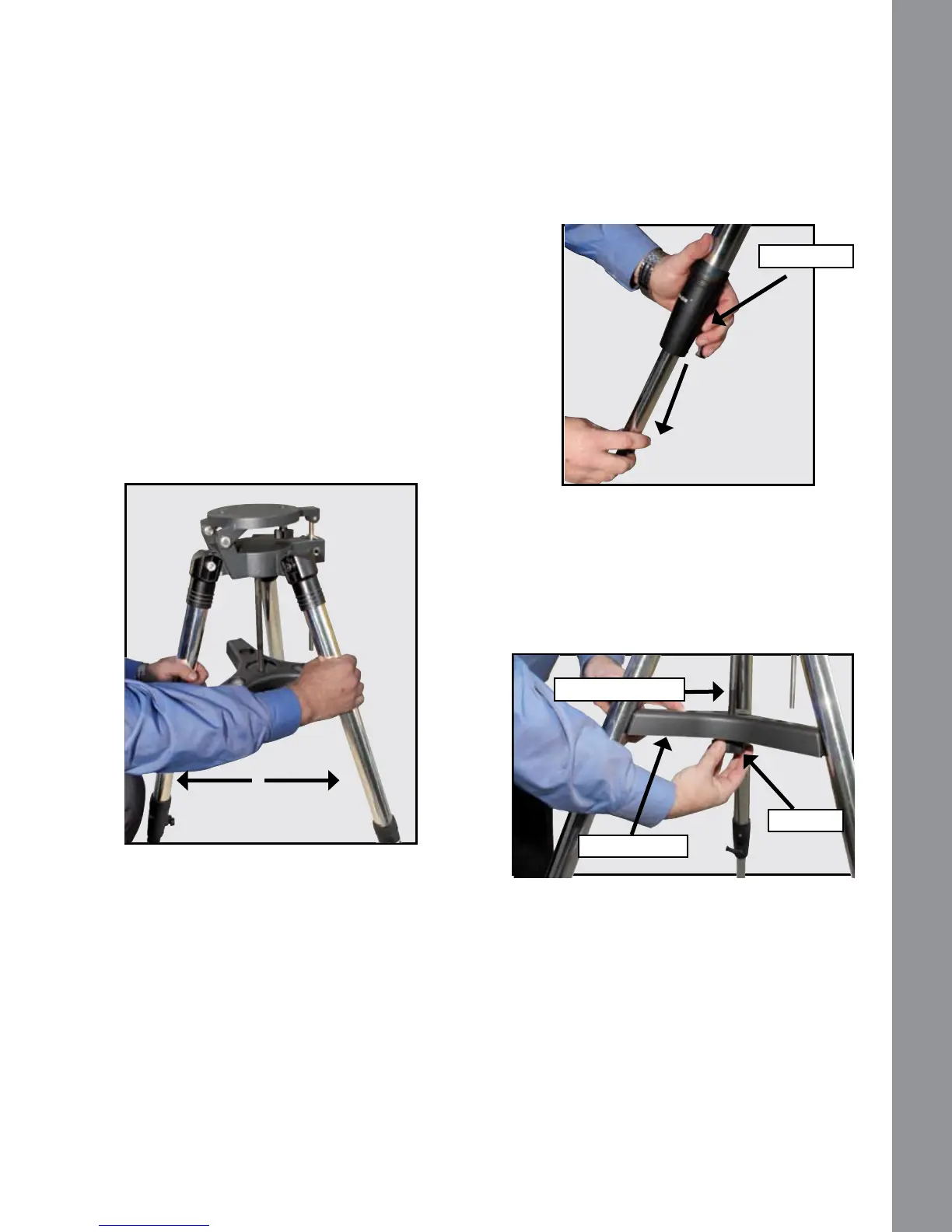
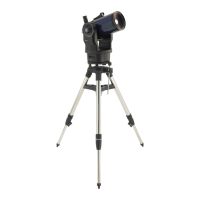
3 Loosen lock knobs on each leg (three total)
near the foot of each tripod leg. Use the lock knobs
to vary the height of the inner, extendible tripod leg
sections. Tighten the locks to a rm feel only; do
not overtighten.
4 Remove the end nut from the spreader shaft
and slide the spreader in between the telescope
legs. Attach the end nut and hand tighten until the
telescope legs are held snuggly in the most spread
position. Position the tripod where you want the
telescope to be and check that the top of the tripod is
approximately level. Use the included bubble level/
compass to level the tripod head.
GETTING STARTED
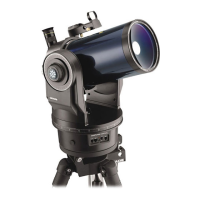
You may want to perform the ETX telescope assembly indoors in the light so that you become familiar with the
parts and operation before moving the telescope outside into the dark for observing. Just follow the simple steps
below and you will be up and running before you know it.
1 It is best to set up the telescope in twilight or before
sunset the rst time you use it. Take the telescope and
tripod outside. Set the telescope in a large open area
where you can see lots of sky. Don’t setup right next
to a building or a wall. Make sure the ground is stable
and is approximately level. It is best to set up the scope
away from bright nighttime lighting. Bright lights will
spoil your night vision and impede your ability to see
the sky.
Assembling the Tripod
2 Remove the eld tripod from the shipping carton.
Stand the tripod vertically with the tripod feet down
and with the tripod still fully collapsed. Grasp two of
the tripod legs and, with the full weight of the tripod
on the third leg, gently pull the legs apart to a fully
open position.
Spreader Shaft
Spreader Bar
End Nut
Lock Knob
GETTING STARTED
5


 To Next Page