Adjusting the Red Dot Finder
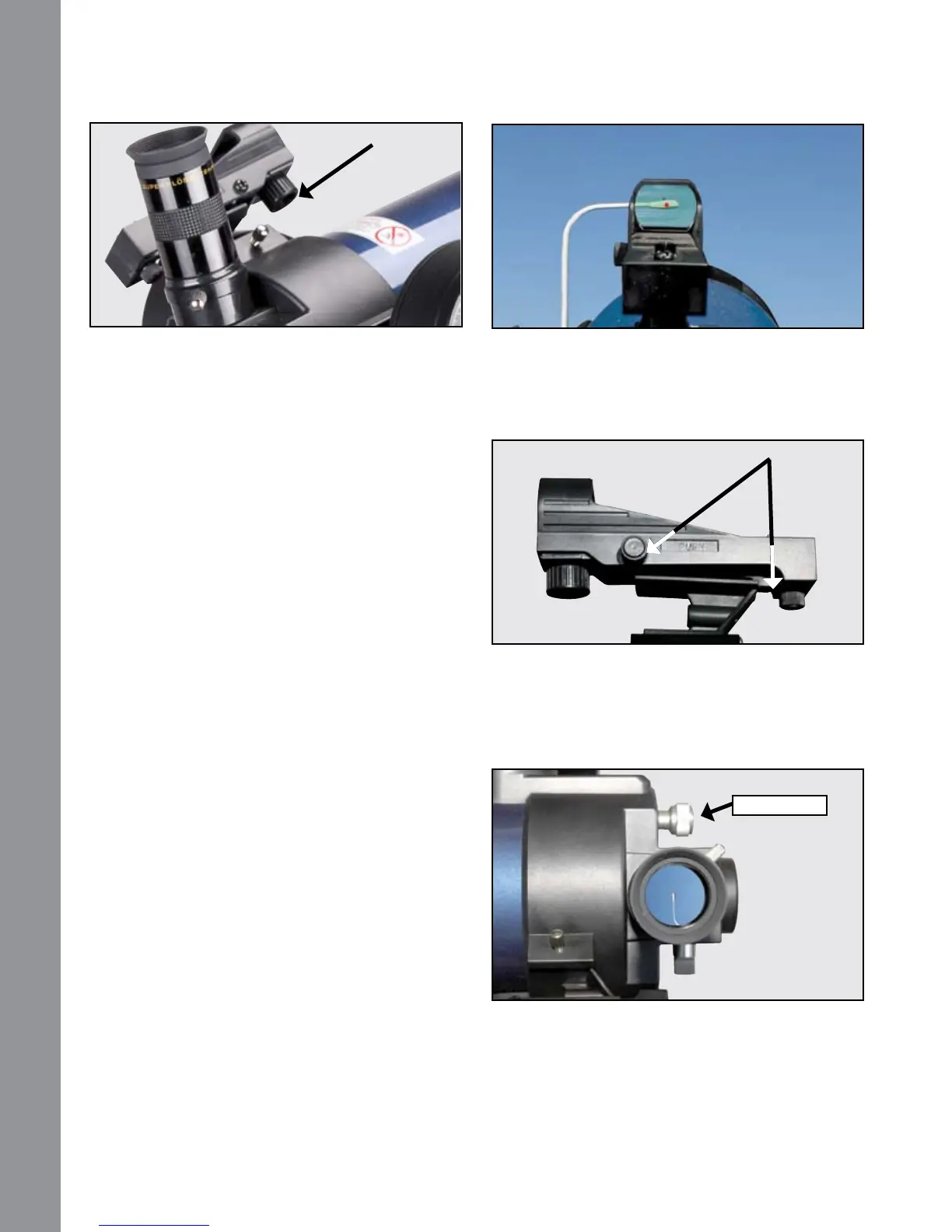
Now, without moving the telescope, adjust the indicated
thumb screws until you have put the red dot on the
object at which you were looking. It’s that simple.
Now use the hand controller to put the laser dot on a
new target. Check to see that the desired target is in
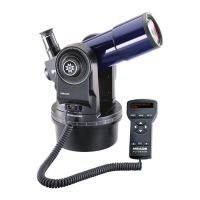
the eyepiece and adjust the focus knob until the object
is in focus.
NOTE: Be sure to turn off red dot when not in use.
Using the Red Dot Finder
Because your telescope has so much magnication,
its eld of view is very small. This can make it
hard to know exactly where your telescope is
pointing by simply looking at it. To help you point
the telescope quickly and accurately, for terrestrial
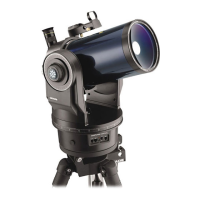
targets or GO TO pointing, the ETX90 has a 1X
Red Dot Viewnder.
The Red Dot Finder will aid you in pointing your telescope
easily. It works much like a ghter pilot’s heads-up
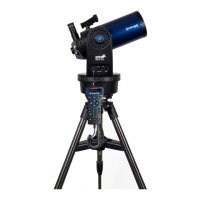
display. To turn on the Red Dot Finder, carefully rotate
the power switch until you feel it click on. Turning further
clockwise will increase the dot brightness. Adjust the
dot to the minimum brightness where it can be easily
seen. This will extend its battery life and make it easier
to see faint stars in the background.
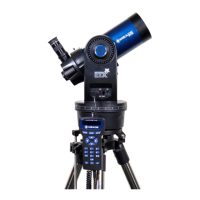
Look through the nder’s glass window. You will see a
red dot superimposed on your view. Using the direction
keys on the handbox, move the telescope until the red
dot is on the target you want to view in the eyepiece.
As you get close to your target, select a moderately
low speed, like speed 5, and move the scope to center
your target as you look through the telescope eyepiece.
This a great way to get used to nding the movement
keys without removing your eye from the eyepiece.
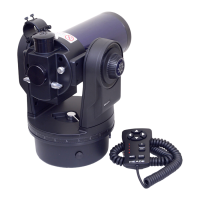
On/Off &
Brightness
Adjustment
A dj us t m e n t
Screws
Focus Knob
GETTING STARTED
GETTING STARTED
8


 To Next Page