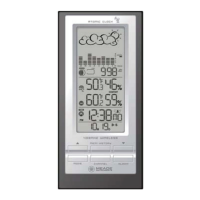
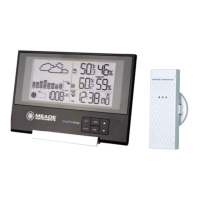
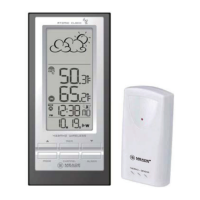
OPERATION
• To select the indoor/ outdoor temperature mode, press UP (? )
or DOWN (? ) until the IN icon flashing with a beep sound
alert.
VIEWING REMOTE (CHANNEL) TEMPERATURE
Static Display:
• Press the CHANNEL button to select measurements from
different remote sensors, each is set to a unique channel 1, 2
or 3.
Channel Auto-Scan Display:
• To enable an automatic scan of all channels, press and hold
CHANNEL, until the icon is displayed. The measurements
from each remote channel will be alternately displayed with a 5
seconds viewing.
NOTE: the channel auto-scan feature can be active only if there
are more than one remote sensors operating and are set to
different channels.
PROGRAMMING TEMPERATURE IN CELSIUS OR
FAHRENHEIT
• When temperature mode has been selected, press and hold
MODE button for 3 seconds to toggle the temperature unit in
Celsius (ºC) or Fahrenheit (ºF).
SETTING TEMPERATURE ALARM
• Press down button to select temperature display.
• Press ALARM button selecting the desired alarm, the upper
temperature alert with icon (if disabled, displays OFF), or
lower temperature alert with icon (if disabled, displays OFF).
• Press and hold ALARM button until the temperature digits
flashing.
• Adjust the temperature digits using the UP (? ) or DOWN (? ).
Press and hold either button for fast digits advance
• Press the ALARM to confirm selection and return to the
temperature alarm selection screen
ACTIVATING OR DEACTIVATING TEMPERATURE
ALARMS
• Once the above alerts are displayed, press the UP (? ) or
DOWN (? ) to enable or disable the corresponding alert.
11


 To Next Page