TIME AND CALENDER
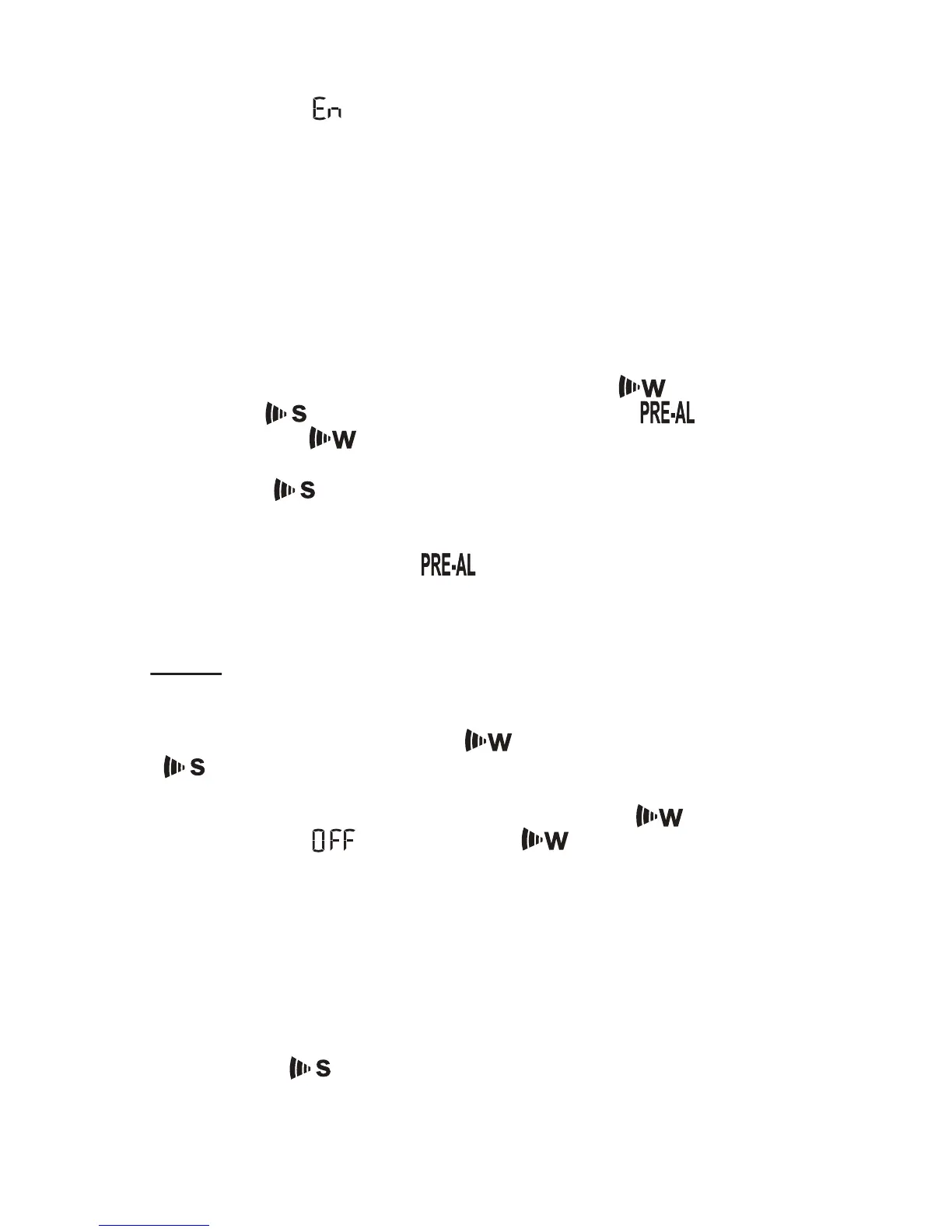
• Press and hold MODE button until the day of week language
abbreviation “ ” will flash
• Press the UP (? ) or DOWN (? ) selecting the day of the week
in English, German, French, Italian, Spanish, Dutch or Swedish.
• After the language of weekday is set, press MODE button to
confirm and move to the next parameter (year)
• Continue setting the year, month, day, time format (12 or 24
hours), local hour and minutes, using the same technique
• After programming is complete the display will return to the
default hour and minutes with seconds display.
CLOCK ALARMS
There are two time alarms – Weekday alarm ( ) and Single
day alarm( ) - and one Ice Warning Alarm ( ).
• If Weekday ( ) alarm is activated, it will sound at the set
time and the alarm icon will flash Mondays through Fridays
• If Single ( ) day alarm is activated, it will sound at the set
time and the alarm icon will flash only for this specific day and
will not activate on subsequent days
• If Ice Warning Alarm ( ) is activated, it will sound
at the set time and alarm icon will flash once the remote
temperature for Channel One (1) will reach 32°F(0°C) and
below
NOTE: Ice Warning Alarm can be set only if Weekday
and/or the Single alarm are programmed.
SETTING THE WEEKDAY ( ) AND SINGLE DAY
( ) ALARMS
• Press ALARM button once to enter into the alarms setting
mode. The default alarm is a Weekday alarm ( ). The
abbreviation “ ” with a letter “ ” next to it will be
displayed, if the alarm has not been set previously
• Press and hold ALARM button for two seconds. The hour
digit will flash
• Adjust the hour using UP ( ? ) or DOWN ( ? ) buttons
• Press ALARM button again. The minute digits will flash
• Adjust the minutes using UP (? ) or DOWN (? ) buttons
• Press ALARM button again to confirm and the weekday alarm
time will be set
• Set Single ( ) day alarm if desired in the same manner
41


 To Next Page