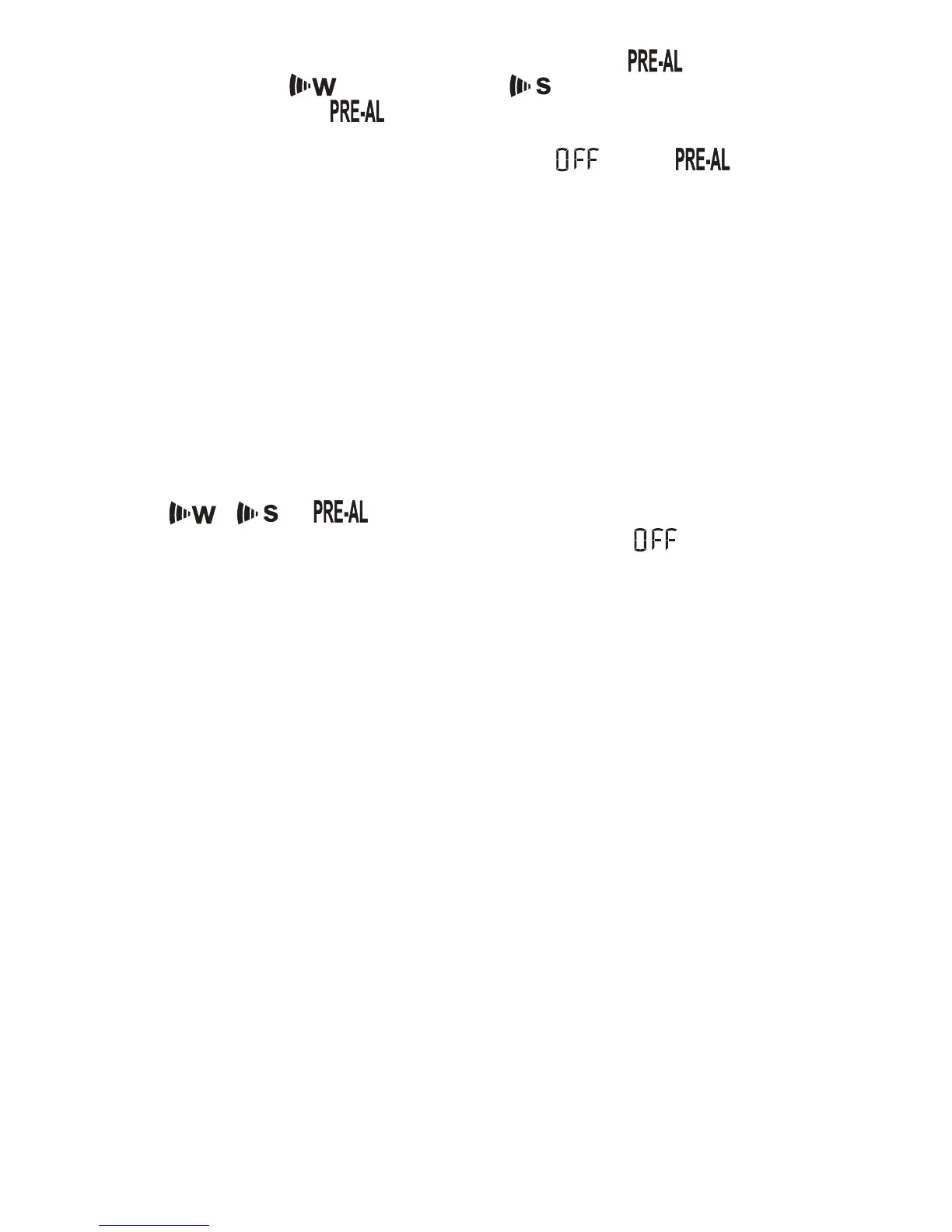
SETTING THE ICE WARNING ALARM ( )
If Weekday ( ) or Single day ( ) alarm is set, the Ice
Warning Alarm ( ) can be programmed.
• Press ALARM button once to enter into the Ice Warning
Alarm setting mode. The abbreviation with a
next to it will be displayed.
• Press and hold ALARM button for two seconds. The number
30 will flash, meaning that if selected, the alarm will sound 30
minutes earlier than the Weekday or Single alarm.
• Select the desired Ice Warning Alarm interval in 15 minutes
increments between 15 and 90 minutes, using UP (? ) or
DOWN (? )buttons
• Press ALARM button to confirm and exit from the alarm
setting mode.
ACTIVATING/ DEACTIVATING ALARMS
• Press ALARM button to enter into the desired alarm mode.
• Press UP ( ? ) to activate alarm and the corresponding icons
, or will be displayed.
• Press DOWN ( ? ) to deactivate alarm until “ ” is
displayed.
MAINTANANCE
CHANGING BATTERIES
• If the low battery indicator lights up, replace batteries in the
corresponding unit.
• Do not mix old and batteries.
CLEANING
The main unit and remote sensors housings can be cleaned with
a damp cloth. Small parts can be cleaned with a cotton tip or
pipe-cleaner. Never use abrasive or corrosive cleaning agents or
solvents. Do not immerse electronic components in water.
51


 To Next Page