EasyManua.ls Logo

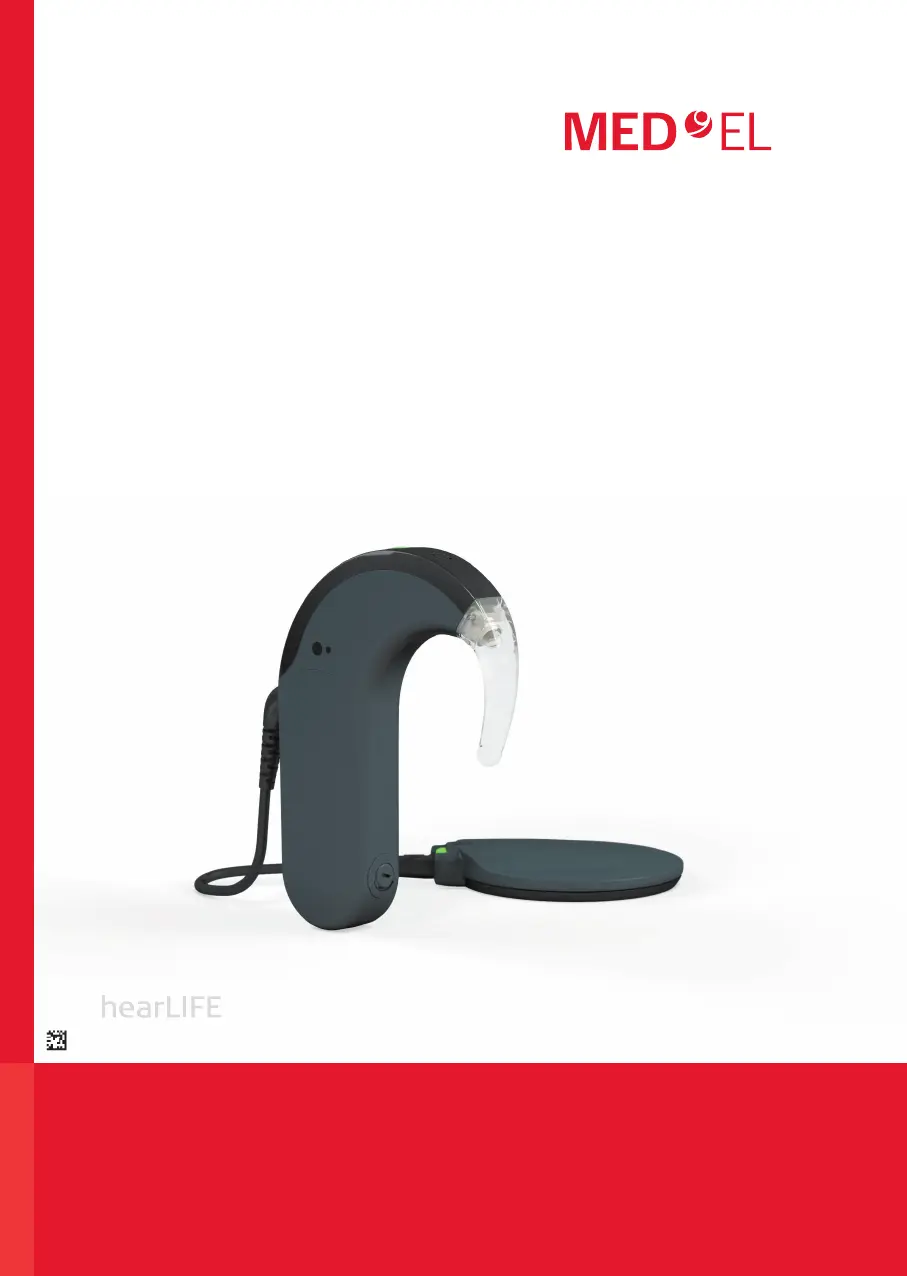
MED-EL SONNET 2 - User Manual

MED-EL SONNET 2
100 pages
Print Icon
To Next Page IconTo Next Page
Loading...
Cochlear Implants
AW35461_4.0 (English)
SONNET 2 (Me151x) and SONNET 2 EAS
(Me152x) audio processors
User Manual for

Other manuals for MED-EL SONNET 2

Questions and Answers

  • S
    Sophia CarrollJul 28, 2025
    What to do if MED-EL Hearing Aid indicator light is flashing?
    • C
      Colleen ShafferJul 28, 2025
      If the MED-EL Hearing Aid's indicator light is flashing, it could be due to several reasons: * An electronic problem or temporary processor disturbance: Try switching the processor off and then back on. * The selected position is not programmed, or there has been a programming failure: Try selecting another position. * Batteries are empty: Switch the processor off, change the batteries, and then switch it back on. * You've reached the maximum or minimum value of the volume or audio sensitivity range: Stop pushing the buttons on the FineTuner.
  • J
    Joyce WigginsAug 4, 2025
    What to do if MED-EL SONNET 2 audio processor does not respond to FineTuner commands?
    • T
      tgutierrezAug 4, 2025
      If your MED-EL Hearing Aid audio processor isn't responding to FineTuner commands, here's what could be happening: * The audio processor is out of range: Move the FineTuner closer. * The FineTuner keyboard lock is active: Unlock it. * There's interference from other equipment: Move closer or go to a different location. * The audio processor and FineTuner aren't synchronized. * The FineTuner might be malfunctioning: Remove the battery and re-insert it after a few minutes. * The FineTuner battery is low: Replace the battery. * The desired command or the indicator light has been disabled by your audiologist.
  • S
    Shawn GatesAug 12, 2025
    Why is there no light signal when switching on MED-EL SONNET 2 Hearing Aid processor?
    • M
      Mary PonceAug 12, 2025
      If there is no light signal when switching on your MED-EL Hearing Aid processor, it may be due to: * The processor not being functional (e.g., empty batteries, defective cable, or defective coil): Check the battery status. * The indicator light being deactivated by the audiologist. * The indicator light being deactivated during fitting: After fitting, switch the processor off and on to reactivate the indicator light. * A defective coil cable: Try a spare coil cable.
  • M
    Matthew BergerAug 19, 2025
    How to stop the soft sound when switching MED-EL SONNET 2 on or off?
    • C
      Christopher FritzSep 12, 2025
      If the soft sound bothers you when switching your MED-EL Hearing Aid audio processor on or off, you can remove the coil from the implant site before operating the switch.

Summary

Intended Use, Indications, and Contraindications

Intended Use of SONNET 2

Describes the purpose and target users of the audio processor.

Indications for SONNET 2 Use

Lists the medical conditions and user groups for which the device is suitable.

Contraindications for SONNET 2

Details situations or conditions where the device should not be used.

SONNET 2 Audio Processor Details

System Components Overview

Identifies and describes the components of the SONNET 2 audio processor.

Powering the Audio Processor On and Off

Provides instructions on how to power the audio processor on and off.

FineTuner Remote Control

Describes the remote control for managing audio processor functions and settings.

Battery Pack Operation

Details the battery pack, its components, and how to attach/remove it.

Coil Function and Placement

Explains the function and placement of the coil connecting the processor to the implant.

Special Considerations for Young Children

Child-Specific Safety Features

Highlights features designed for children, like lockable parts and control deactivation.

General Safety Precautions and Warnings

System-Wide Safety Guidelines

Outlines general handling, care, and safety guidelines for the entire system.

Precautions for Medical Procedures

Lists precautions related to medical treatments, infections, and vaccines.

Care and Maintenance of Your System

Routine Maintenance Procedures

Covers general cleaning, care, and warranty information for the processor.

Battery Handling and Replacement

Provides instructions on battery types, handling, disposal, and changing them.

Troubleshooting Common Issues

Technical Specifications and Data

MED-EL SONNET 2 Specifications

General IconGeneral
Processor TypeSONNET 2
CompatibilityCompatible with MED-EL cochlear implants
TypeBehind-the-ear (BTE)
MicrophonesDual microphones
ConnectivityBluetooth
Battery TypeRechargeable or disposable batteries
Water ResistanceIP68
Color OptionsVarious color options available
Battery LifeUp to 60 hours (depending on usage and settings)
Sound ProcessingFineHearing
Frequency RangeUp to 8 kHz

Related product manuals