26
10. CLEANING AND STORAGE
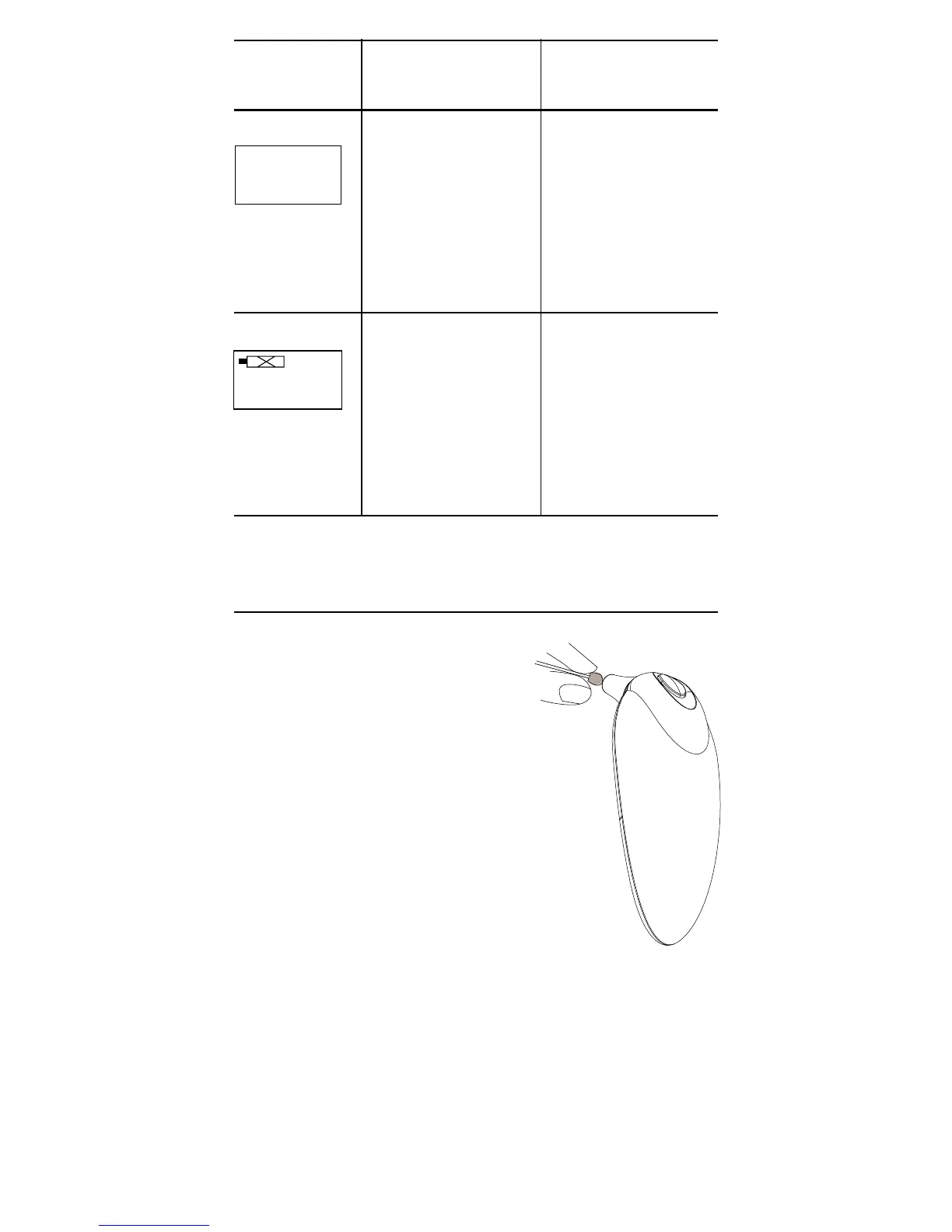
Use a swab to clean the thermo-
meter casing and a cotton swab
moistened with alcohol (70%
Isopropyl) to clean the measuring
probe
(Pic.10)
. Ensure that no
liquid enters the interior of the
thermometer. Never use abrasive
cleaning agents, thinners or
benzene for cleaning and never
immerse the instrument in water or
other cleaning liquids. Take care
not to scratch the surface of the
LCD.
Remove the battery from the
instrument if it is not required for
extended periods of time in order
to avoid damage to the
thermometer resulting from a
leaking battery.
Dead battery
indication
If the steady battery
icon is the only
symbol shown on the
display, the batteries
should be replaced
immediately.
Blank display Please check if the
battery has been
loaded correctly. Also
check polarity (<+>
and <->) of batteries.
Display /
Problem
Display
Meaning
Possible cause and
fault remedy
Pic. 10


 To Next Page