Create a User Drum Kit
Save Your Drum Kit Voices
Once completing to your own drum kit, you have to savethem in the
unit; otherwise your drum kit will be erased whenyou turn off the unit.
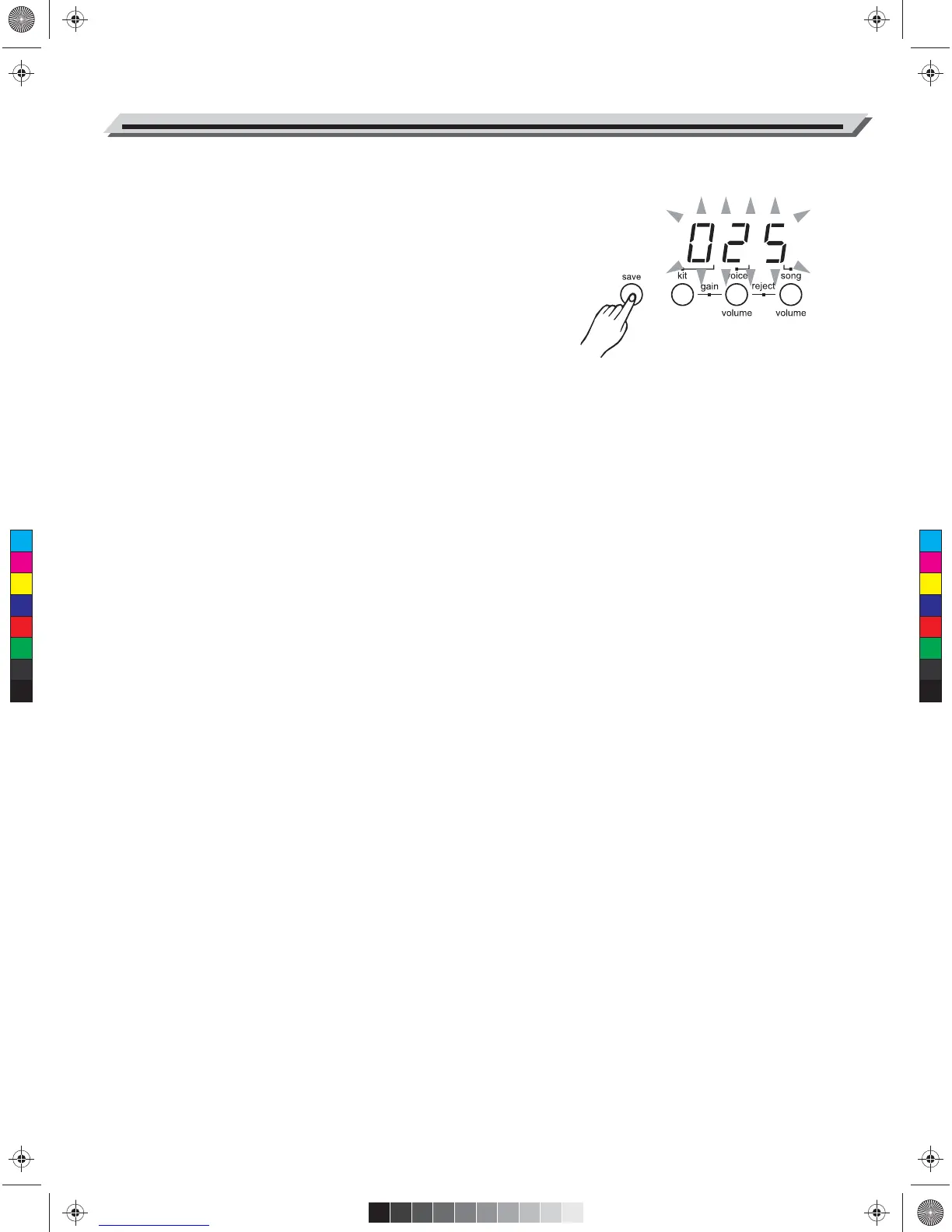
1. Press [ save ] button.
The kit number 025 appears and is flashing.
2. Press [ +] or [ - ] buttons to set the kit number (025-035) for saving
your drum kit.
3. Press [ save ] button again. The flashing kit number stops.
Note:
To cancel the save operation, press the [ voice ] button. If there is a
fault, the display will show "Err".
12
C
M
Y
CM
MY
CY
CMY
K
AW_DD504D_Manual_G01_040709.ai 12 2014/7/9 10:57:53AW_DD504D_Manual_G01_040709.ai 12 2014/7/9 10:57:53


 To Next Page