OPERATION
23
Timer Function
For any of the functions available, you can use the timer function to set a time
for the microwave oven to start cooking.
• Choose one of the functions microwave, grill or hot air, as described
previously. The button Defrost is not available for this setting.
• After setting the functions press the Clock/Timer button. The hour display
will start to flash.
• Use the dial to set the hours for the timer.
• Press the Clock/Timer button to confirm the entry for the hours. The
numbers for the minutes display will flash in the display.
• Use the dial to set the minutes for the timer.
• Press the Start/OK button. The appliance will now start with the
programmed function at the time entered.
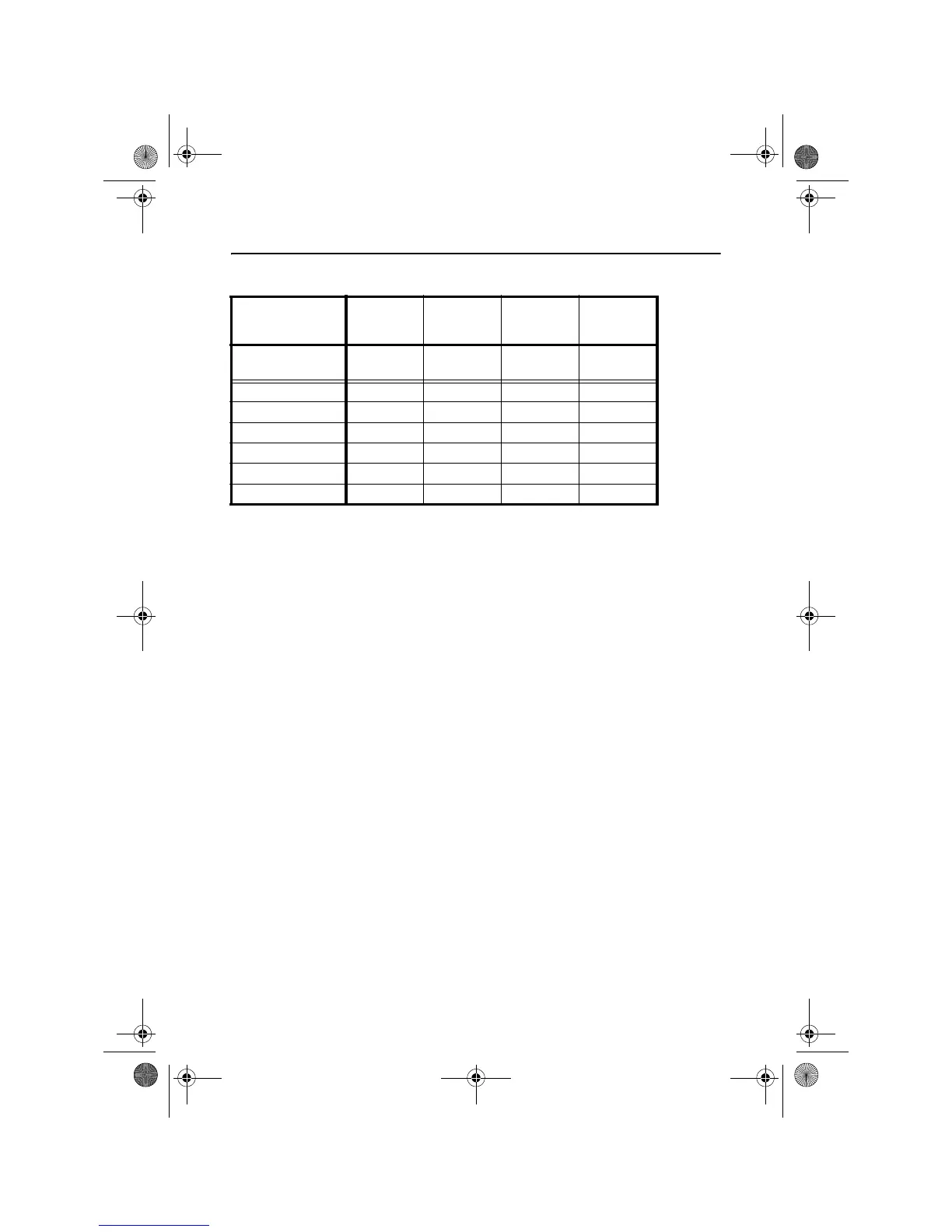
Auto-
programme
A5 A6 A7 A8
Setting on
dial
Meat Reheat
Bread
Pizza Porridge
1 100 g 50 g 300 g 1 portion
2 200 g 100 g 400 g 2 portions
3 300 g 150 g
4 400 g 200 g
5 500 g
6 750 g
10824 manual UK.book Seite 23 Freitag, 11. November 2005 3:38 15


 To Next Page