Customstyle
Metronome
Playingacustomstyle
Clearacustomstyle
26
Onceyouroriginalpatternisrecorded,youcanselectanduseitinyourperformance.Touseit,pressthe
[CUSTOMSTYLE]buttontoselectitandpressthe[START/STOP]button.
85Pianist
00Custom
START/STOP
Thetwo-recordedmeasuresbeatswillberepeatedlyplayedbacksothatyoucanrecordevenasingle
instrumentinseveralturns.Ifyouwanttoeraseanunnecessaryinstrument,youcanclearitbyusing
thefollowingmethod.
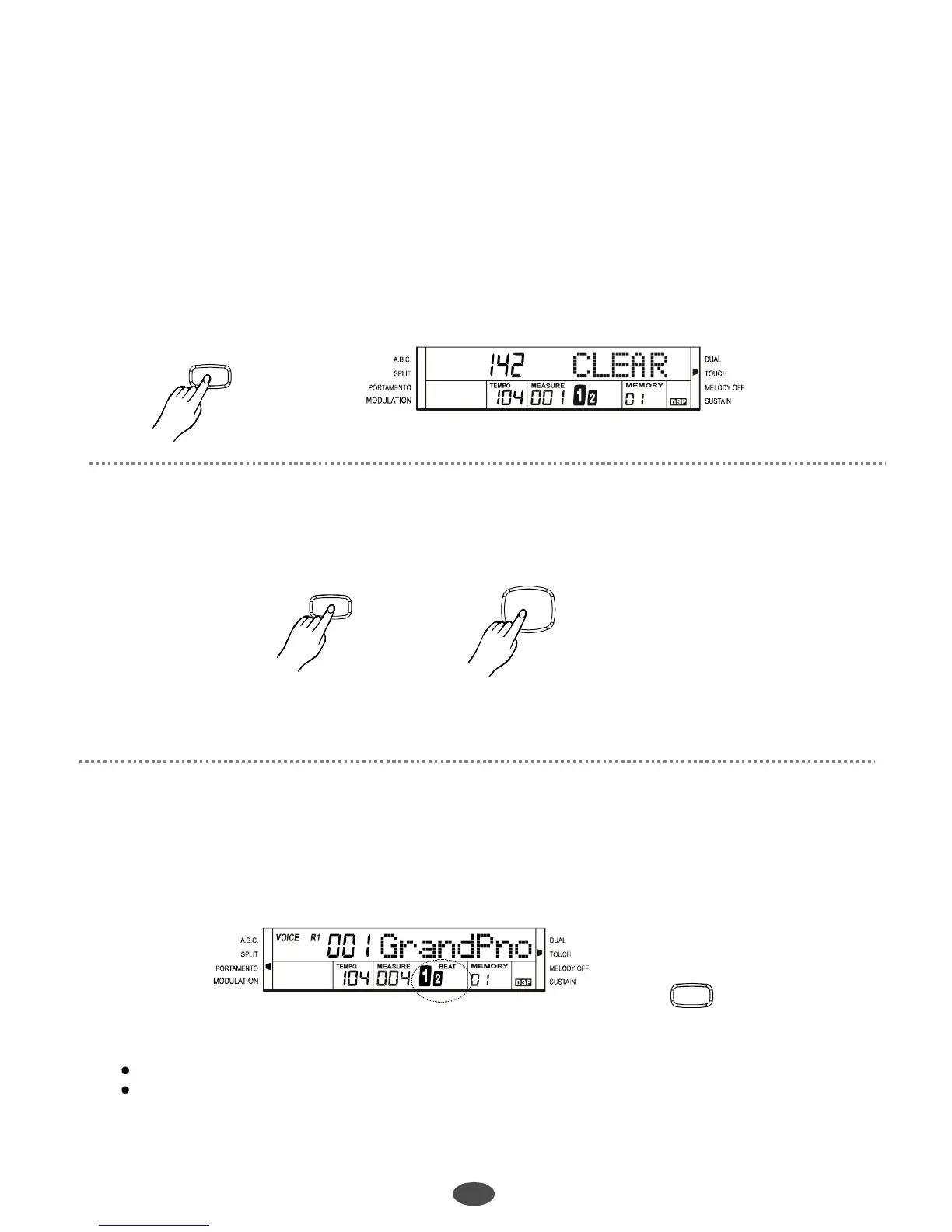
Whilethe[ACCOMP/CLEAN]buttonisbeingheld(CLEARshownonthedisplay),pressthekey
correspondingtotheinstrumentyouwanttoclear.
“”
ACCOMP/
CLEAR
Note
WhenplayingtheCustomStyle,the[A.B.C],[INTRO/ENDING],[FILLINA]and[FILLINB]
buttonsdonotfunction.
:
Press[METRONOME]buttontoturnonthemetronome.
TheBEATlightenonLCDisvoicemetronome.
Press[METRONOME]againtothebeatmetronome.
Toturnoffthemetronomemode,press[METRONOME]tillnoBEATshownonLCD.
“”
“”
METRONOME
Note:
Themetronomeandstylecanplaytogether.
Whenthestyleisnotplaying,thebeatplaysasthesettingbeat.
Whenthestyleisplaying,thebeatplayswiththestylebypressing[METRONOME]button.
PDF 文件使用 "pdfFactory Pro" 试用版本创建 www.fineprint.com.cn



 To Next Page