Recording
Recordstop
Recordplay
RecordDelete
28
1
1
1
3
2
2
Stopautomatically
Stopmanually
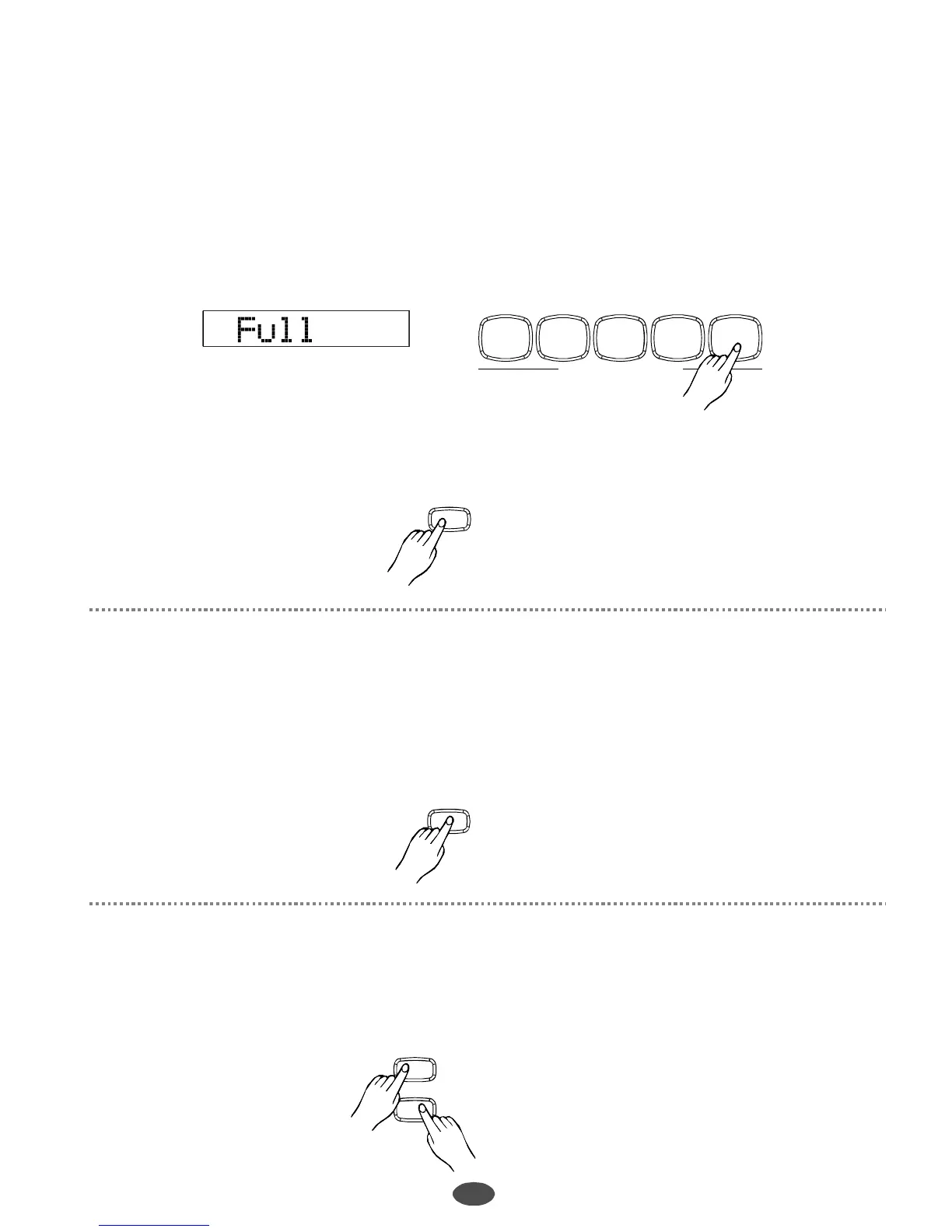
Inthecasethecapacityisfull,therecordwillbestopautomatically.FULLdisplaysonLCD.
Press[INTRO/ENDING]buttontostoprecordingintheend.
“”
Press[RECORD]buttonagaintostoprecordingimmediatelywhilerecordingisprocessing.
WhenrecordtrackonLCDappears,itindicatesthatthistrackhasrecorddataandisreadytoplay.
Pressthemelodytrackbutton.
WhentherecordedmelodytracklightsontheLCD,itindicatesthatthetrackisreadytoplay,thenpress
[PLAY/STOP]buttontostartorstopplayingthemelody.
WhennotracklightsontheLCDafteryoupressthemelodytrack,itindicatesthatthemelodytrackis
empty.
ACCOMPANIMENTCONTROL
START/STOP SYNC
FILL-INA FILL-INB
INTRO/ENDING
RECORD
Toclearalltherecordings,pressboth[RECORD]and[PLAY/STOP]simultaneously.
PLAY/STOP
PLAY/STOP
RECORD
PDF 文件使用 "pdfFactory Pro" 试用版本创建 www.fineprint.com.cn



 To Next Page