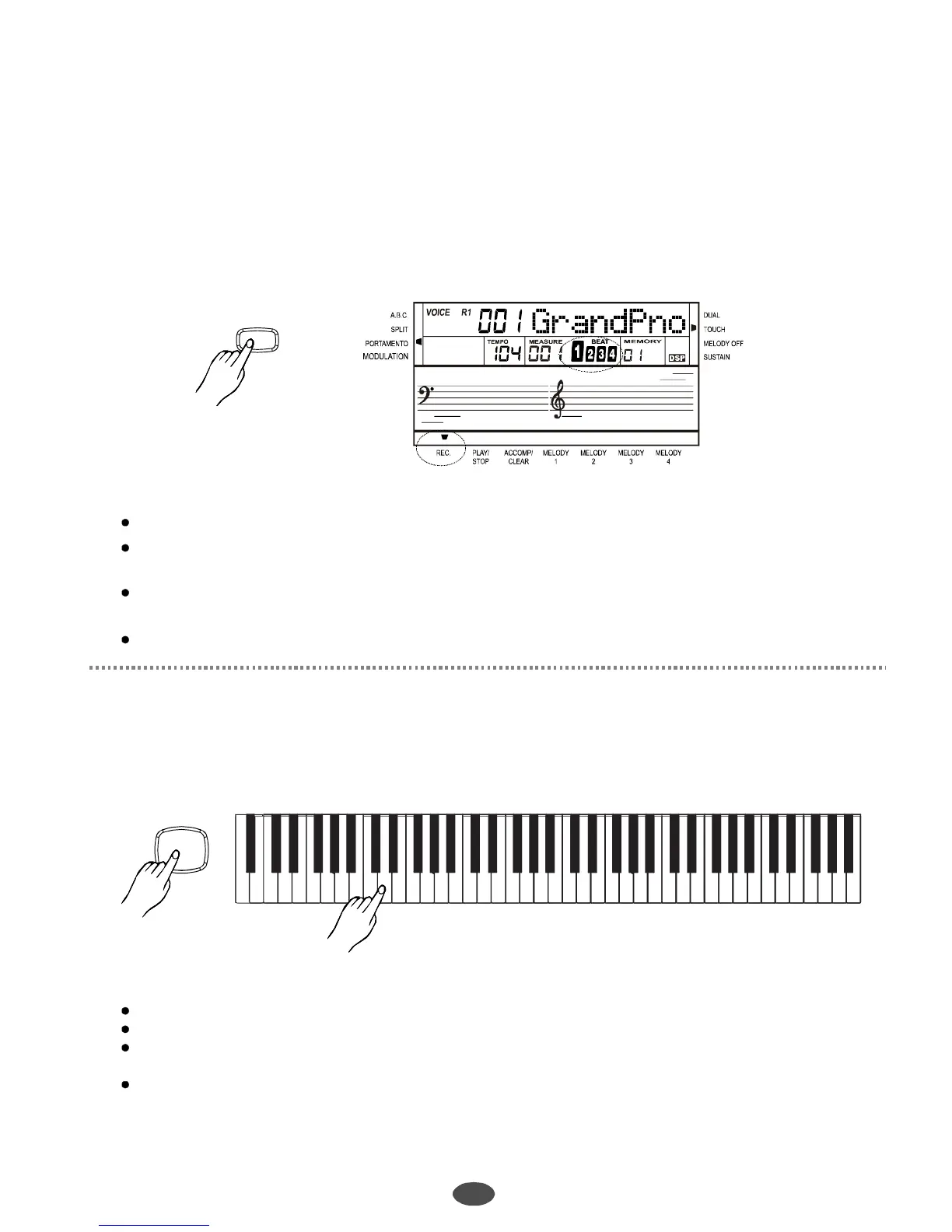
Recording
Recordwaiting
Recordstart
27
Press[RECORD]button,flashingfourbeatsonLCDsimultaneouslyindicatestherecordwaitingstatus.
Thevoice,style,memoryandrecordingtrackscanbeselectedinthisstatus.
Afterselectingtherecordingtrack,therelevantLCD(s)willflashandindicatethatthetrackisreadyfor
recording.
Note:
1
2
RECORD
Aftersettingallthesettingsinrecordwaitingstatusandchoosingthemelodytrack,playthekeyboard
orpress[START/STOP]button.Itwillstartrecordingwiththecurrenttempo.
Note:
Oncestartingrecording,theoriginaldatainthetrackwillbeoverwritten.
IftherehasdataintheACCOMPtrack,thetempoisplayedastheACCOMPtracktempo.
IftherehasnodataintheACCOMPtrack,thentheMELODYtempowillbeoneoftheMELODY
track'stempowhentherecordmelodyisplaying.
Thesequenceisasfollows:
MELODY4->MELODY3->MELODY2->MELODY1
START/STOP
11
Style000cannotberecorded.ItwilljumpovertheNo.000.
Ifitwasstyle000whenenteringtherecordingwaiting,thekeyboardwillshieldACCOMPtrack
automatically.
ACCOMPtrackandMELODYtrackcanberecordedtogetherandseparately.Butnoticethat2
MELODYtrackscannotberecordedatthesametime.
Ifothertrackshavetherecorddatathatareplayedwhilerecording.
PDF 文件使用 "pdfFactory Pro" 试用版本创建 www.fineprint.com.cn



 To Next Page