Chorus Type
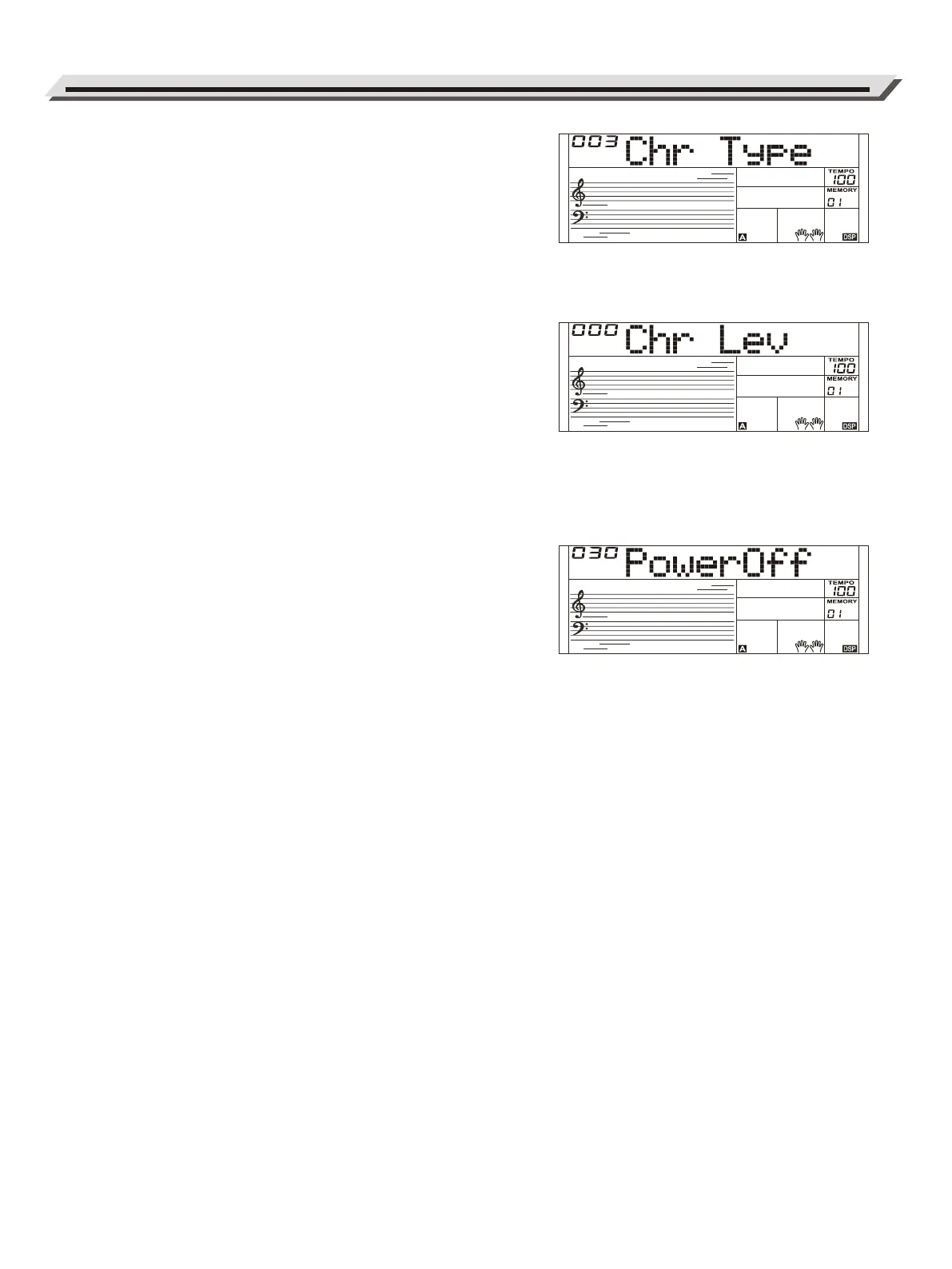
1. Repeatedly press the [FUNCTION] button to select the chorus type
menu. The LCD displays “Chr Type”.
Use the [+]/ [-] button to change the type value.
2. Pressing [+] and [-] buttons at the same time will reset the chorus type
to default “003”.
Chorus Level
1. Repeatedly press the [FUNCTION] button to select the chorus level
menu. The LCD displays “Chr Lev”.
Use the [+]/ [-] button to adjust the level over the range of 0-32.
2. Pressing [+] and [-] buttons at the same time will reset the chorus
level to default.
Auto Power Off
1. Repeatedly press the [FUNCTION] button to select the power off
menu. The LCD displays “PowerOff”.
Use the [+]/ [-] button to change the time setting.
2. Pressing [+] and [-] buttons at the same time will reset the setting to
default “030” (30 min).
Function Menu
18



 To Next Page