EasyManua.ls Logo

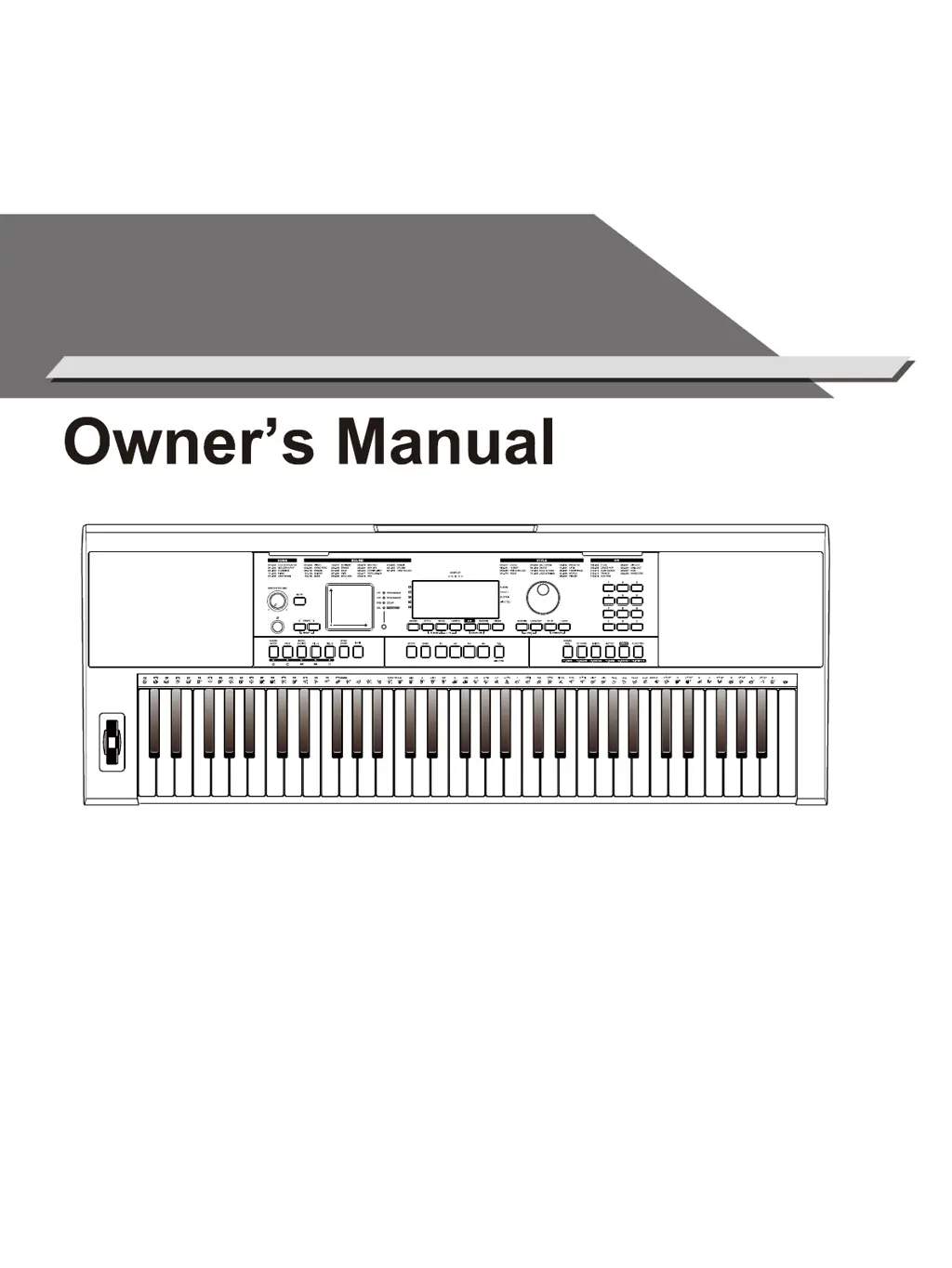
Medeli MK401 - User Manual

Medeli MK401
44 pages
Print Icon
To Next Page IconTo Next Page
Loading...
MUSIC
KEYBOARD

Questions and Answers

Summary

Safety Information

FCC Compliance and Warnings

Information regarding FCC regulations and potential radio interference for US users.

Essential Safety Precautions

Guidelines for safe operation, power, connections, and environmental conditions.

Panel and Display Overview

Front Panel Controls and Indicators

Detailed explanation of buttons, knobs, and displays on the front panel.

Touch Pad Operation and Effects

How to use the Touch Pad for effect control and vibrato.

Setup and Connections

LCD Display Elements

Understanding the instrument's screen elements and information.

Rear Panel Ports and Jacks

Connecting external devices via rear panel connectors.

Quick Start Guide

Powering the Instrument On;Off

Basic steps to turn the keyboard on and off.

Adjusting Master Volume

How to control the overall sound output level.

Using Demo Mode

Accessing and playing built-in demonstration songs.

Playing Sounds

Selecting and Using Preset Sounds

Choosing specific sounds and basic performance.

Layer Mode for Sound Blending

Combining two sounds for a richer tone.

Split Mode Keyboard Division

Dividing the keyboard into two different sound zones.

Sustain and Pitch Bend Expression

Using sustain pedal and pitch bend wheel for musical expression.

Piano Mode Features

Special mode optimized for piano performance.

Advanced Sound Features

Twinova Mode for Duet Play

Splitting the keyboard for playing with another person.

Digital Signal Processing (DSP) Effect

Applying DSP effects to enhance sound quality.

Using the Sampler

Recording User Samples

Capturing your own sounds using the built-in microphone.

Playing and Managing Samples

How to play, switch, and delete recorded samples.

Performance Enhancement Tools

Arpeggiator Functionality

Automatically plays notes of a chord in sequence.

Harmony Generation

Adding harmonic accompaniment to melodies.

Playing Styles

Style Selection and Playback

Choosing and starting rhythm styles for accompaniment.

Chord Modes Explained

Fingered and Full Range modes for chord input.

Chord Basics and Theory

Understanding triads, inversions, and chord naming.

Fade In;Out Effect Control

Gradual volume changes for style playback.

Tempo Setting and Reset

How to change and reset the tempo of styles.

Style Mode Operations

Quick Setting (Q.S.) for Styles

Recalling preset panel settings for styles.

Metronome Function

Activating and Setting the Metronome

Turning the metronome on/off and setting the beat.

Song Album and Playback

Practicing with Song Albums

Using albums for song practice with presets.

Song Library Selection and Playback

Selecting and playing songs from the instrument's library.

Song Playback Controls and Volume

Managing song playback and adjusting volume.

Lesson Mode Guide

Lesson 1: Timing Practice

Learn to play notes with correct timing.

Lesson 2: Note Accuracy

Learn to play correct notes, pausing for errors.

Lesson 3: Timing and Accuracy

Learn to play correct notes at the correct timing.

Playing Mix Mode

Mix Pattern and Section Navigation

Selecting patterns and sections within Mix mode.

Mix Track Muting

Turning individual instrument tracks on or off.

Chord Reference Tool

Displaying chord diagrams and root notes.

Recording Your Performances

MIDI Recording and Export

Saving performances as MIDI songs or exporting to SD card.

Audio Recording to SD Card

Saving performances as WAV files to an SD card.

Audio Recording Playback

Playing back recorded WAV audio files.

SD Card Operations

Basic SD Card Management

Inserting, recognizing, and navigating SD card menus.

Playing Files from SD Card

Listening to MIDI and WAV files from the SD card.

Loading and Saving Files to SD

Transferring songs between SD card and instrument.

Formatting the SD Card

Preparing an SD card for instrument use.

Performance Memory

Saving and Recalling Panel Settings

Storing and loading instrument configurations.

Managing Performance Memory Banks

Switching between different banks of saved settings.

Mixer Functionality

Adjusting Track and Sound Volumes

Controlling volumes for various instrument tracks and sounds.

Function Menu Settings

Core Parameter Adjustments

Settings for Tune, Touch, Transpose, Split Point, Metronome, Pedal.

Advanced Function Settings

Parameters for MIDI, Twinova, DSP, Slicer, Touch Pad, Song Loop, Sampler Pitch, Power Off.

Maintenance and Troubleshooting

Performing a Factory Reset

Restoring the instrument to its default factory settings.

Troubleshooting Common Problems

Diagnosing and resolving typical instrument issues.

Technical Specifications

Keyboard Hardware and Feature Details

Detailed technical data of the instrument's capabilities.

Sound List

Catalogue of Instrument Sounds

Comprehensive listing of all available instrument sounds by category.

Style List

Catalogue of Rhythm Styles

List of all available rhythm and accompaniment styles by genre.

Song List

List of Pre-programmed Songs

A collection of songs for playback and practice.

Album List

Grouped Song Collections

Curated song lists for specific practice or listening.

Mix Pattern List

Catalogue of Mix Patterns

List of available Mix mode patterns by genre.

Demonstration and Chord Lists

Demo Song List

List of built-in demonstration songs.

Chord Reference Guide

Visual guide to common chords and their notation.

MIDI Implementation Chart

MIDI Communication Details

Details MIDI messages transmitted and recognized by the instrument.

Medeli MK401 Specifications

General IconGeneral
Number of Keys61
Touch ResponseYes
Voices600
Weight4.5 kg
DisplayLCD
O.T.S.Yes
Power SupplyDC 12V
Polyphony64
EffectsReverb, Chorus
ConnectivityUSB, MIDI, Headphone
Recording/SequencerYes

Related product manuals