EasyManua.ls Logo

Medeli AW M15 - User Manual

Medeli AW M15
28 pages
Print Icon
To Next Page IconTo Next Page
Loading...
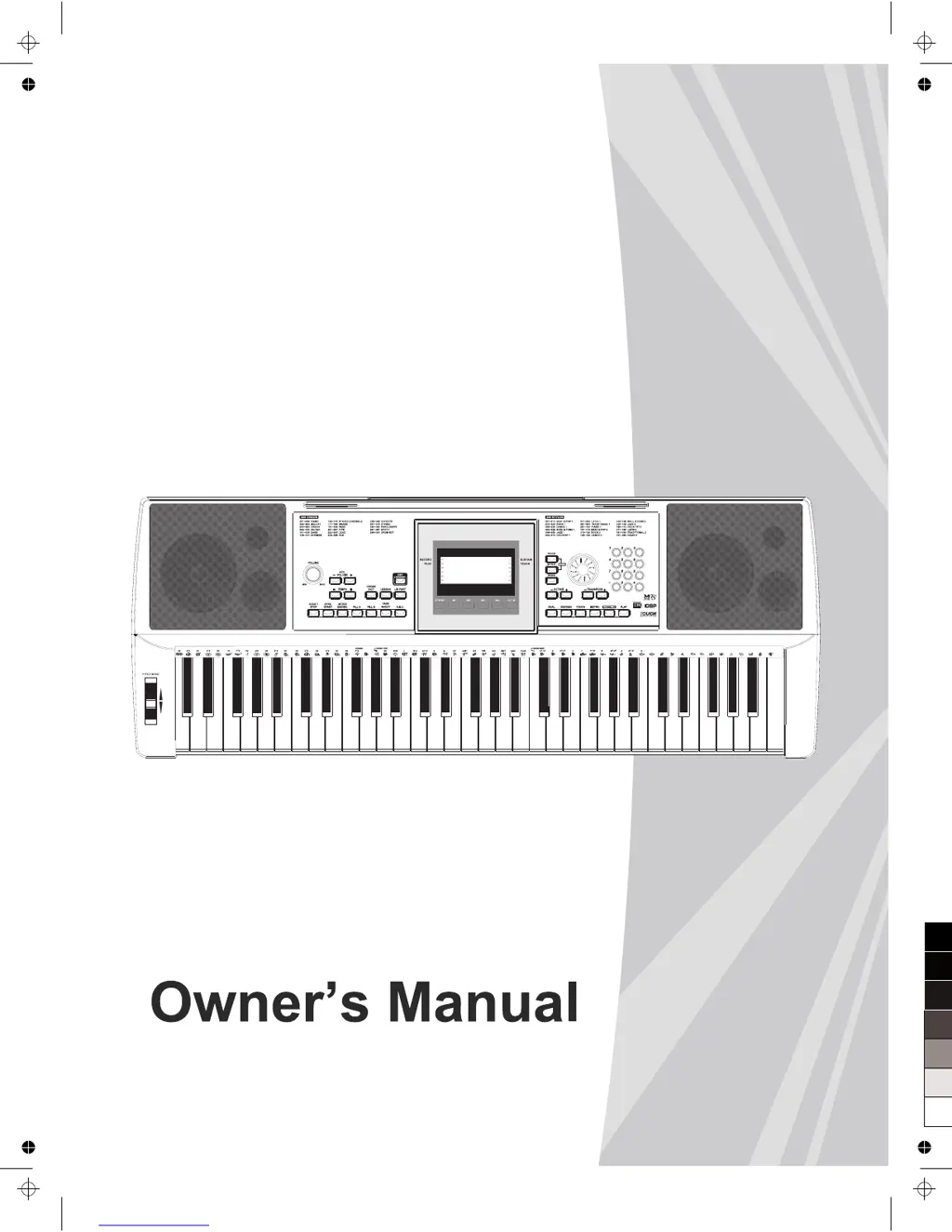
ELECTRONIC
KEYBOARD
0
5
25
75
95
100
AW_M15_Manual_G05_111206
2011󾾠󾾠12󾾠󾾠6󾾠󾾠 14:47:39

Questions and Answers

Summary

Safety Precautions

General Safety Guidelines

Important safety instructions and precautions for operating the instrument, including power, location, and handling.

Control Panel Overview

Front Panel Controls

Describes the controls and features located on the front panel of the electronic keyboard.

Rear Panel Connections

Details the connectors and switches found on the rear panel of the instrument.

Instrument Setup

Powering the Instrument

Instructions on powering the instrument using batteries or the AC adapter.

Connecting External Devices

Style Accompaniment

Style Selection

How to choose and play different musical accompaniment styles.

Fill Variations

Using fill sections to add dynamic variations and breaks in the accompaniment.

Intro and Ending Sections

How to use intro and ending sections for songs and styles.

Sync Start Function

How to start accompaniment automatically by playing a key.

Auto Bass Chord (A.B.C.)

Using A.B.C. to automatically generate bass chords for accompaniment.

One Touch Setting (O.T.S.)

Instantly recalls panel settings for a selected style with a single button press.

Song Playback and Practice

Song Playback

How to select and play songs from the instrument's library.

Interactive Lesson Modes

Practicing songs with time value, note correction, and grading.

Performance Recording

Recording Your Performance

Steps to record your playing, including accompaniment.

Playback Recorded Music

How to play back recorded performances.

MIDI Capabilities

MIDI Computer Connection

Details on connecting the instrument to a computer via USB for MIDI communication.

Troubleshooting and Specifications

Problem Resolution

Guides for resolving common issues like speaker pop and noise interference.

MIDI Implementation Chart

Summary

Safety Precautions

General Safety Guidelines

Important safety instructions and precautions for operating the instrument, including power, location, and handling.

Control Panel Overview

Front Panel Controls

Describes the controls and features located on the front panel of the electronic keyboard.

Rear Panel Connections

Details the connectors and switches found on the rear panel of the instrument.

Instrument Setup

Powering the Instrument

Instructions on powering the instrument using batteries or the AC adapter.

Connecting External Devices

Style Accompaniment

Style Selection

How to choose and play different musical accompaniment styles.

Fill Variations

Using fill sections to add dynamic variations and breaks in the accompaniment.

Intro and Ending Sections

How to use intro and ending sections for songs and styles.

Sync Start Function

How to start accompaniment automatically by playing a key.

Auto Bass Chord (A.B.C.)

Using A.B.C. to automatically generate bass chords for accompaniment.

One Touch Setting (O.T.S.)

Instantly recalls panel settings for a selected style with a single button press.

Song Playback and Practice

Song Playback

How to select and play songs from the instrument's library.

Interactive Lesson Modes

Practicing songs with time value, note correction, and grading.

Performance Recording

Recording Your Performance

Steps to record your playing, including accompaniment.

Playback Recorded Music

How to play back recorded performances.

MIDI Capabilities

MIDI Computer Connection

Details on connecting the instrument to a computer via USB for MIDI communication.

Troubleshooting and Specifications

Problem Resolution

Guides for resolving common issues like speaker pop and noise interference.

MIDI Implementation Chart

Medeli AW M15 Specifications

General IconGeneral
Number of Keys61
Voices/Tones300
Rhythms/Styles200
EffectsReverb, Chorus
DisplayLCD
Speakers2 x 10W
O.T.S.Yes
SequencerYes
Music LibraryYes
Music Tutorial SystemYes
Power SupplyAC Adapter or Batteries
Lesson FunctionYes
TransposeYes
TuningYes
MetronomeYes
RecordingYes
ConnectivityUSB
Touch ResponseYes: 3 levels of sensitivity + Fixed
Polyphony64

Related product manuals