EasyManua.ls Logo

Medeli M20 - User Manual

Medeli M20
32 pages
Print Icon
To Next Page IconTo Next Page
Loading...
Instruction Manual
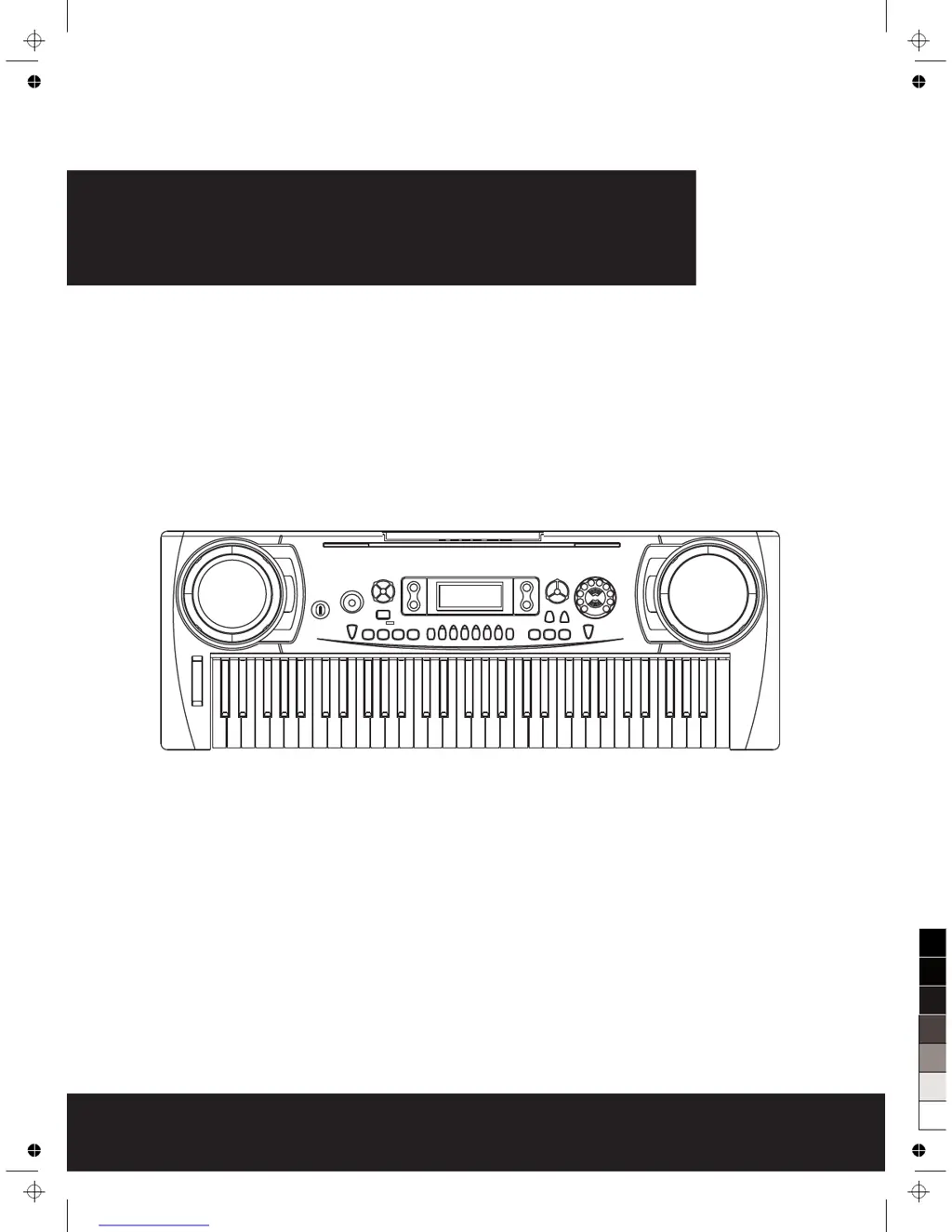
Electronic Keyboard
0
5
25
75
95
100
aw_M20_Manual_G07_150330
2015󾾠󾾠3󾾠󾾠30󾾠󾾠 17:11:43

Questions and Answers

Summary

SUMMARY

Main Features

Important Notes

Location

Instructions on ideal placement and conditions to avoid deformation or damage.

Power Supply

Guidance on using the correct AC adaptor and battery usage for optimal performance.

Cleaning

Procedures for cleaning the keyboard using soft, dry, or slightly damp cloths.

Handling and Transporting

Precautions to prevent damage during movement and general handling.

Electrical Interference

Advice on mitigating potential interference with radio or television signals.

Turn Power OFF When Making Connections

Safety measure to protect the instrument and connected devices.

Front Panel

Rear Panel

LCD Display

Preparation

Using the AC Adaptor

Instructions for connecting and using the AC power adapter.

Using Batteries

Guide on inserting and replacing batteries for portable operation.

Setting Music Stand

Connections

Headphones Jack

How to connect headphones for personal monitoring without speaker output.

Sustain Jack

Instructions for connecting an optional footswitch for sustain pedal functionality.

Voices and Effects

Select a Voice

Step-by-step guide to choosing different instrument sounds from the available list.

Dual Voice

Explanation of layering two voices simultaneously to create richer sounds.

Voices and Effects

Sustain

How to activate and deactivate the sustain effect for sustained notes.

Touch

Functionality to enable or disable touch response for dynamic playing.

Voices and Effects

Metronome

Instructions for using the built-in metronome for timing practice.

Piano

How to activate piano mode, which alters the default sound and disables certain functions.

Pitch Bend Wheel

Operation of the wheel for altering the pitch of notes.

Style Control

Select a Style

Guide to choosing different musical genre styles for accompaniment.

The Accompaniment Section

Overview of intro, main, variation, fill, and ending sections in styles.

Style Control

Start a Style

How to initiate and begin playing with a selected musical style.

Style Control

INTRO;ENDING

Explanation of how to use intro and ending sections within musical styles.

Main;Fill

How to trigger fill-ins and manage main/variation sections during style playback.

Style Control

Stop a Style

Methods for immediately or gradually stopping the accompaniment style.

Tempo

How to adjust the speed of songs and styles using tempo controls.

Chord Recognize

Single Finger

Method for detecting chords using a single finger or simple fingerings.

Multi Finger

Method for detecting chords using multiple fingers for complex chord structures.

Chord Recognize

Chord Basics

Fundamental musical concepts related to chords, triads, and their structures.

Triad Type

Explanation of different types of three-note chords like major, minor, augmented, diminished.

Chord Inversion

How chord inversions affect the bass note and overall sound.

Chord Name

Structure of chord names, comprising chord root and chord type.

Memory

One Touch Setting

Quickly recalling pre-defined settings for specific styles with a single button press.

Start Recording

Stop Recording

Methods for stopping the active recording session.

Playback the Recording

How to listen to previously recorded musical pieces.

Function Menu

Transpose

Shifting the overall pitch of the keyboard up or down.

Octave

Adjusting the octave range for specific sections of the keyboard.

Beat

Setting the rhythmic subdivision or time signature for metronome or styles.

Function Menu

Split Point

Dividing the keyboard into two sections with different voice assignments.

MIDI OUT

Configuring the MIDI output channel for external device communication.

Bank Select

Selecting MIDI sound banks for controlling external sound modules.

Accomp Volume

Adjusting the volume level for the automatic accompaniment.

Song

START;STOP the song

Basic control for starting and stopping song playback.

LOOP

Repeating a song continuously for practice or listening.

SELECT the song

Choosing a specific song from the available list.

REW, FF and PAUSE

Controls for navigating and pausing song playback.

Lesson Mode

Lesson Mode

Lesson 1-Practice an timing

Practicing song timing accuracy with muted melody.

Lesson 2-Practice a note accuracy

Practicing note accuracy with song progression dependent on correct notes.

Lesson Mode

Lesson 3-Melody off

Practicing with muted melody, requiring correct chord/melody input.

Grade Function

Evaluating performance accuracy with feedback levels (OK, GOOD, etc.).

Chord Dictionary

MIDI Function

WHATS MIDI

Explanation of the Musical Instrument Digital Interface standard.

MIDI CONNECTION

Guidelines for connecting MIDI devices and establishing communication.

MAJOR APPLICATION

How to use MIDI for controlling other instruments or playing PC data.

Specifications

Trouble Shooting

Medeli M20 Specifications

General IconGeneral
Keyboard61 keys
DisplayLCD
Voices128
Tones128
EffectsReverb, Chorus
Polyphony32 notes
Power SupplyAC adapter or batteries
ConnectionsHeadphones

Related product manuals