EasyManua.ls Logo

Medeli AW830 - User Manual

Medeli AW830
56 pages
Print Icon
To Next Page IconTo Next Page
Loading...
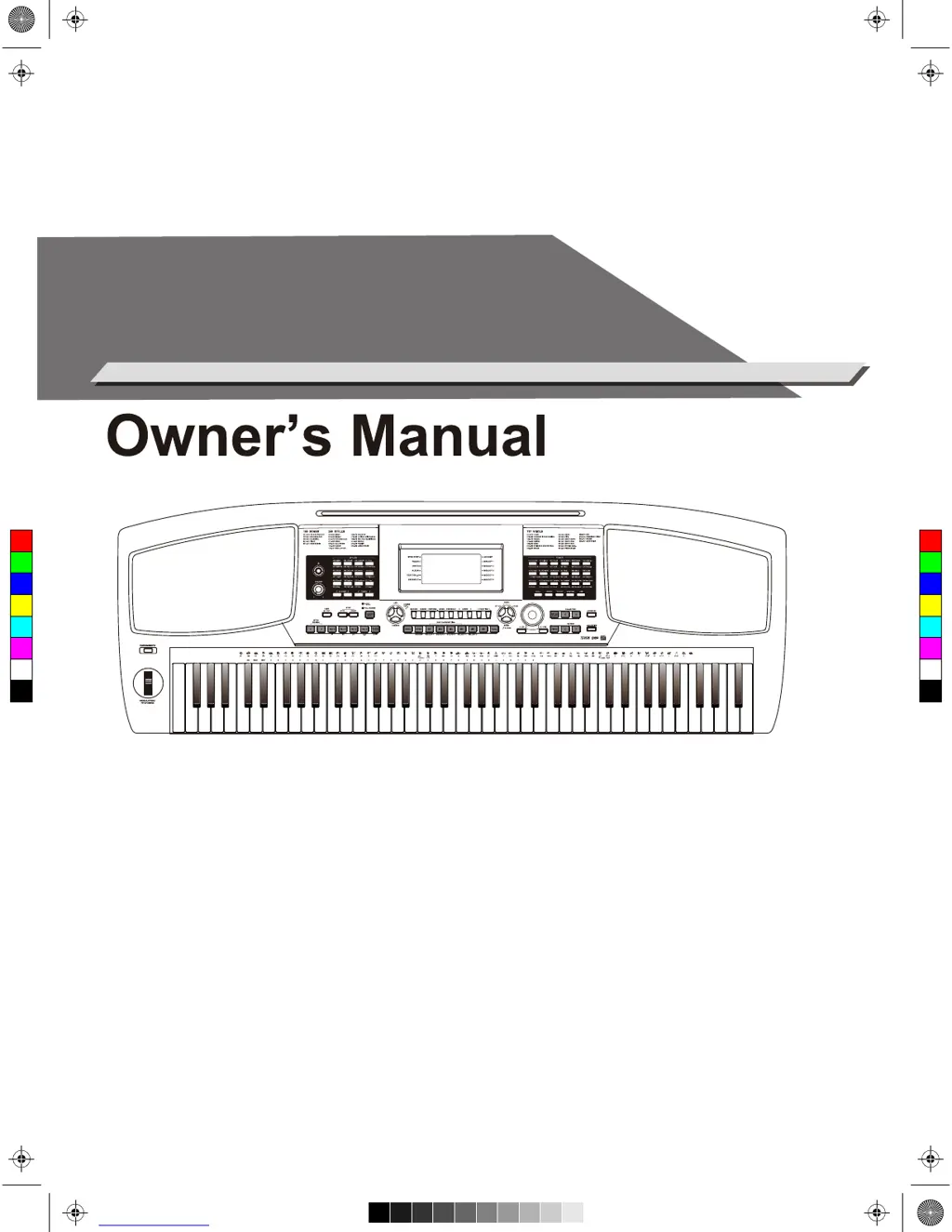
ELECTRONIC
KEYBOARD
C
M
Y
CM
MY
CY
CMY
K
AW_AW830_Manual_G03_171207.pdf 1 17/12/12 17:59

Table of Contents

Questions and Answers

Summary

Information For Your Safety!

FCC Regulation Warning

Warning for USA regarding Class B digital device compliance with FCC Rules.

Precautions

General safety guidelines and best practices for operating the instrument.

Front Panel Description

Rear Panel & LCD Display Description

Setup

Power Supply

Instructions for connecting and using the power adapter and power switch.

Setting a Music Stand

Guidance on attaching the included music stand to the instrument.

Connecting Pedals

Instructions for connecting sustain and volume pedals to the instrument.

Connections

Connecting Headphones

How to connect headphones for private practice or late-night playing.

Connecting Audio Equipment

Guide for connecting external audio devices via AUX OUT.

Connecting MP3;CD Player

Instructions for connecting external audio sources via AUX IN.

Connecting Computer & USB Drive

Details on connecting to a computer via USB and using USB flash drives.

Playing the Demos

Playing Voices

Selecting a Voice

How to choose and play different instrument sounds using the VOICE buttons.

Playing Two Voices Simultaneously

Guide to using the DUAL function to layer two voices.

Playing Different Voices with Both Hands

Instructions for using the LOWER function to split the keyboard for two voices.

Touch Response

Adjusting the keyboard's sensitivity to playing dynamics.

Voice Effects

Sustain and Portamento Effects

Using Sustain and Portamento effects to alter note duration and pitch glide.

Pitch Bend and Modulation

Using the pitch bend wheel for pitch variation and modulation for vibrato.

Transpose and Octave

Shifting the keyboard's pitch up or down by semitones or octaves.

Piano Mode and Practice Tools

Piano Mode

Activating Piano Mode for acoustic piano simulation and performance.

Metronome and Freesolo

Using the metronome for practice and the Freesolo function for voice switching.

Auto Accompaniment

Playing Auto Accompaniment

How to use styles for rhythm tracks and full accompaniment with chords.

Accompaniment Sections

Adding variation patterns like intros, fills, and endings to the accompaniment.

Fade In;Out

Controlling the gradual increase or decrease of style volume for smooth transitions.

Accompaniment Volume and Chord Basics

Adjusting accompaniment volume and understanding basic chord theory.

Tempo and One Touch Setting

Adjusting tempo and recalling preset settings with One Touch Setting.

Harmony Function

Performance Assistant

Entering Performance Assistant

How to activate and select modes within the Performance Assistant.

Guitar Mode Performance

Guide to playing guitar phrases, rhythms, and solos using the keyboard.

Piano Mode Performance

Instructions for using Piano Mode within the Performance Assistant for piano phrases.

Synth Function

Create User Voice

Steps to edit and save custom instrument voices using synth parameters.

DSP Effect

Mixer Function

Pedal Function

Volume Pedal

Using the volume pedal to control the instrument's sound volume.

Sustain Pedal (Assignable)

Assigning different functions to the sustain pedal for enhanced control.

Album Function

Other Functions

Tune and Beat

Adjusting the instrument's tuning and time signature settings.

Split Point and Pedal Assign

Setting the keyboard split point and assigning functions to pedals.

Fade In;Out and Portamento Time

Adjusting fade times and portamento duration for musical expression.

Reverb Type and Level

Selecting and adjusting reverb effects for ambiance.

Chorus Type and Level

Selecting and adjusting chorus effects for sound depth.

MIDI and Auto Power Off

Configuring MIDI settings and managing the auto power off feature.

Register Memory

Registering and Recalling Panel Settings

Saving and loading instrument settings to/from memory banks.

Selecting Registration Bank

Choosing a bank to access saved registration memories.

Freezing Accompaniment Parameter

Locking accompaniment settings to prevent changes when recalling memories.

Song Recording

Start Recording

Steps to begin recording a performance as a user song.

Song Playback and Lessons

Listening to Songs

How to play and select preset songs for listening.

Lesson Mode

Using the Lesson Mode to practice songs with timing and accuracy feedback.

Lesson Practice Types

Details on practicing timing, note accuracy, and performance scoring in Lesson Mode.

Chord Dictionary

DICT 1 (Chord Learning)

Learning chord types and roots by displaying notes on the keyboard.

DICT 2 (Chord Testing)

Testing chord knowledge by playing random chords correctly.

Connecting USB Flash Drive

Common USB Operations

General functions for USB device mode, including play and file management.

Playing Files from USB

How to select and play MIDI files from a connected USB flash drive.

Loading Data from USB

Instructions for loading songs, styles, memories, and voices from USB.

Saving, Deleting, and Formatting USB Data

Procedures for saving performances, deleting files, and formatting USB drives.

MIDI Functions

What is MIDI?

Explanation of MIDI technology and its use with electronic instruments.

Downloading Data from Computer

Connecting to a computer for data backup and transfer using software.

Troubleshooting

Specifications

Voice List

Style List

Song List

Demo List

Album List

MIDI Implementation Chart

Summary

Information For Your Safety!

FCC Regulation Warning

Warning for USA regarding Class B digital device compliance with FCC Rules.

Precautions

General safety guidelines and best practices for operating the instrument.

Front Panel Description

Rear Panel & LCD Display Description

Setup

Power Supply

Instructions for connecting and using the power adapter and power switch.

Setting a Music Stand

Guidance on attaching the included music stand to the instrument.

Connecting Pedals

Instructions for connecting sustain and volume pedals to the instrument.

Connections

Connecting Headphones

How to connect headphones for private practice or late-night playing.

Connecting Audio Equipment

Guide for connecting external audio devices via AUX OUT.

Connecting MP3;CD Player

Instructions for connecting external audio sources via AUX IN.

Connecting Computer & USB Drive

Details on connecting to a computer via USB and using USB flash drives.

Playing the Demos

Playing Voices

Selecting a Voice

How to choose and play different instrument sounds using the VOICE buttons.

Playing Two Voices Simultaneously

Guide to using the DUAL function to layer two voices.

Playing Different Voices with Both Hands

Instructions for using the LOWER function to split the keyboard for two voices.

Touch Response

Adjusting the keyboard's sensitivity to playing dynamics.

Voice Effects

Sustain and Portamento Effects

Using Sustain and Portamento effects to alter note duration and pitch glide.

Pitch Bend and Modulation

Using the pitch bend wheel for pitch variation and modulation for vibrato.

Transpose and Octave

Shifting the keyboard's pitch up or down by semitones or octaves.

Piano Mode and Practice Tools

Piano Mode

Activating Piano Mode for acoustic piano simulation and performance.

Metronome and Freesolo

Using the metronome for practice and the Freesolo function for voice switching.

Auto Accompaniment

Playing Auto Accompaniment

How to use styles for rhythm tracks and full accompaniment with chords.

Accompaniment Sections

Adding variation patterns like intros, fills, and endings to the accompaniment.

Fade In;Out

Controlling the gradual increase or decrease of style volume for smooth transitions.

Accompaniment Volume and Chord Basics

Adjusting accompaniment volume and understanding basic chord theory.

Tempo and One Touch Setting

Adjusting tempo and recalling preset settings with One Touch Setting.

Harmony Function

Performance Assistant

Entering Performance Assistant

How to activate and select modes within the Performance Assistant.

Guitar Mode Performance

Guide to playing guitar phrases, rhythms, and solos using the keyboard.

Piano Mode Performance

Instructions for using Piano Mode within the Performance Assistant for piano phrases.

Synth Function

Create User Voice

Steps to edit and save custom instrument voices using synth parameters.

DSP Effect

Mixer Function

Pedal Function

Volume Pedal

Using the volume pedal to control the instrument's sound volume.

Sustain Pedal (Assignable)

Assigning different functions to the sustain pedal for enhanced control.

Album Function

Other Functions

Tune and Beat

Adjusting the instrument's tuning and time signature settings.

Split Point and Pedal Assign

Setting the keyboard split point and assigning functions to pedals.

Fade In;Out and Portamento Time

Adjusting fade times and portamento duration for musical expression.

Reverb Type and Level

Selecting and adjusting reverb effects for ambiance.

Chorus Type and Level

Selecting and adjusting chorus effects for sound depth.

MIDI and Auto Power Off

Configuring MIDI settings and managing the auto power off feature.

Register Memory

Registering and Recalling Panel Settings

Saving and loading instrument settings to/from memory banks.

Selecting Registration Bank

Choosing a bank to access saved registration memories.

Freezing Accompaniment Parameter

Locking accompaniment settings to prevent changes when recalling memories.

Song Recording

Start Recording

Steps to begin recording a performance as a user song.

Song Playback and Lessons

Listening to Songs

How to play and select preset songs for listening.

Lesson Mode

Using the Lesson Mode to practice songs with timing and accuracy feedback.

Lesson Practice Types

Details on practicing timing, note accuracy, and performance scoring in Lesson Mode.

Chord Dictionary

DICT 1 (Chord Learning)

Learning chord types and roots by displaying notes on the keyboard.

DICT 2 (Chord Testing)

Testing chord knowledge by playing random chords correctly.

Connecting USB Flash Drive

Common USB Operations

General functions for USB device mode, including play and file management.

Playing Files from USB

How to select and play MIDI files from a connected USB flash drive.

Loading Data from USB

Instructions for loading songs, styles, memories, and voices from USB.

Saving, Deleting, and Formatting USB Data

Procedures for saving performances, deleting files, and formatting USB drives.

MIDI Functions

What is MIDI?

Explanation of MIDI technology and its use with electronic instruments.

Downloading Data from Computer

Connecting to a computer for data backup and transfer using software.

Troubleshooting

Specifications

Voice List

Style List

Song List

Demo List

Album List

MIDI Implementation Chart

Medeli AW830 Specifications

General IconGeneral
BrandMedeli
ModelAW830
CategoryElectronic Keyboard
LanguageEnglish

Related product manuals