EasyManua.ls Logo

Medeli A810 - User Manual

Medeli A810
56 pages
Print Icon
To Next Page IconTo Next Page
Loading...
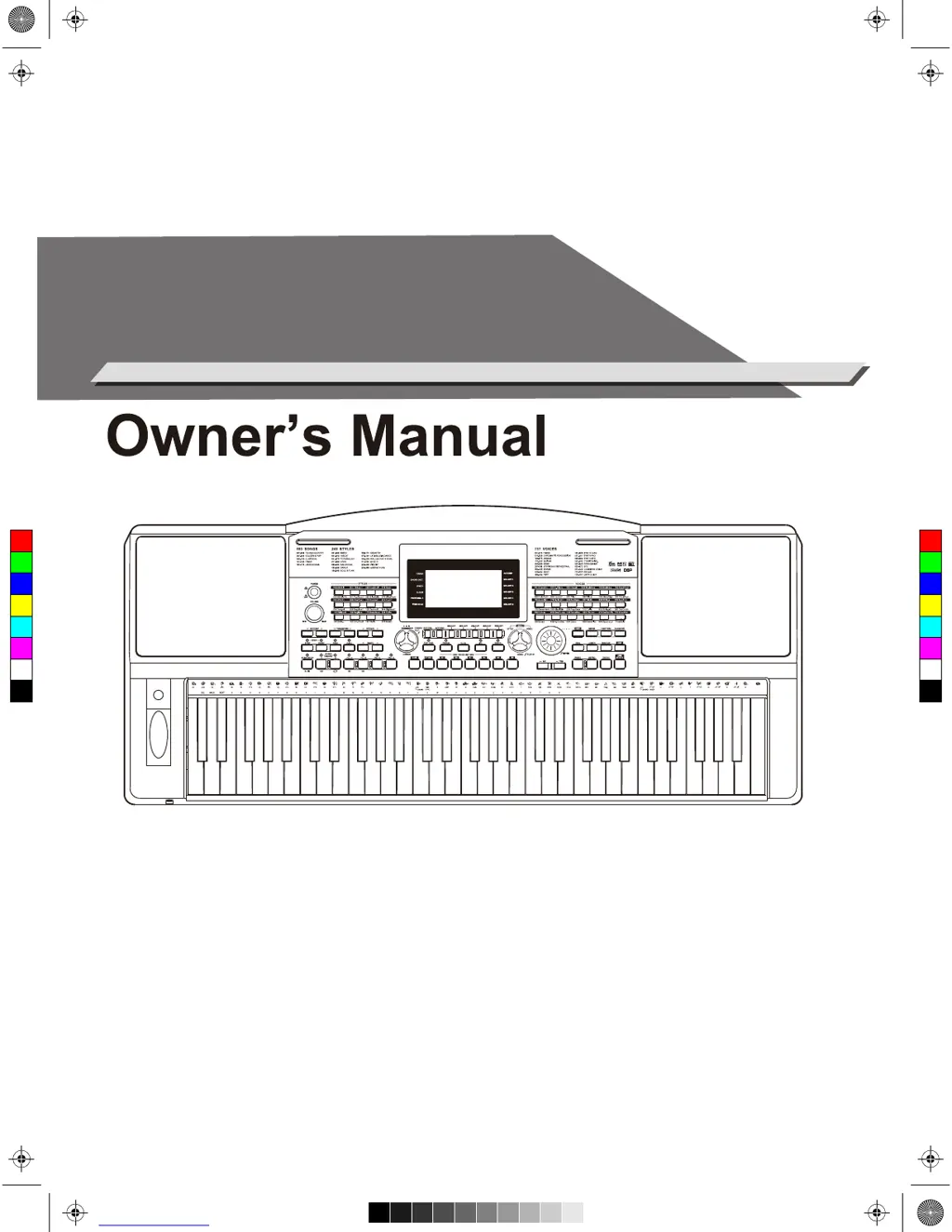
ELECTRONIC
KEYBOARD
C
M
Y
CM
MY
CY
CMY
K
AW_A810_Manual_G01_170809.pdf 1 17/8/9 16:21

Table of Contents

Other manuals for Medeli A810

Questions and Answers

  • T
    timothy72Aug 14, 2025
    What to do if my Medeli Electronic Keyboard has no sound?
    • Z
      Zachary LiAug 14, 2025
      If your Medeli Electronic Keyboard isn't producing sound, first, check the master volume to ensure it's not set too low. Also, verify that headphones are not plugged into the PHONES jack. Lastly, confirm that the R1/R2/L voice volume (Mixer) settings are at appropriate levels.
  • E
    Eric LewisAug 17, 2025
    Why does my Medeli Electronic Keyboard make noise when I use my mobile phone?
    • M
      mccalljustinAug 18, 2025
      If you're experiencing noise when using a mobile phone near your Medeli Electronic Keyboard, it's likely due to interference. To resolve this, either turn off the mobile phone or increase the distance between the phone and the keyboard.
  • J
    Jenna GonzalesAug 21, 2025
    How to fix Medeli Electronic Keyboard not recognized by computer?
    • T
      Timothy BrennanAug 21, 2025
      If your Medeli Electronic Keyboard isn't recognized after connecting it to your computer, make sure the USB cable is firmly connected. If it still doesn't work, try connecting it to a different USB port on your computer. There's no need to install another driver on the PC.
  • J
    Johnny DavisAug 25, 2025
    Why does my Medeli Electronic Keyboard shut down by itself?
    • K
      Kelsey JohnsonAug 25, 2025
      Your Medeli Electronic Keyboard might be shutting down automatically due to the auto power off function. This function turns off the instrument after a set period of inactivity. You can disable this feature in the Function Menu.
  • I
    iperezAug 27, 2025
    How to fix Medeli Electronic Keyboard not reading USB drive?
    • S
      Steven BrownAug 27, 2025
      If your Medeli Electronic Keyboard can't read or save to your USB flash drive, it's likely because the drive isn't formatted correctly. The keyboard only supports USB flash drives formatted in FAT16/FAT32, and it doesn't support USB partition. Format your USB flash drive to FAT16/FAT32 on your computer before using it with the keyboard.
  • K
    Karen WoodardAug 31, 2025
    Why is auto accompaniment not working on my Medeli Electronic Keyboard?
    • S
      Sheri NguyenAug 31, 2025
      If the auto accompaniment on your Medeli Electronic Keyboard isn't playing back, even with Sync in standby, you might be trying to start the accompaniment by playing a key in the right-hand range of the keyboard. To start the accompaniment with Sync Start, make sure to play a key in the left-hand range of the keyboard.
  • W
    wattsryanSep 4, 2025
    How to fix wrong pitch on Medeli Electronic Keyboard?
    • S
      Shannon JamesSep 4, 2025
      If certain notes sound at the wrong pitch on your Medeli Electronic Keyboard, ensure that the tuning value is set to 0. To set the instrument to default, press and hold the [+/YES] and [-/NO] buttons at the same time while turning the power on.
  • D
    Diana BakerSep 7, 2025
    Why is the harmony function not working on my Medeli Electronic Keyboard?
    • J
      Jake McdonaldSep 7, 2025
      The Harmony function on the Medeli Electronic Keyboard cannot be turned on when a drum kit is selected for the voice R1.
  • L
    Lauren VargasSep 10, 2025
    Why does my Medeli Electronic Keyboard make a popping sound when turned on or off?
    • N
      Natalie WallaceSep 12, 2025
      The pop sound from the speakers of your Medeli Electronic Keyboard when turning the power on or off is normal and not a cause for concern.

Medeli A810 Specifications

General IconGeneral
Number of Keys61
DisplayLCD
EffectsReverb, Chorus
O.T.S.Yes
SequencerYes
Demo SongYes
Music LibraryYes
TransposeYes
Tempo ControlYes
ConnectivityUSB, MIDI, Headphone Jack
Power SupplyAC Adapter

Related product manuals