Chorus Level
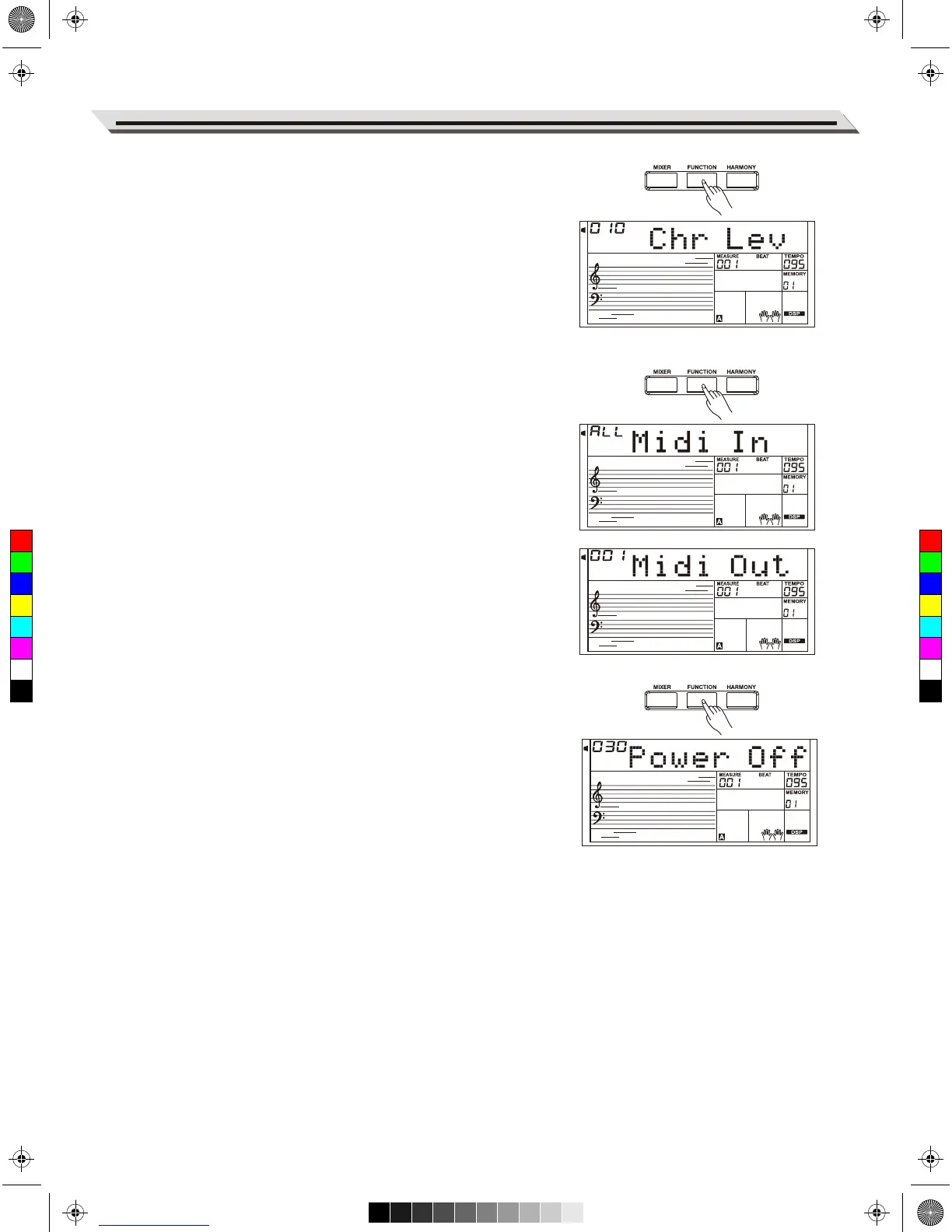
Press the [FUNCTION] button to select the Chorus Level menu. LCD
shows “Chr Lev”. Use [+/YES]/[-/NO] or Data Dial to change chorus
level. The level ranges from 0 to 127.
MIDI In
Press the [FUNCTION] button to select the MIDI In menu. Use
[+/YES]/[-/NO] button or Data Dial to select the channel. The default
setting is “ALL”, channel 1~16 can also be selected.
MIDI Out
Press the [FUNCTION] button to select the MIDI Out menu. Use
[+/YES]/ [-/NO] button or Data Dial to select the channel. The default
setting is “001”, channel 2~16 can also be selected.
Auto Power Off
This function will set the time after which the instrument will shut down if
it is not used.
1. Press the [FUNCTION] button to select the Power Off menu. Use
[+/YES]/[-/NO] or Data Dial to change the setting over the range:
OFF, 30, 60.
2. Press [+YES] and [-/NO] simultaneously, the time will be reset to
default: 30 minutes.
Other Functions
27
C
M
Y
CM
MY
CY
CMY
K
AW_A810_Manual_G01_170809.pdf 27 17/8/9 16:21



 To Next Page