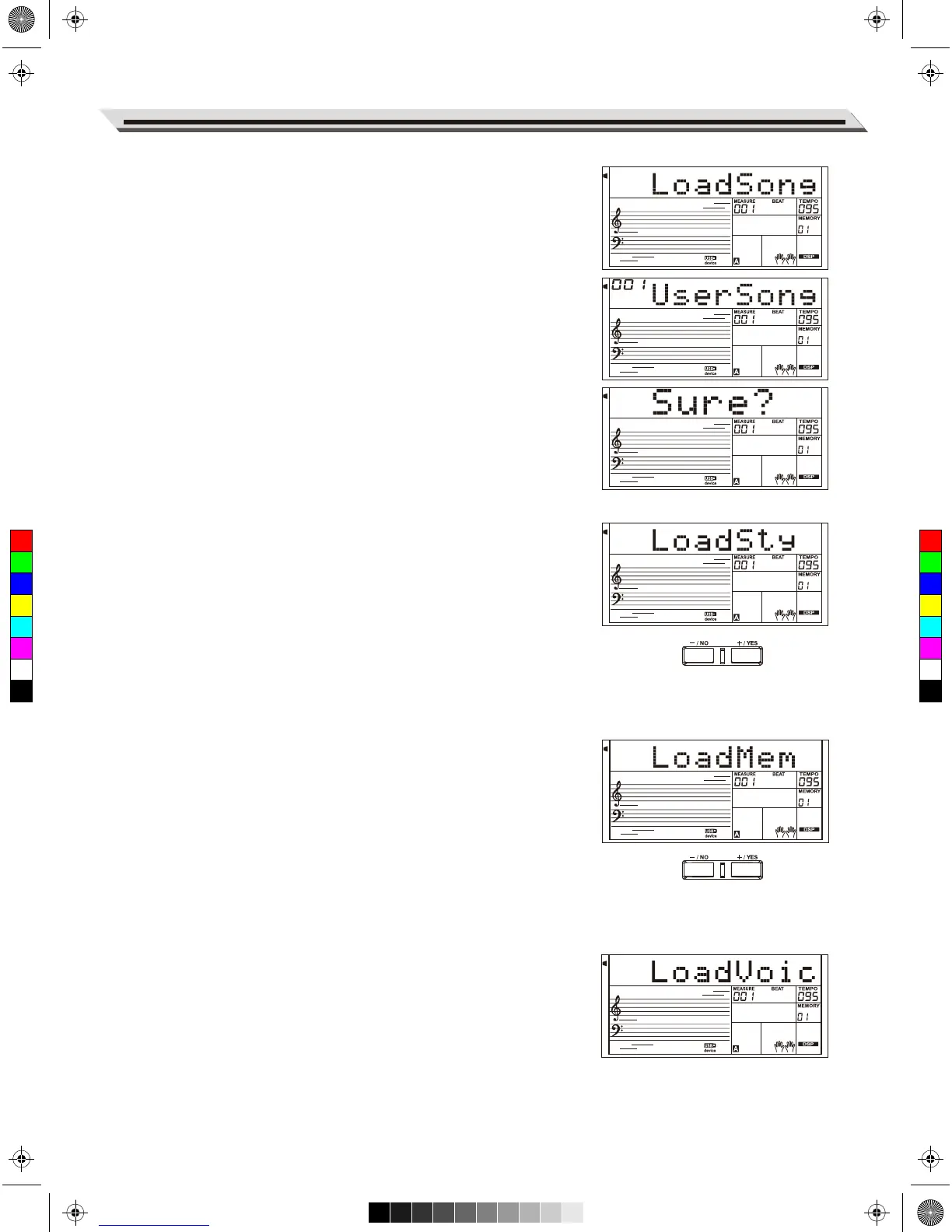
Load
Select the menu "Load" and press [ENTER]button, the Load sub menu
are displayed on LCD, which includes "LoadSong", "LoadSty" , "Load-
Mem" and "LoadVoic". Use [+/YES],[-/NO]button or Data Dial to select
one.
Load Song:
1. Select the menu "LoadSong" and press [ENTER]button, the LCD will
show all the MIDI files (*.mid) under the directory “MMKD\SONG\”.
Select a file by using [+/YES],[-/NO]button or Data Dial.
2. Press [ENTER] button, and then use the [+/YES]/[-/NO] button or
Data Dial to select a user song number.
3. Press [ENTER] button LCD will display “Sure?”. Now press
[ENTER]/ [+/YES] button to load the file or press [EXIT]/[-/NO] button
to cancel.
Load Style:
1. Select the menu “LoadSty” and press [ENTER] button, LCD will
show all the style files (*.sty) under the directory “MMKD\STYLE\”.
Select a file by using [+/YES], [-/NO] button or Data Dial.
2. Press [ENTER] button, and then use the [+/YES]/[-/NO] button or
Data Dial to select a user style number.
3. Press [ENTER] button, LCD will display “Sure?”. Now press
[ENTER]/[+/YES] button to load the file or press [EXIT]/[-/NO] button
to cancel.
Load Memory:
1. Select the menu “LoadMem” and press [ENTER]button, the LCD will
show all the memory files (*.mem) under the directory “MMKD\
MENORY\”. Select a file by using [+/YES], [-/NO]button or Data Dial.
2. Press the [ENTER] button, LCD will display “Sure?”. Now press
[ENTER]/[+/YES] button to load the file or press [EXIT]/[-/NO] button
to cancel.
Load Voice:
1. Select the menu “LoadVoic” and press [ENTER] button, the LCD will
show all the voice files (*.voc) under the directory “MMKD\VOICE\”.
Select a file by using [+/YES], [-/NO] button or Data Dial.
2. Press [ENTER] button, and then use the [+/YES]/[-/NO] button or
Data Dial to select a user voice number.
3. Press the [ENTER] button, LCD will display “Sure?”. Now press
[ENTER]/[+/YES] button to load the file or press [EXIT]/[-/NO] button
to cancel.
Connecting USB Flash Drive
35
C
M
Y
CM
MY
CY
CMY
K
AW_A810_Manual_G01_170809.pdf 35 17/8/9 16:21



 To Next Page