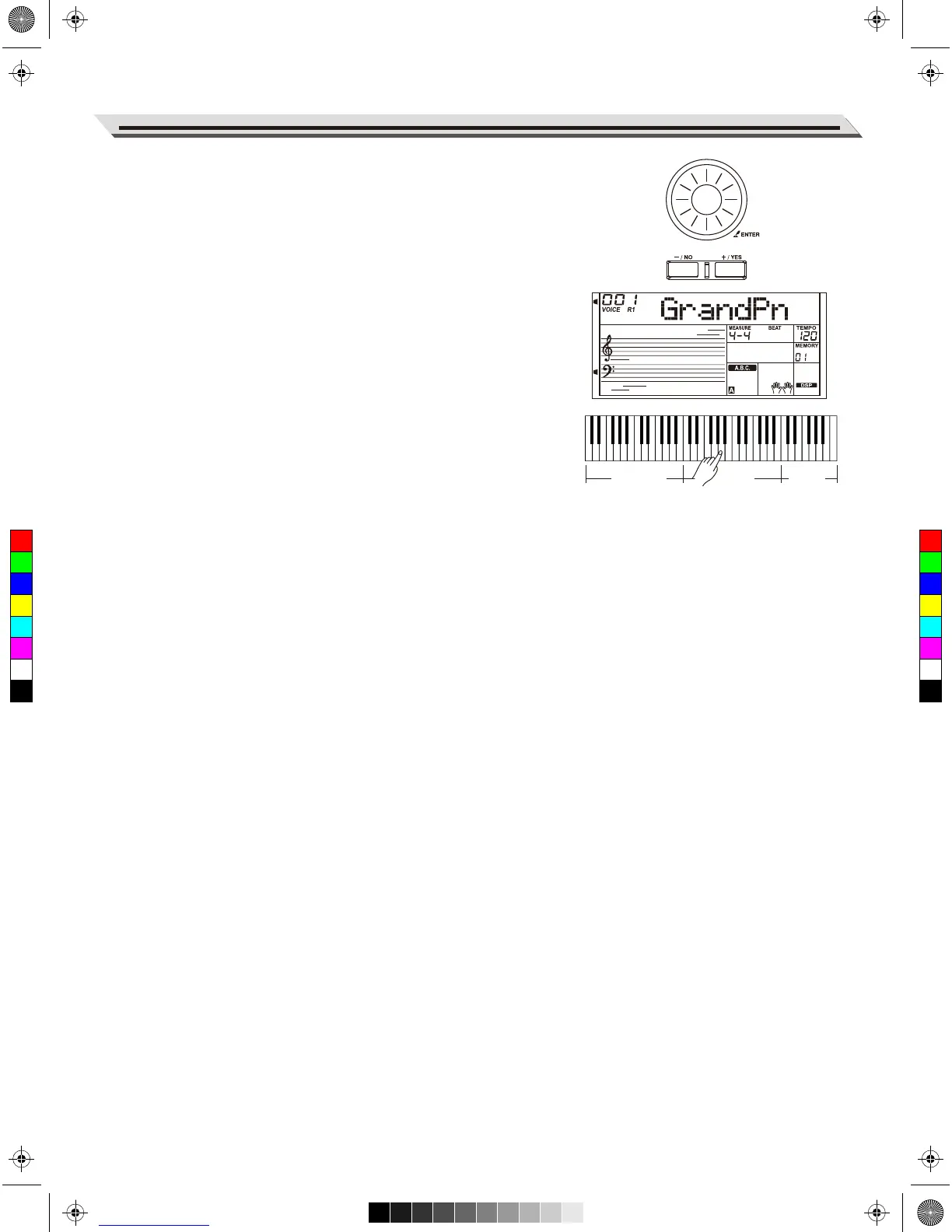
Playing in Piano Mode
1. Select Piano Mode.
In performance assistant mode, use data dial, [+/YES] or [-/NO]
button to select Piano Mode.
2. Play a chord in chord part.
3. Play different phrases and rhythms in the Sub Area and the Rhythm
Area.
4. Press A6, B6 or C7 to end your piano performance. When the
ending is finished, the phrase stops automatically.
Exit the Performance Assistant
When the phrase stops, press the [VOICE], [STYLE], [SONG], [DEMO],
[SHIFT] + [PERFORM] to exit the Performance Assistant mode.
21
Performance Assistant
Chord part
Sub Area
Rhythm
Area
C
M
Y
CM
MY
CY
CMY
K
AW_A810_Manual_G01_170809.pdf 21 17/8/9 16:21



 To Next Page