Pedal Assign
You can assign other pedal functions to the sustain pedal.
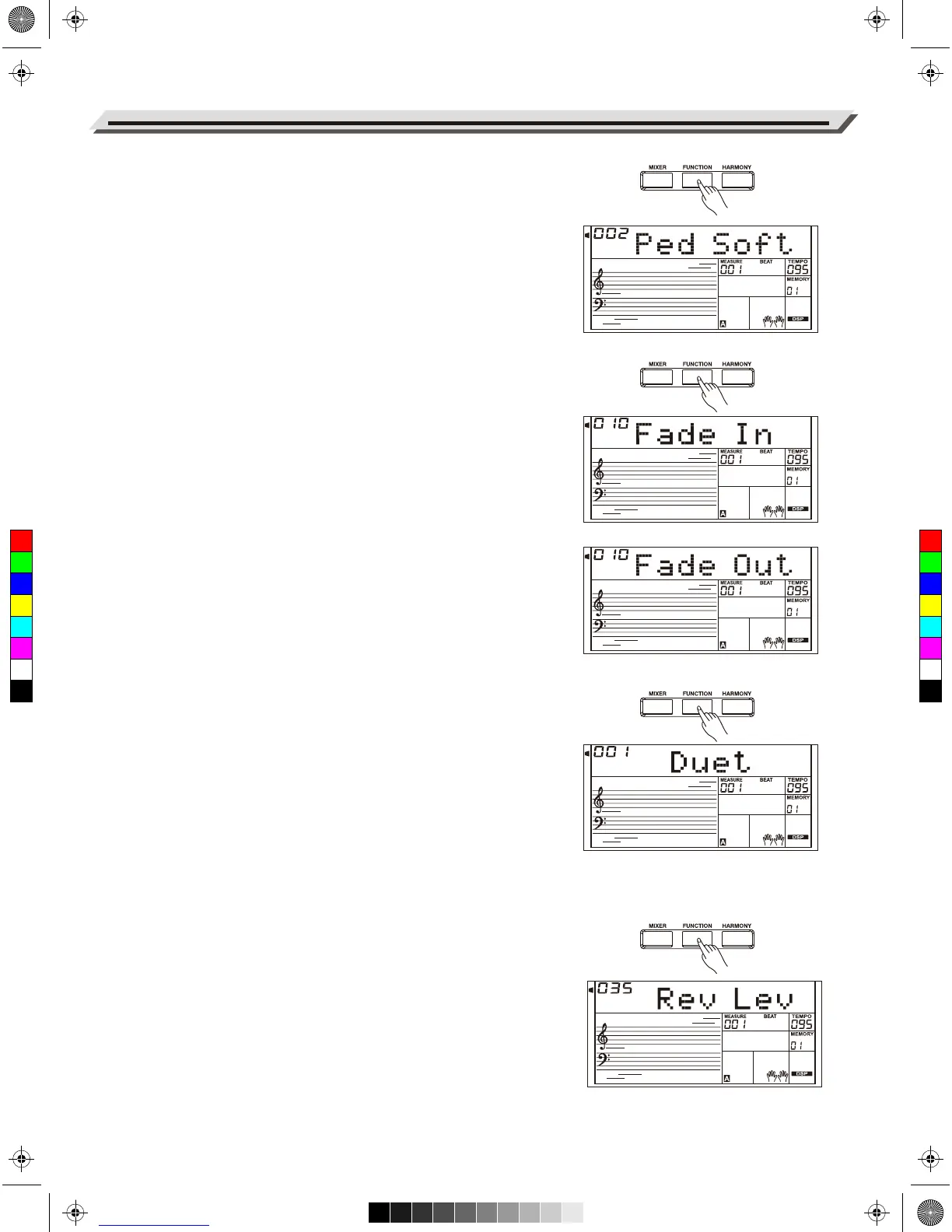
1. Press the [FUNCTION] button to select the Pedal menu. Use
[+/YES]/[-/NO] or Data Dial to change the pedal function. The pedal
can be set as sustain pedal, soft pedal, start/stop pedal or memory
select pedal.
2. The default pedal type is sustain pedal.
Note:
Do not step on the pedal when turning on the power, otherwise, it will
reverse the pedal operation.
Fade In
Press the [FUNCTION] button to select the Fade In menu. Use
[+/YES]/[-/NO] or Data Dial to change Fade In time. The range is form 1
to 20 second.
Fade Out
Press the [FUNCTION] button to select the Fade Out menu. Use
[+/YES]/[-/NO] or Data Dial to change Fade Out time. The range is form
1 to 20 second.
Harmony
1. Press the [FUNCTION] button to select the Harmony menu. LCD
shows the default harmony type “Duet”.
2. Use the [+/YES]/[-/NO] or Data Dial to select a harmony type.
There are 9 harmony effects for you to select, including Duet, 1+5,
Octave, CtryDuet, Trio, Block, 4 Close1 and 4 Close2, 4 Open.
Reverb Level
Press the [FUNCTION] button to select the Reverb Level menu. LCD
shows “Rev Lev”. Use [+/YES]/[-/NO] or Data Dial to change reverb
level.The level ranges from 0 to 127.
Other Functions
26
C
M
Y
CM
MY
CY
CMY
K
AW_A810_Manual_G01_170809.pdf 26 17/8/9 16:21



 To Next Page