Harmony
17
The Harmony function will automatically add harmony effect to the notes
you play in the right hand area, enriching your performance with a more
harmonic expression.
1. Turn on the harmony function.
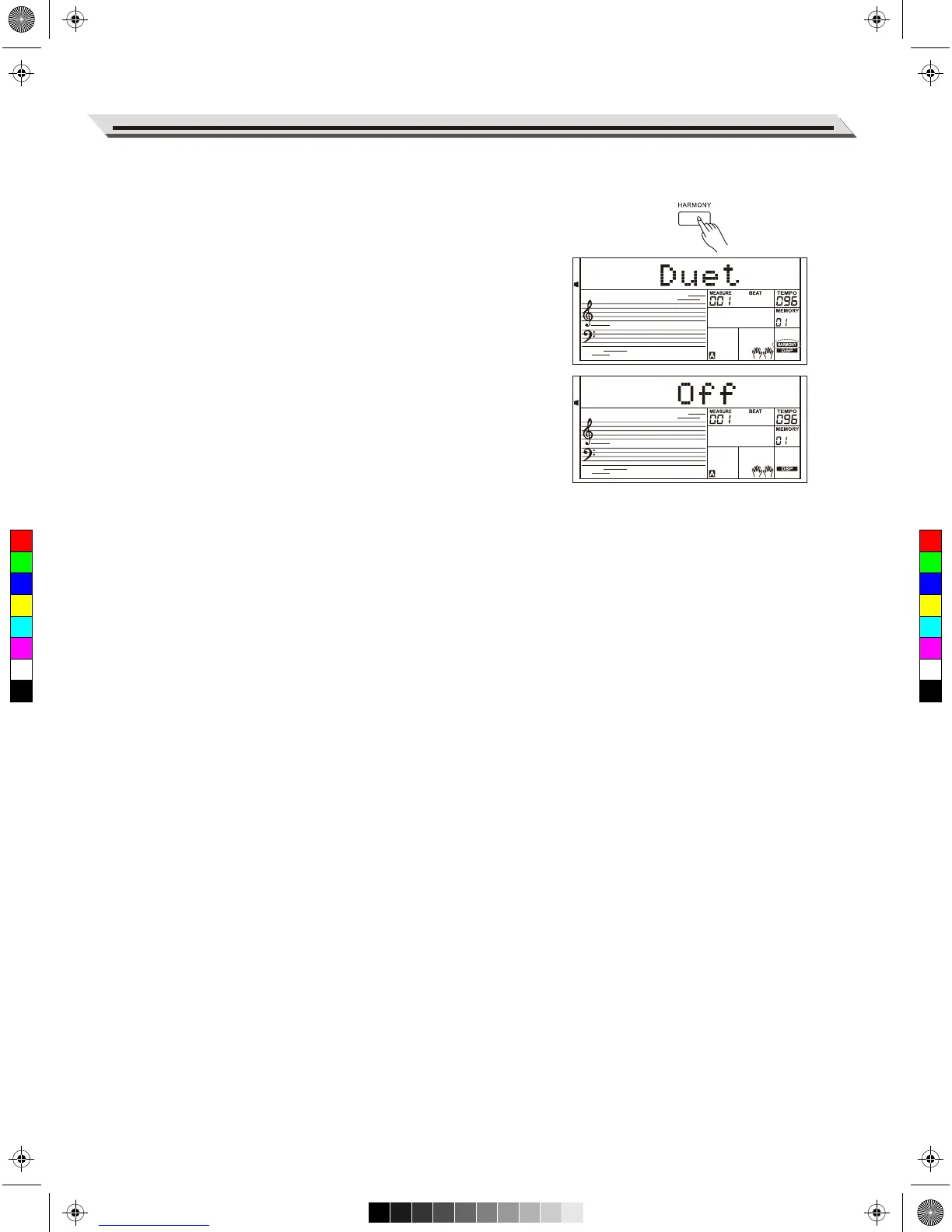
Press the [HARMONY] button to turn on the harmony function.
“HARMONY” lights up on display. The LCD shows the current
harmony type.
2. Play with harmony effect.
Turn on the A.B.C. function, then play a chord in the left hand area.
When you play in the right hand area, it will add harmony effect to the
notes you play.
3. Turn the harmony off.
Press the [HARMONY] button again to turn off the function. LCD will
show “OFF” and the “HARMONY” lights off.
4. Set the harmony type.
You can set the harmony type in Other Functions.
Note:
The harmony types of 1+5, Octave 1~2, Echo 1~4, Tremolo 1~4 and Trill
1~4 are always available, but the rest will not respond until you turn on
the A.B.C. function and then play a chord in the chord section.
C
M
Y
CM
MY
CY
CMY
K
AW_AW830_Manual_G03_171207.pdf 17 17/12/12 17:59



 To Next Page