Other Functions
25
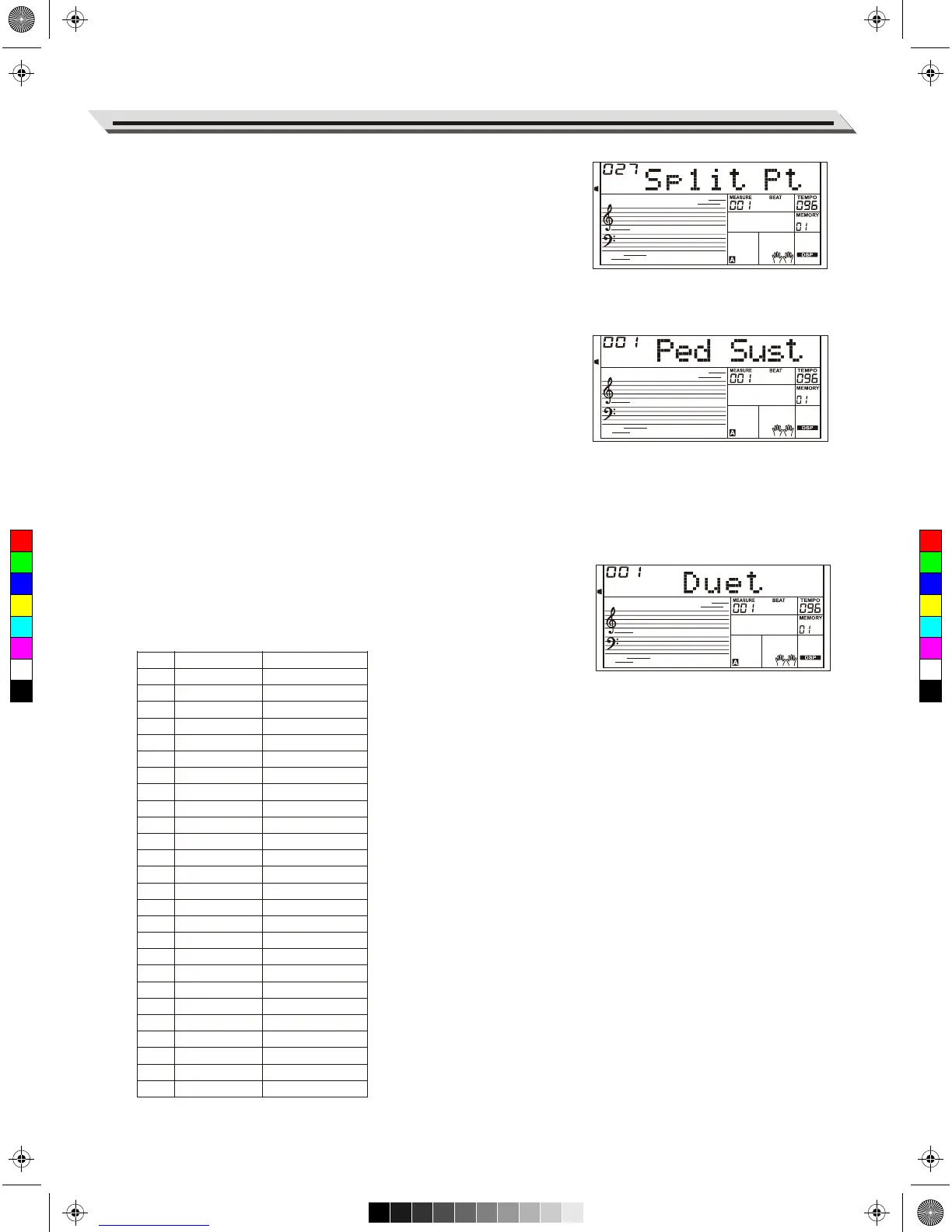
Split Point
This function sets the point that separates the entire keyboard into two
sections.
1. Press the [FUNCTION +]/[FUNCTION -] buttons to select the Split
Point menu. Use [+/YES]/[-/NO] or data dial to change split point.
You can also press a key to assign the split point to that key.
2. Pressing [+/YES] and [-/NO] at the same time will reset to the default
split point.
Pedal Assign
You can assign other pedal functions to the sustain pedal.
1. Press the [FUNCTION +]/[FUNCTION -] buttons to select the Pedal
menu. Use [+/YES]/[-/NO] or data dial to change the pedal function.
The pedal can be set as sustain pedal, soft pedal, start/stop pedal or
memory pedal.
2. The default pedal type is sustain pedal.
Note:
Do not step on the pedal when turning on the power, otherwise, it will
reverse the pedal operation.
Harmony
1. Press the [FUNCTION +]/[FUNCTION -] buttons to select the
Harmony menu. LCD shows the default harmony type “Duet”.
2. Use the [+/YES]/[-/NO] or data dial to select a harmony type.
No.
1
2
3
4
5
6
7
8
9
10
11
12
13
14
15
16
17
18
19
20
21
22
23
24
25
26
LCD Display
Duet
STD Trio
FulChord
RockDuet
CtryDuet
CtryTrio
Block
4Close1
4Close2
4 Open
1+5
Octave1
Octave2
Strum
Echo1
Echo2
Echo3
Echo4
Tremolo1
Tremolo2
Tremolo3
Tremolo4
Trill1
Trill2
Trill3
Trill4
Harmony Type
Duet
Standard Trio
Full Chord
Rock Duet
Country Duet
Country Trio
Block
4 Close 1
4 Close 2
4 Open
1+5
Octave 1
Octave 2
Arpeggio
Echo1
Echo2
Echo3
Echo4
Tremolo1
Tremolo2
Tremolo3
Tremolo4
Trill1
Trill2
Trill3
Trill4
C
M
Y
CM
MY
CY
CMY
K
AW_AW830_Manual_G03_171207.pdf 25 17/12/12 17:59



 To Next Page