Other Functions
26
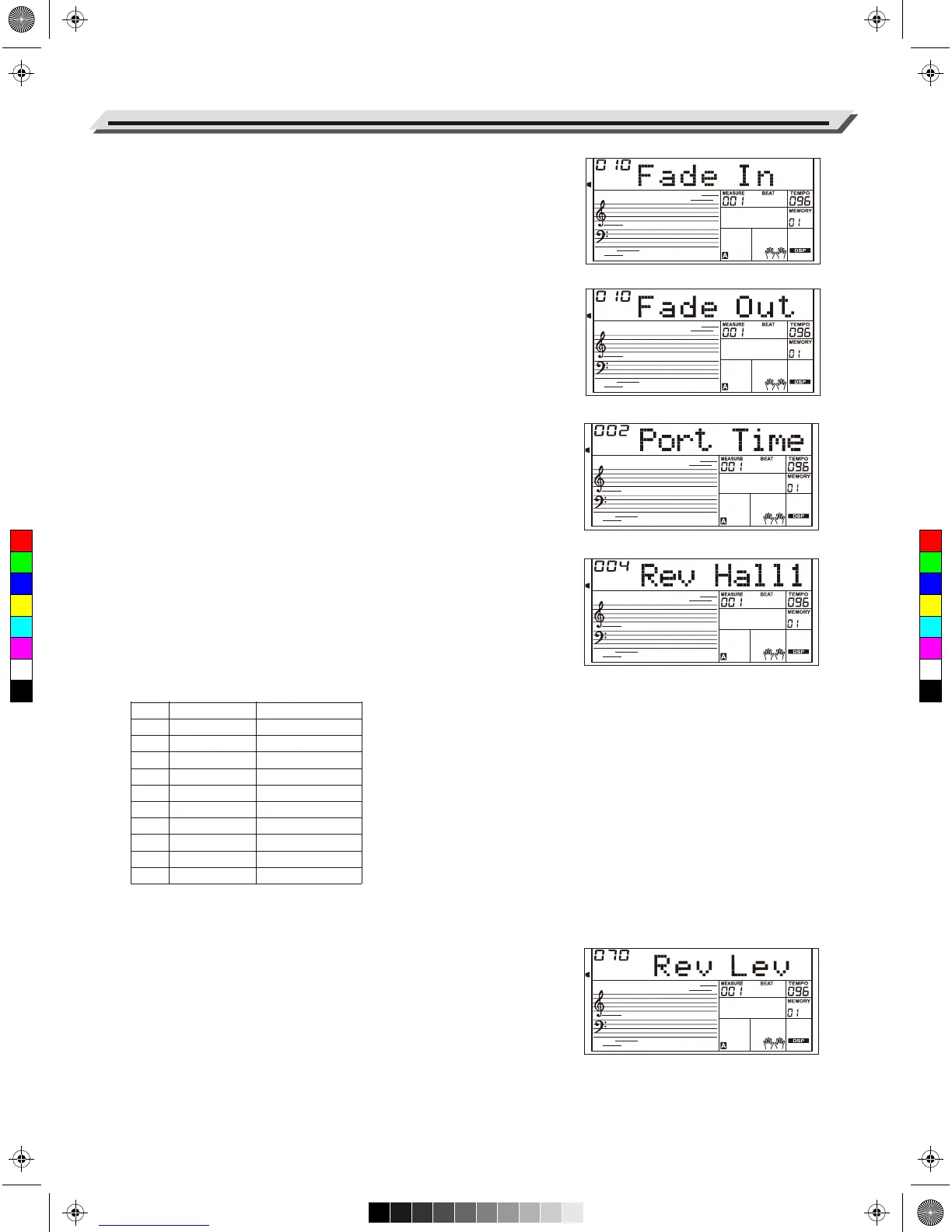
Fade In
Press the [FUNCTION +]/[FUNCTION -] buttons to select the Fade In
menu. Use [+/YES]/[-/NO] or data dial to change Fade In time. The
range is form 1 to 20 second.
Fade Out
Press the [FUNCTION +]/[FUNCTION -] buttons to select the Fade Out
menu. Use [+/YES]/[-/NO] or data dial to change Fade Out time. The
range is form 1 to 20 second.
Portamento time
Press the [FUNCTION +]/[FUNCTION -] buttons to select the Port Time
menu. Use [+/YES]/[-/NO] or data dial to change setting.
Reverb Type
1. Press the [FUNCTION+]/[FUNCTION-] buttons to select the Reverb
Type menu. The LCD shows “004 Rev Hall 1”. Use the [+/YES]/
[-/NO] or data dial to change the reverb type.
2. Pressing [+/YES] and [-/NO] at the same time will reset to the default
reverb type “004 Rev Hall1”.
Detailed reverb types:
Reverb Level
Press the [FUNCTION +]/[FUNCTION -] buttons to select the Reverb
Level menu. LCD shows “Rev Lev”. Use [+/YES]/[-/NO] or data dial to
change reverb level.The level ranges from 0 to 127.
No.
1
2
3
4
5
6
7
8
9
10
LCD Display
RevRoom1
RevRoom2
RevRoom3
RevHall1
RevHall2
RevHall3
Rev Chr1
Rev Chr2
Rev Del
Rev PanD
Reverb Type
Room 1
Room 2
Room 3
Hall 1
Hall 2
Hall 3
Church 1
Church 2
Delay
Pan Delay
C
M
Y
CM
MY
CY
CMY
K
AW_AW830_Manual_G03_171207.pdf 26 17/12/12 17:59



 To Next Page