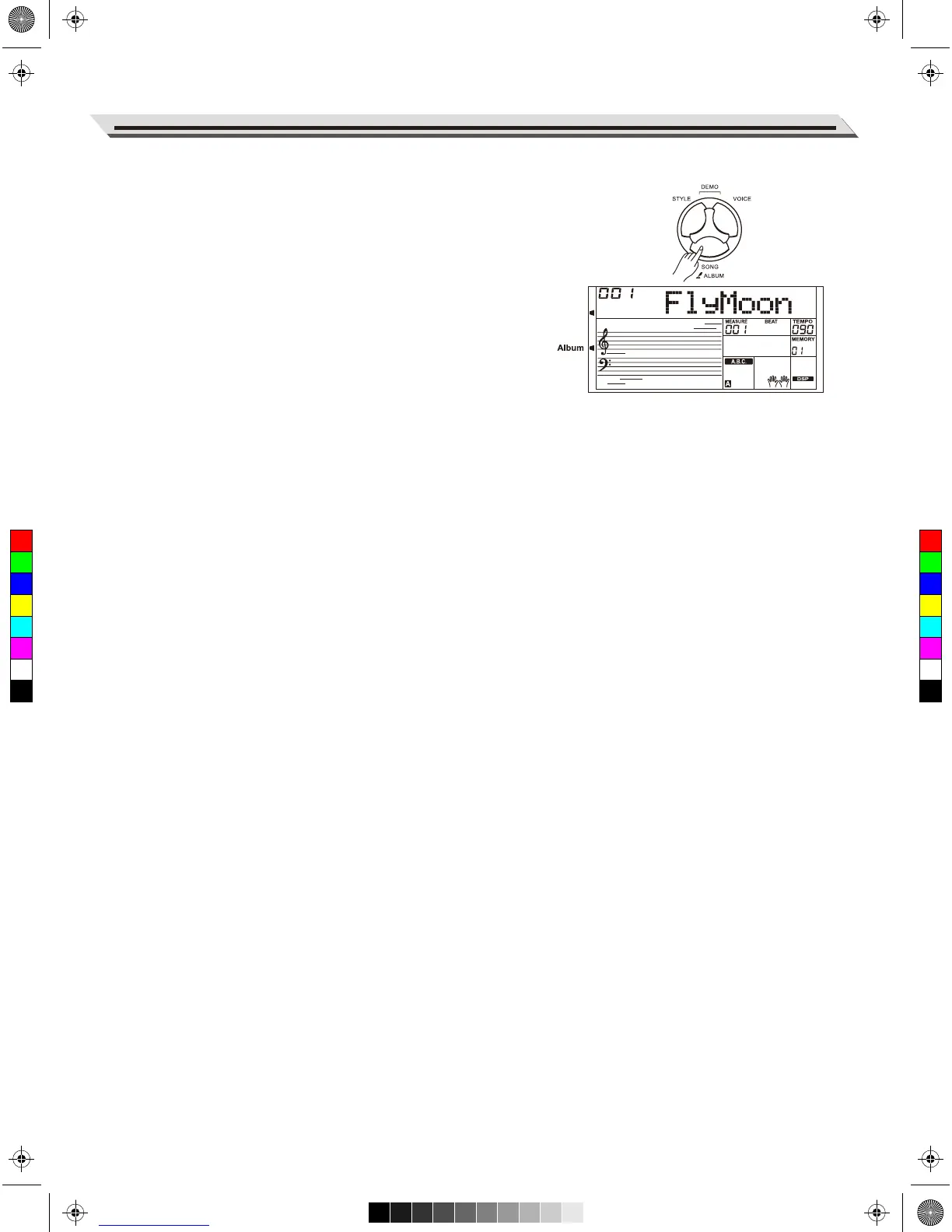
The album function allows you to practice a song with a preset style,
tempo and voice. The instrument features a variety of song albums.
Please refer to the Album List.
1. Hold down the [SONG/ALBUM] button for 2 seconds to turn on the
function. LCD shows the current album name.
2. Use the data dial or [+/YES] or [-/NO] button to select a desired
album song. The instrument will instantly recall the preset settings
such as style, tempo and voice for the song.
3. Press again the [SONG/ALBUM] button or one of the VOICE /
STYLE select buttons to turn off the function.
23
Album
C
M
Y
CM
MY
CY
CMY
K
AW_AW830_Manual_G03_171207.pdf 23 17/12/12 17:59



 To Next Page