Stop Recording
1. During recording, press [RECORD] button to stop recording.
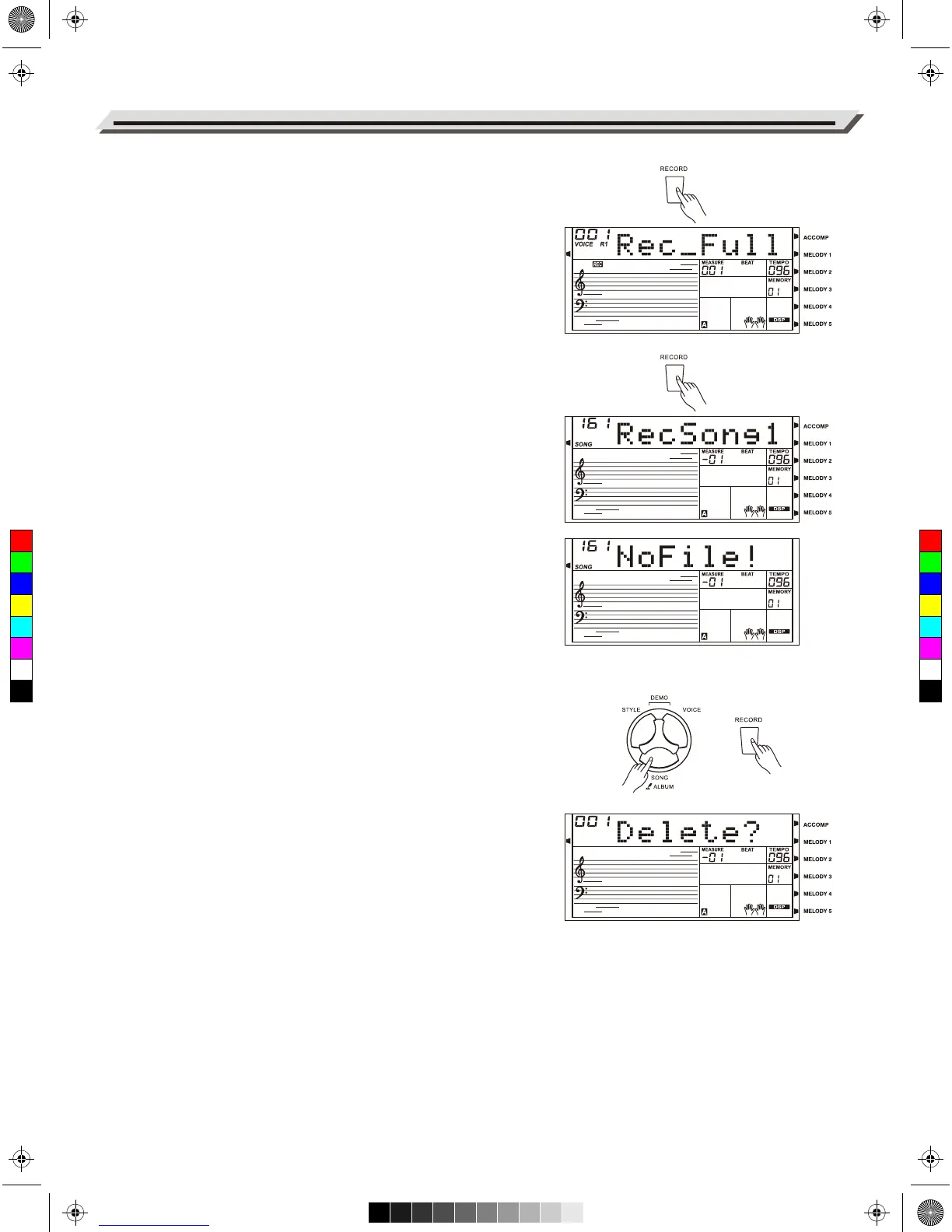
2. During recording, if the memory is full, the recording will stop and
save automatically, the LCD displayed "Rec_Full".
3. If you are recording a style, the recording will stop automatically when
the Ending section is finished.
Play Back Recording
1. During recording, if you press the [RECORD] button to stop recording,
it will enter Song mode and play back the recorded song in a
continuous loop.
2. Press the [SONG] button to enter the song mode and it will play all
songs circularly. Use the data dial, [+/YES] or [-/NO] button to select
user song to play. If there is no data in the selected user song, the
LCD will show “No file” and stop playing. When playback stops, you
can select a user song, and then, press [START/STOP] button, this
user song will play circularly.
Delete Recording
1. Press and hold [RECORD] and [SONG] buttons, then turn on the
power, all user songs will be erased.
2. In the recording standby mode, press and hold [RECORD] button for
two seconds, the LCD will display “Delete?”.
Press the [ACCOMP] or [MELODY 1] - [MELODY 5] buttons to select
the track you want to delete, the indicator of the selected track will
light up. If all track indicators light up, it will delete the user song after
confirmation.
3. Press [+/YES] to delete the selected track or, press [-/NO] to quit this
step, and back to the recording standby mode.
Song Recording
30
C
M
Y
CM
MY
CY
CMY
K
AW_AW830_Manual_G03_171207.pdf 30 17/12/12 17:59



 To Next Page